

5 Wireless Products Worth Switching To Wired For
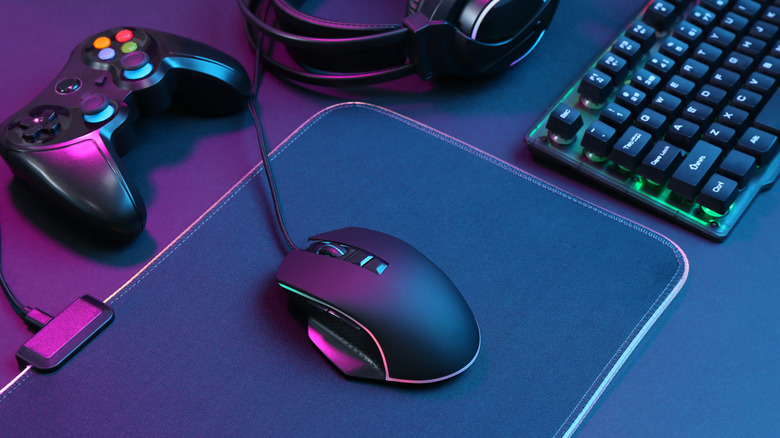
Our everyday life is full of wireless devices. After all, they offer a more straightforward way to use technology without worrying about cables, compatible ports, and so on. For example, you can just put AirPods on your ears to listen to a song on your Apple device, or connect a mouse wirelessly and start using it with your computer. However, those perks are not necessarily worth it for everybody, and for some people, switching from wireless to wired connectivity in certain cases can be a lot better for reliability, avoiding battery issues, and more precise control of your overall experience. Some products that might perform better in wired fashion include gaming controllers, cables to charge a phone, and CarPlay or Android Auto adapters.
With wired products, the connection is always certain and doesn't lag, which can be a dealbreaker in some decisive moments — whether during gameplay, making a long presentation, or trying to get to a new location while driving. That said, it's important to note that not everybody should make the switch from wireless to wired connections, as sometimes the former is more convenient. For example, a good Wi-Fi router in a small environment is reliable enough for most uses, but if you're always streaming content, participating in important meetings, or even gaming online, having an Ethernet cable is going to ensure you get the best internet speeds possible. With those caveats in mind, here are some wireless products that might be worth switching out for wired versions for at least some users.
Gaming controllers
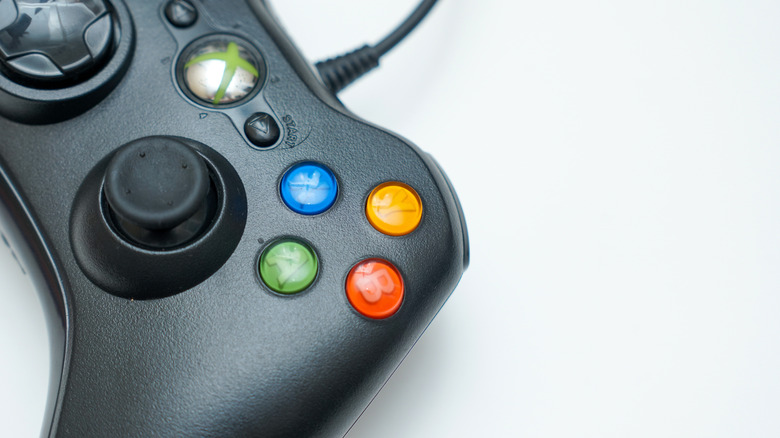
Gaming controllers are a good example of a product where a wired version can be better than the wireless counterpart. After all, they rely on Bluetooth or a proprietary signal to communicate with a console or PC, which means there's always a delay between the signal being received, processed, and translated into an on-screen action. Even though for most games this delay is too small to notice, for fast-paced or competitive titles — especially online ones — this gap can make the difference between an input landing on time or a half-beat late in your gameplay.
Wireless controllers also have other downsides, such as batteries dying mid-session, the need to keep a charger or spare batteries on hand (or even having to replace the battery after a while), occasional signal interference from other wireless devices in the room, or pairing issues after a console update or a battery swap. A wired controller, on the other hand, doesn't face any of those issues. It draws power directly from the console and never runs out of charge, and its connection is always instant and reliable. On top of that, wired versions are often less expensive than the wireless ones.
That said, a wired gaming controller is perfect for those playing competitively or gameplay streamers, or those who want to have one less thing to charge or a cheaper but more reliable experience. The only tradeoff, of course, is that you're tethered by a cable, which means you always need to be close to the console.
Charging cables
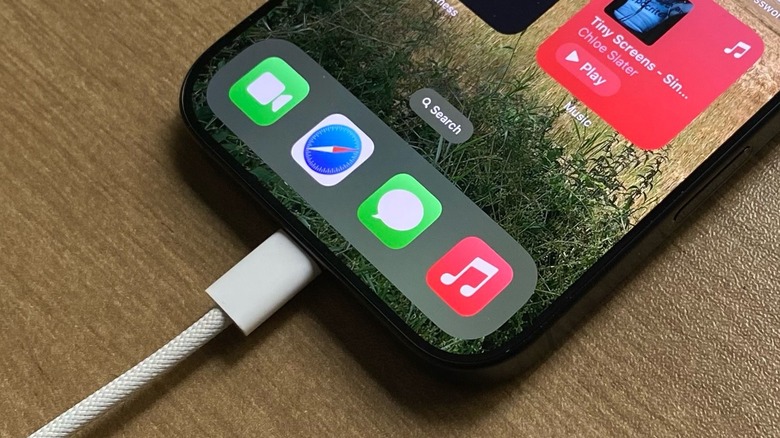
Even with phones charging faster than ever over wireless connectivity, especially with the latest 3-in-1 wireless charger stands available for iPhone, Apple Watch, and AirPods, this technology is still not as reliable as just plugging in a cable. After all, these wireless charging pads work by transferring power through an electromagnetic field rather than a direct electrical connection, which makes the process less efficient, with some energy being lost. Wireless charging also introduces extra heat to the process and your device, which can slow charging and cause undue wear on your phone. Lastly, you need to position your phone correctly into the charging pad — which is not always easy to do, even though Apple uses MagSafe and other smartphone makers are also introducing stronger magnets.
That said, while many people adore the benefits of having just one power brick for several devices, the most efficient way to charge a phone is still using a proper wired connection. With wired charging, you know what to expect: You plug your device into the charger, and it starts to charge. Phones also support faster charging speeds via a wired connection, which can help you get to 50 or even 80 percent in half an hour or so, while wireless charging still tends to be slower. In addition, cables are cheaper than wireless solutions, making this switch not only more efficient but also more budget-friendly.
CarPlay and Android Auto adapters
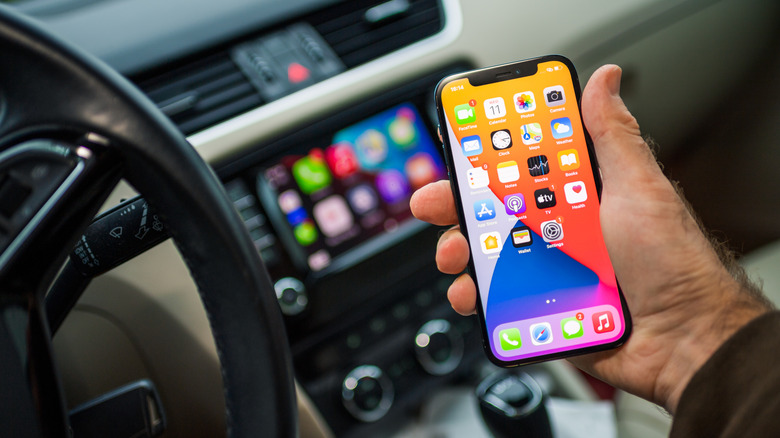
Even here in 2026, a wireless CarPlay or Android Auto experience is still not as reliable as one would hope. It works by connecting your phone to the car's system over Wi-Fi and Bluetooth, but this connection needs to be reestablished every time you start the car. Each time you head out for a drive, there's a delay before the interface loads. Many people also complain about the connection dropping mid-drive, which requires them to restart the car or the app to reconnect the experience –and sometimes you can't just stop the vehicle to do that. Another issue is that audio can also be unreliable.
While users don't have trouble with CarPlay or Android Auto every time out, these issues are still so common that people keep commenting on these issues online. A wired connection, on the other hand, could avoid that entirely. After all, once you plug in a cable, it creates a direct connection with a constant link between the phone and the car, so there's no risk of the signal dropping while driving. Another perk is that the phone keeps charging the entire time it's plugged in.
One thing to note is that, every once in a while, a software update can break this CarPlay and Android Auto connectivity, even when wired. Regardless, switching from wireless to a wired connection can be very beneficial for anyone who relies on CarPlay or Android Auto daily for navigation or calls, as once your phone truly connects, the experience will remain steady and true.
Wired headphones
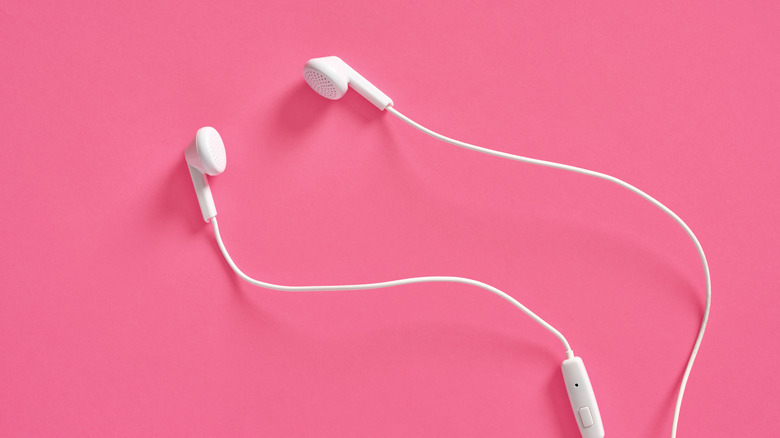
Wireless headphones and earbuds are usually super convenient. However, as good as Bluetooth connectivity has become with everything being a lot more reliable and energy efficient, it still has a few issues. After all, it compresses the audio signal to transmit it efficiently, which means you always lose some detail of the original record along the way. You also need to constantly recharge headphones and earbuds, and sometimes they also just don't connect properly.
While these are some of the things people just got used to over time, and most everyday listeners don't even realize they're losing some part of the music, once they make the switch to wired headphones, they get several perks. For example, higher-quality wired headphones can make some parts of a tune shine more because you have a direct connection. You also never need to worry about charging the accessory, and the connectivity is always stable. Last but not least, there's a reason why so many Gen Zs have embraced Apple's wired EarPods – they're stylish and a lot cheaper than regular AirPods.
Even though the downside of wired headphones is that the cable can limit movement, which makes them really inconvenient during exercise, they can also offer a better microphone when being used on a call. And, of course, the connection will always remain consistent, and you can probably hear more from a song once you stream in higher-quality formats, like lossless.
Mice

Last but not least, a mouse can also be a great device to have wired connectivity. Despite Apple's Magic Mouse, which literally prevents customers from using it when it needs charging, most alternatives don't have this weird limitation. A wireless mouse communicates with a computer through a USB receiver or Bluetooth, which means that every movement and click needs to be converted into a signal, sent through the air, and then processed on the other end. This adds a tiny delay compared to a wired version, so it's important to understand when you might be better off using a mouse with a cable.
For everyday use, this delay is far too small to notice and rarely matters. However, it becomes more relevant in fast-paced gaming, where an immediate and consistent response matters most, or in precise work like photo and video editing, where small movements need to be translated accurately and instantly on screen. Beyond responsiveness, wireless mice also come with some downsides, as they need batteries or regular charging and their signal can be affected by interference from other wireless devices nearby — especially in crowded office settings with many connections in one space.
A wired mouse, on the other hand, is constantly powered through the cable, and there's no pairing process or dropped signal to worry about. Like the other options mentioned in this article, wired mice are also usually more affordable than wireless counterparts. Overall, this switch is worth considering for competitive or frequent gamers who want the most consistent response, professionals doing detailed design or editing work, or anyone who's tired of charging peripherals or dealing with occasional wireless dropouts.