

A New Google Maps Bug Is Breaking A Critical Feature For Android Auto Users
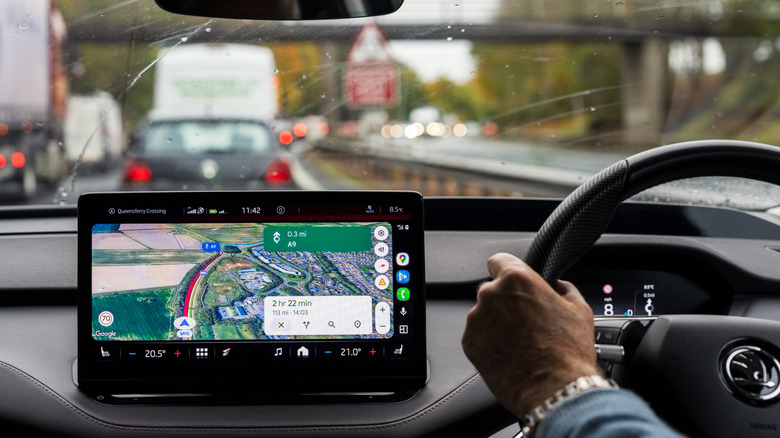
If you use Google Maps on Android Auto, then you might find yourself dealing with an annoying issue where the color-coded traffic lines completely vanish when using the Maps function in your car. This problem originally showed up on Android, iOS, and desktop versions of Maps, but it now seems to have made the jump to Android Auto. These colors highlight the current state of traffic on your drive, with green, yellow, orange, and red traffic lines giving you quick information about the route you're currently taking.
While the exact cause of the issue isn't known yet, based on the timing of its initial appearance and some user reports, it may be linked to the release of the new Immersive Navigation features in Google Maps. This update hit Android Auto in July, bringing a revamped set of 3D visuals and more prominent functionality to Google Maps, meant to make it easier to travel and see where you were going. However, as Android Authority notes, the feature appears to be tied to a wider server rollout rather than individual client-side updates. That means pinning down the exact cause may be difficult, and it might not be tied to Immersive Navigation at all.
There isn't a good fix yet
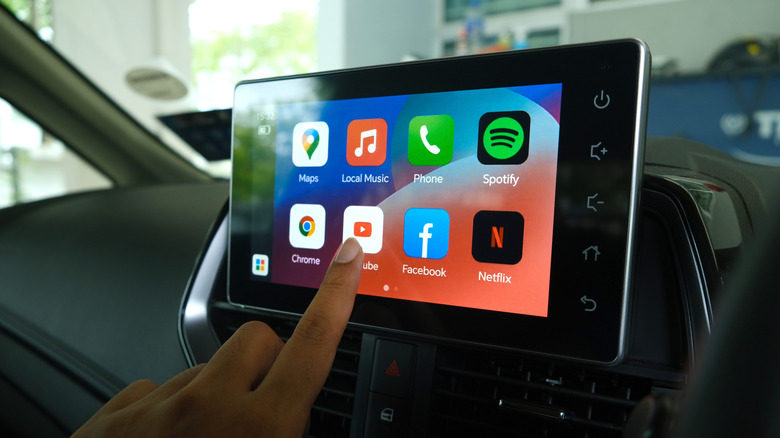
The disappointing thing is that there isn't really a fix users can turn to if they run into this problem. While you can see some traffic information in Overview mode (which suggests the problem is simply hiding the traffic data), this isn't ideal, as the map zooms out much further, which can make it hard to follow directions while driving safely. Other users have reported success getting the functionality to pop back up after completely uninstalling the app and then downloading an older version. However, automatic updates can put you right back into the same issue without any warning.
Google at least appears to have the issue on its radar. In a thread on the Android Auto Community, a Community Specialist replied that the reports had been passed along to the Android Auto team after users supplied additional device and software details. That doesn't give affected drivers a fix, but it does mean the problem has made it beyond the usual user-to-user troubleshooting stage.
You can always turn to other options
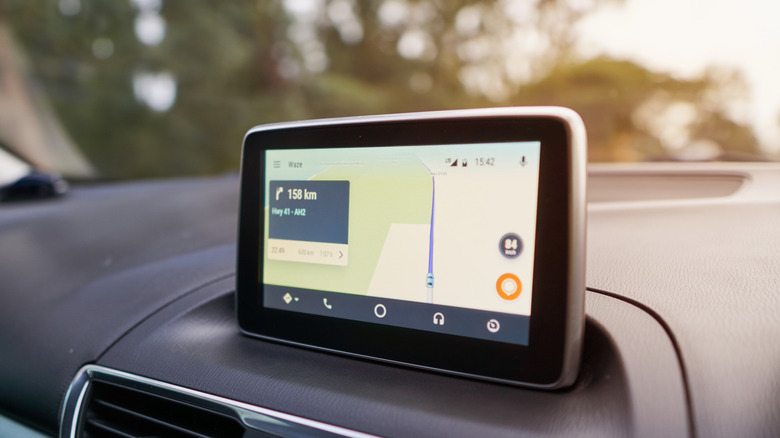
If the missing traffic lines are getting in the way of how you normally use Maps, you can also just switch to another navigation app until Google gets things sorted out. Waze is one of the most obvious choices, especially since it already works with Android Auto and offers live reports for traffic, crashes, hazards, road closures, and other problems. Because Waze focuses so much on what is happening on the road right now, some users prefer it for day-to-day navigation.
Other options are available, too. TomTom has also supported Android Auto for several years and offers real-time traffic information, speed-camera alerts, and more. You also don't have to make the switch permanently. If you prefer Google Maps for navigation, then keep it installed and move back once the traffic colors start behaving normally again. Until then, using Waze or another Android Auto-compatible navigation app is probably easier than rolling Maps back to an older version. Especially since the issue doesn't seem to matter much based on the version you're using anyway.