

120Hz Doesn't Equal 120FPS: Here's How They're Different
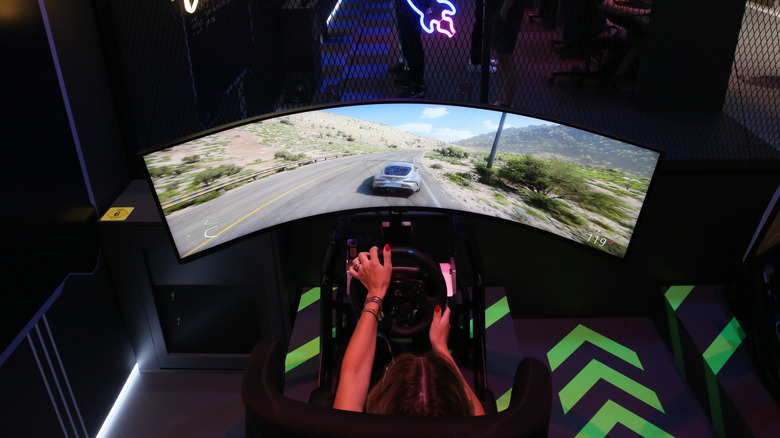
Shopping for a new TV, laptop, or gaming system can be exhilarating, but some of the specs and details can also make the experience a little confusing. Chief among these are the terms refresh rate and frame rate, which some people mistakenly use interchangeably. While both are crucial measurements in determining the proper equipment for your viewing, computing, and gaming setups, it's important to know that they are very different. When considering refresh rate versus frame rate, 120Hz does not equal 120FPS.
Refresh rate is measured in Hertz, or Hz, and it indicates how many times (the frequency) the screen updates in a second. In the case of a 120Hz refresh rate, that means the monitor has the ability to refresh its image up to 120 times a second. Higher refresh rates equate to smoother motion on the screen. Frame rate, on the other hand, measures how many frames the processor can produce in a second, so a GPU with a frame rate of 120FPS can show 120 individual frames per second. Low FPS can make the video or game look choppy, while higher frame rates result in a more responsive interaction. The most important thing to note, though, is that in order to get the most from your gaming or home entertainment setup, you want the Hz and FPS to be as balanced as possible. Compromising on the refresh rate, or the frame rate, is one of the mistakes you should avoid when buying a monitor or TV.
Why Hertz and frames per second matter in video
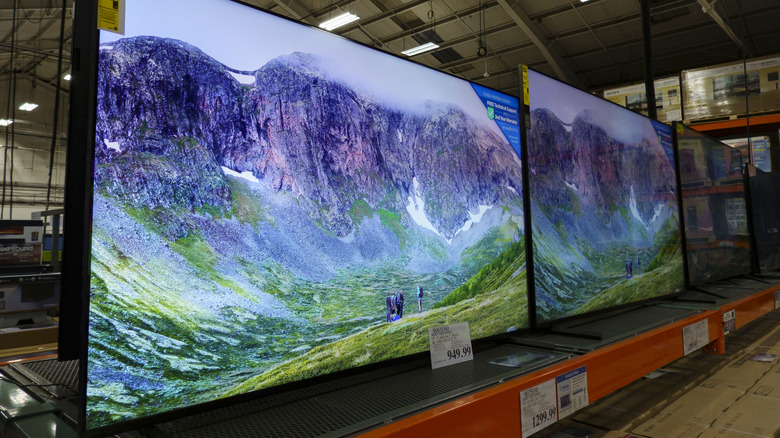
It used to be that monitors were only equipped to refresh their image at their programmed rate, regardless of the content being played or lack thereof. If your TV was showing a blank screen, the machinery would still be working to refresh that nothingness at 120Hz. Panel manufacturers, however, have gotten wise to this and have adapted with variable refresh rate settings that can adjust the physical refresh rate to the actual frame rate at which your content is running.
Recorded and broadcast media are almost always shown at a fixed frame rate, just as record players have precise motors that can run at 33 or 45rpm. Things get complicated with broadcast; this isn't the article for a full history, but the short explanation of why TV runs at certain frame rates is because its infrastructure is powered by electrical grids that distribute power through alternating positive and negative currents at different switching rates. In the U.S., because the current alternates polarity at 60Hz, we get 30-ish or 60-ish fps content on terrestrial television (again, long story).
TVs with higher fixed refresh rates than the frame rates of their content have coped by either repeating the same frame if the refresh to frame ratio was a clean multiple or attempt to generate an in-between frame that didn't exist in the media or broadcast based on existing frame data. If you're familiar with how soap operas look, that's where you get the so-called soap opera effect.
Why Hertz and frames per second matter in video games
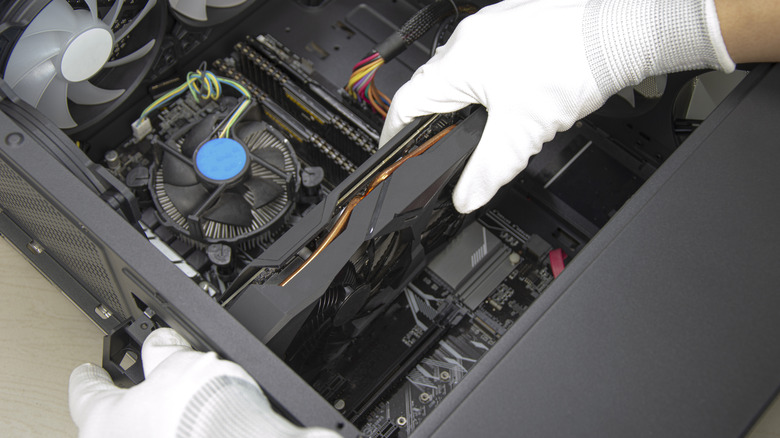
When your console or computer works to render live gameplay, it does so off of a direct electrical current, not an alternating one, as most electronics can only operate on a unidirectional flow of current. That makes the actual frame rate more a matter of performance at a given time rather than an imposed constant. It also pits your CPU, GPU, and game against your monitor. After all, just because your setup is powerful enough to produce 200fps on average doesn't mean your display can necessarily show all of those frames to you.
Sometimes, the situation gets downright ugly when an intensive, explosive scene brings your average 90fps performance down to 60fps for a brief moment before popping back up. This led prone displays to show to images rendered from different parts of multiple progressive frames, leading to a nasty 'screen tearing' effect. To combat this, GPU makers have introduced synchronization techniques such as AMD's FreeSync or Nvidia's G-SYNC that basically force the machinery to output frames matching the display's refresh rate.