

What Is Anker's Trickle Charging Mode, And Should You Use It?

Everyone needs to plug in and charge the batteries sometimes. Literally speaking, we do this with all sorts of personal gadgets more often than we'd like to. Well, if you think it's a pain today, it used to be that every gadget came with its own bulky, dumb adapter and a special little connector that seemingly existed for the sole purpose of charging that very gadget. The advent and improvement of USB charging has certainly made a difference on that front, and mobile accessory brand Anker has been a big help in replacing your lost or broken wall adapters and power banks.
That said, everything has a quirk or two, and for Anker power banks, you might have seen them stay on for hours at a time, apparently not putting out any charge. Why would that be the case? Well, it turns out that these portable batteries have a dedicated mode that lets you trickle charge smaller accessories properly with a double-tap of the power button. Why this mode exists has to do with how low-current draw affects the relationship between a device and a battery-driven power source.
Why does trickle charging exist?
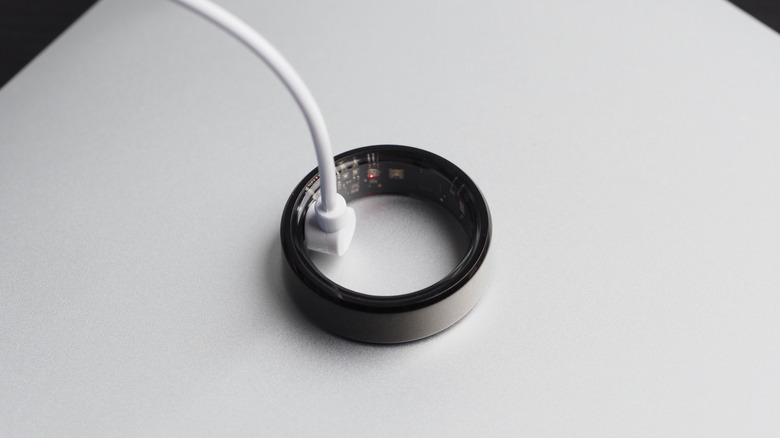
When you recharge a phone or even a car, a modern charging source establishes a data connection with that device to determine what voltages and amperages it will accept (including those higher fast charging rates) and then manage those rates accordingly. In most cases, you'll see peak rates during the initial stage of charging, then a gradual decline as the device fills up. As the battery nears 100%, the source will either stop and occasionally re-top the battery to full or deliver an active "float" to keep it there.
Smaller devices have smaller batteries and need to take in smaller currents and voltages, lest you desire to experience a small explosion and fire. But with a power bank and its own limited battery, Anker and other manufacturers are keen to conserve charge when possible. Sometimes that means being a little more aggressive about cutting off charging below a certain amperage threshold — not ideal if your earbuds, handheld fan, or even desk light take minuscule wattages, especially at the end of a charge cycle.
How to activate trickle charge mode on an Anker power bank
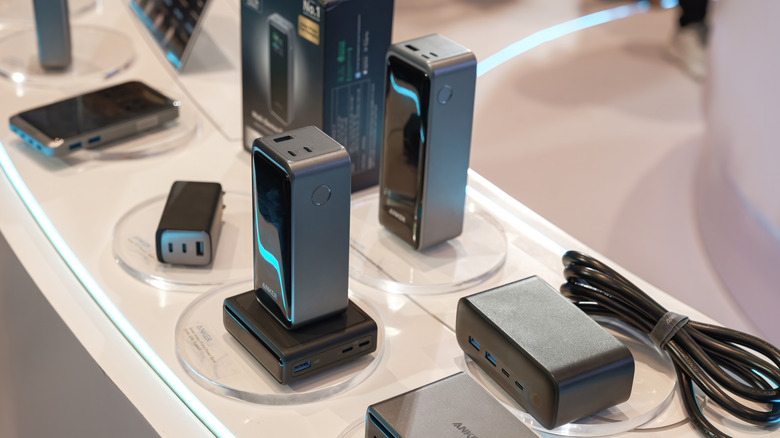
To address this, Anker has programmed a trickle charge mode into its power banks — if you own an older model, you should refer to your product manual or look it up on Anker's support pages to see if the mode is supported. Triggering it keeps the battery on and, specifically, any full USB ports (USB-A) ready to charge for any accessory that takes anywhere from 30 to 500 milliamperes. If you're wondering about using a USB-C cable to charge a low-power accessory, Anker says you don't need to manually activate trickle charge mode, as it is done automatically.
Activating trickle charge mode on an Anker power bank is as simple as double-tapping the power button. Trickle charge mode lasts for up to two hours when activated. You'll see the on-battery display turned on with a special mode indicator and the output meter reading out zero watts. Double-tap the power button again to deactivate it. The power bank will remain on for two minutes after deactivation or when a device is unplugged from the bank. In the latter case, you may see the output meter remain at 0.1 watts during the concluding period.