

What Screen Size Do You Need For A Home Projector?
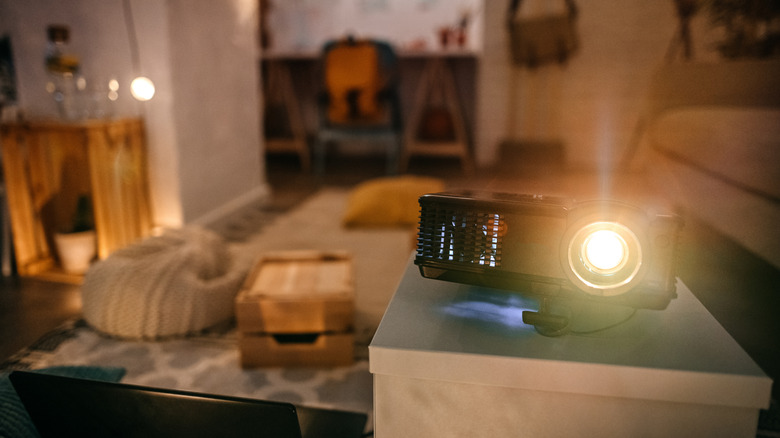
While building a home theater, at some point, you'll want to figure out what screen size is best for you. Unless you're projecting on a flat surface like a whitewashed wall, you'll need to separately order a proper screen. Common screen sizes include 100 to 120 inches, while home theater projectors often top out around 224 inches. The prices aren't much different across sizes, so most people will choose a size based on how much space they have available — a bigger wall or screen space means a bigger screen, so it only makes sense. But the biggest option isn't necessarily better. You should really choose based on the optimal viewing distance.
The bigger the screen, the further the viewing distance should be, so going too big could actually dampen the experience in a limited space. The best way to calculate screen size for viewing distance is to use the recommended field of view figures and related multipliers. Those are 30 degrees, per the SMPTE, or 40 degrees, per THX for a more cinematic experience. First, measure your viewing distance in inches — the space from your couch to the screen — and multiply it by 0.835 for 40 degrees or 0.65 for 30 degrees. In short, your viewing distance times the official multiplier for your desired field of view will give you the optimal screen size.
If your couch is 10 feet away (120 inches) and you're considering a field of view of 40 degrees, then a 100-inch screen would be a good choice (120 x 0.835 = 100). Ultimately, with the right projector, the right screen, and the right calculations, it's easy to turn your TV space into a home cinema, and it really doesn't take much extra work.
Use another calculation to estimate screen sizes for short-throw projectors
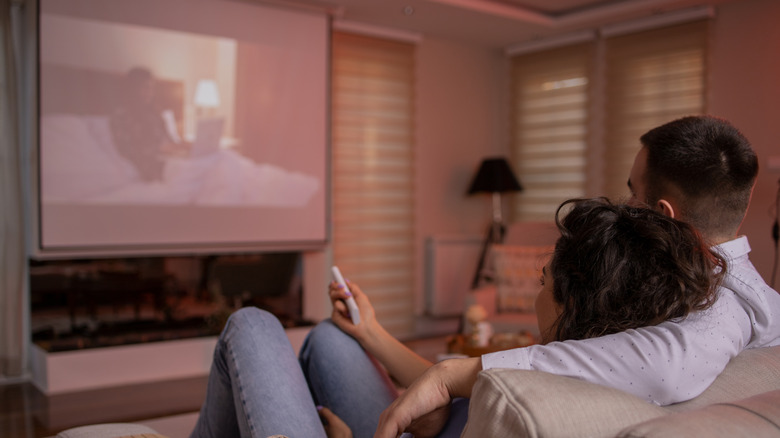
There is an exception to consider. Short-throw projectors are designed to be placed much closer to the projection surface, within merely a few feet, and can still produce massive screen displays up to 100 inches. Ultra-short-throw projectors rest on an entertainment stand right in front of the projection area, instead of being mounted further away. Their throw ratios (the width of the image in relation to the distance) are understandably much smaller — something like 0.2:1 — but that changes the screen size adjustments a little. In this case, it's better to use another general rule to calculate the ideal screen.
Instead, divide the installation distance (which you may have to estimate) by the throw ratio to get the maximum screen width. Let's say we only have around 25 inches of space available between the projector and the place we're looking to put our screen. If we use the aforementioned 0.2:1 ratio, 25 divided by 0.2 equals 125. Therefore, we could project up to a 125-inch screen width at 25 inches away. If you have less space to work with, say only 15 inches of distance, then a 75-inch screen width is ideal. Note that screen sizes are usually measured on the diagonal, so check the spec sheet to find the actual width. You can see, though, that even with minimal distances, projectors can still blow past traditional TV sizes. That's just one of a handful of reasons why you should ditch your TV for a modern projector.
If you really wanted to, you could use this same simplified equation to estimate the ideal screen size for standard-throw projectors as well. You could also use the 1-2-10 rule for screens, which applies to any type of display, big or small.