

4 Reasons You Should Ditch Your TV For A Projector (And 4 Reasons To Hold Off)
We may receive a commission on purchases made from links.
It wasn't too long ago that the idea of choosing a home projector over a traditional TV would almost always be the wrong one. Projectors were dim, needed frequent bulb replacement, and offered low-resolution images compared to a TV.
Things have changed, however. Thanks to laser projector technology, a projector isn't a niche choice but an actual alternative to your daily-driver TV. You can see this in the marketing shift too. Some ultra-short-throw projectors are sold as laser TVs, which tells you that the manufacturers want to compete with TVs directly.
Because projector technology is now ready to go toe-to-toe with the traditional TV market, production has ramped up as well. This is a primary reason why projectors are so cheap now. If you choose the right projector, you really can replace your current TV with it and use it in much the same way. However, the devil, as they say, is in the details. While modern projectors can replace TVs in certain households, they're still not right for everyone. Here are some core reasons you might want to go ahead with the change ... and some others to hold off for the time being.
Projectors blow past TV size limits
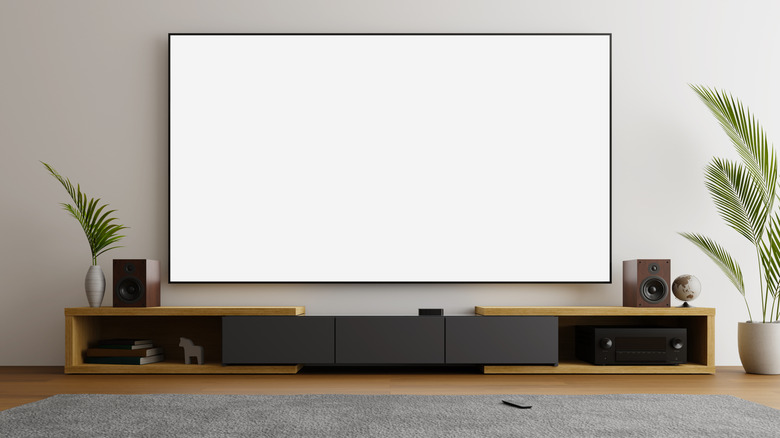
Whether we're talking about old projector technology or the latest and greatest, the primary advantage projectors have over TVs is size. During the CRT (Cathode Ray Tube) TV era, this was a bigger advantage, where the biggest direct-view (not rear-projection) CRT you could buy was 43 inches and weighed 440 pounds. Realistically, a big TV was going to be somewhere above 30 inches, while a projector could cover a pulldown screen or even a wall (at the cost of a loss of brightness and clarity).
Flat screen TVs have shrunk that advantage, but you run into major issues once you start scaling up. For example, the biggest TV that TCL makes is 115 inches in size. There's the premium TCL X955, which launched at an eye-bleeding $20,000, and the much more "reasonable" TCL 115-Inch QM7K QLED, yours for only $10,000. Consider that sizing down to 98 inches brings the price down to $3,000 or less on sale, and it's clear there's no linear scaling in cost here, even within the same TV series. Also, once you move into the 100-inch or above size class, simply getting that TV through the door into your home becomes a logistical nightmare.
Now compare that to the $1,299 Hisense M2 Pro, which offers an image up to 200 inches in size if you have the wall for it and is small enough to take on vacation with you. The cold hard fact is that TVs simply cannot compete in image size above around 115 inches, and if we're talking about price per square inch of image, TVs are orders of magnitude more expensive than projectors.
Projectors make for a better living space
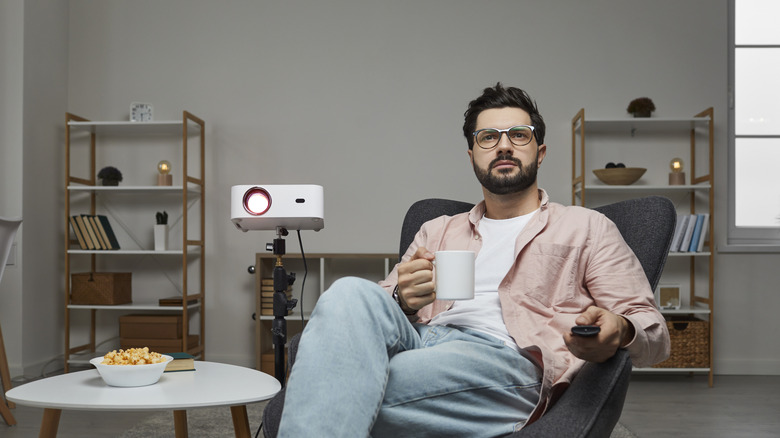
You have a lot of options when setting up a projector system in your living room, bedroom, or anywhere else. It's much easier to hide your projection system than it is to hide a large TV. Sure, systems exist where TVs can rise out of a cabinet, drop from the ceiling, or be installed behind sliding cabinet doors, but these are generally cumbersome and expensive solutions to making a TV disappear when you're not using it.
A projector can be mounted out of the way with ease, and ultra-short-throw projectors are small machines that sit right up against your wall. Motorized projector screens are common, or you can simply paint a wall with projector paint.
You also don't have to pay any mind to your room's physical layout, or at least not to the same extent as with a TV. For sure, not thinking properly about placement is still one of the most common mistakes people make when buying a projector, but your choice of placement is far more versatile. When you buy, for example, a 98-inch TV, there's probably only one or maybe two spots in your living room where it can go. With a projector and the right mounting equipment, though, you can really think outside of the box.
Real home theaters are built around projectors, not TVs
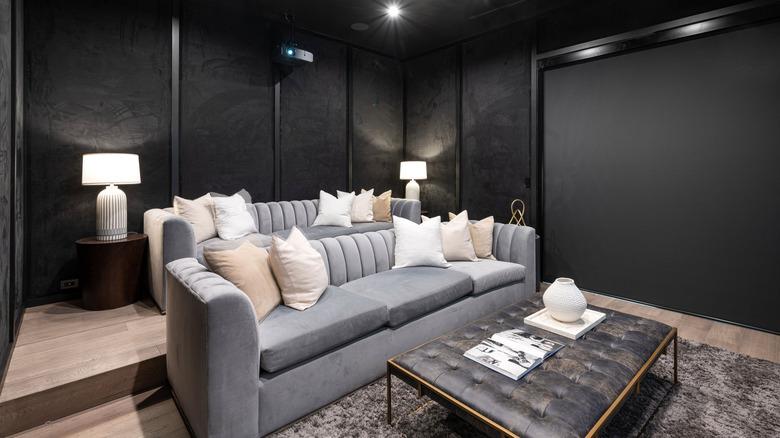
The term "home theater" has become somewhat diluted. The idea is, after all, to recreate the feeling of going to a real cinema at home. No matter how big your TV is, it will fundamentally never look like projected light. If you prefer the way a TV's image looks while watching movies, that's perfectly fine. However, if you want to build a home theater that feels like going to the movies, then a projector is the only way to go.
Some of the strengths of projectors we've already covered play into this, with size being the obvious one. If you want a picture that can fill your peripheral vision the way a cinema does, then you need a projector. Modern projectors have also improved by leaps and bounds when it comes to throw distance, which is how far a projector needs to be from a surface to produce an image of a specific size.
Purpose-built home theaters also mitigate the weaknesses of projectors, mainly when it comes to brightness. A proper home theater can be darkened the same way a public cinema can. It's essential to the sense of immersion in a movie, and it means you can get away with spending less on the projector. After all, the main difference between cheap and expensive projectors is how bright the room can be without affecting image quality. So investing in a few blackout curtains can save you a big chunk of money when it comes to picking a projector.
Not a gamer? Get a projector!

If you're not a gamer, then the decision about whether to switch out your TV for a projector just got a lot easier. Now, technically, there's nothing that stops you from playing video games on a projector. There are even projectors with gaming-specific features that help make up for some of the shortcomings you can encounter while trying to game with projected light. If you're a casual gamer and mostly use your entertainment system for watching movies and shows, you should absolutely consider a projector.
The thing is, though, the budget level where a projector becomes good for gaming is higher than for TVs. There are plenty of great cheap projectors under $300, which will work wonderfully for watching TV or movies, but once you look at input latency or whether they have decent game modes that strip away time-consuming image processing, it's likely they'll offer a mediocre gaming experience.
So at this point, gaming is one of the key use cases that legitimately keep people tied to TVs instead of moving to a projector. If you're not a gamer, then that's not really a concern. And if you are a gamer, you may just have to wait a while. Over time, it should become normal for most projectors to cater to gamers, just like most mainstream TVs do, but for the time being, that's not quite true.
Hold off if you watch a lot of TV during the day

You've probably experienced a situation where someone's giving a presentation or playing a video using a projector in a room that's just way too bright. The image becomes washed out and hard to see. That's because the projector can't produce enough light to overcome the ambient light from the sun or from electrical light sources.
The latest laser projector TVs, which have an ultra-short-throw and much brighter light output than previous projector types, can be used in moderately lit rooms. You don't need total darkness. However, even these new projectors look their best in darkness and can't stand up to regular room brightness where TVs are fine. In practice, you're getting less brightness than some cheaper or older OLED TVs produce, and OLED technology is already notorious for struggling with ambient light.
If you do all your TV and movie watching in the evening with the lights turned off, you'll love the projector experience. Saturday morning cartoons with the blinds open? You'll barely see anything at all. So you might consider investing in something like Mini LED, which is more affordable than OLED and much, much brighter than other TV or projector technologies on the market. In general, though, if you watch most of your TV during the day, switching to a projector may not be your best bet.
Stick with your TV if you care about HDR
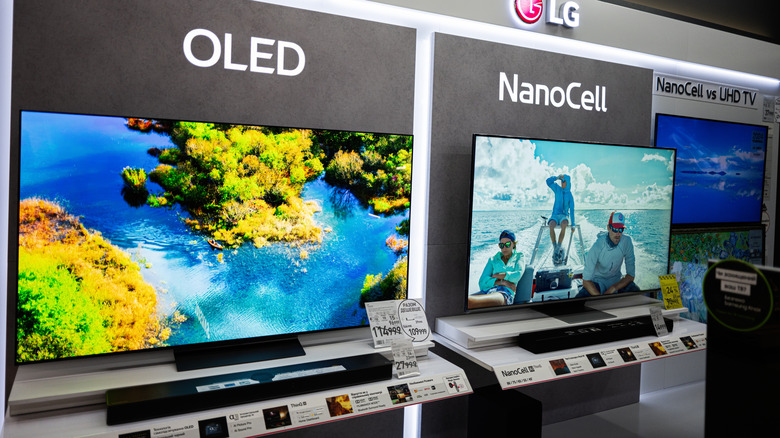
If you've wondered what HDR actually means on your smart TV, it's one of the most transformative image quality technologies today. It's short for High Dynamic Range and comes in formats like HDR10, Dolby Vision, HLG, and more. What HDR does is extend the range between the darkest and brightest elements on screen. It also expands the number of colors that a display device can produce. When a movie, show, or video game is mastered for HDR and the display device can reproduce those ranges as intended, the results are spectacular.
Flames look like real fire, and sear your eyes next to dark parts of the image. Metal looks real as the bright shiny pinpoints that glint off it hit high brightness numbers. Likewise, super dark shows can look realistic while still letting you make out details without them being crushed into a black and grey soup.
Even entry-level Mini LED TVs like the TCL QM6K can produce enough nits to pull off passable HDR. Sadly, most projectors don't generate the kind of brightness and contrast needed to do HDR justice, even if it says HDR on the box. The latest laser projectors in a suitable dark room can look decent with HDR content, but they are no substitute for even a middle-of-the-road OLED or Mini LED TV ... at least not yet.
Keep your TV if you can't get the right projector screen
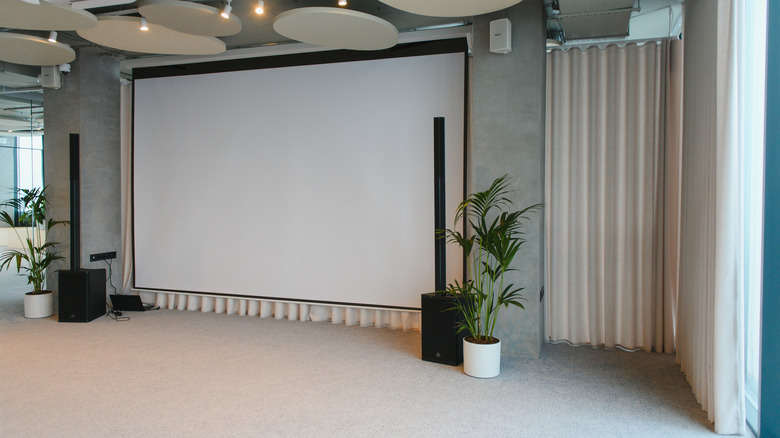
The projector itself is only a part of the puzzle when it comes to deciding whether to ditch your TV. Strictly speaking, you can project onto anything, but obviously not every flat surface is optimized to reflect light in a way that will give you a good result. Ideally, you should buy a dedicated projector screen to go with your projector. Either a portable one if you want to, for example, take a portable projector camping, or a permanently installed one.
The gold standard is an ALR, or Ambient Light Rejection, screen, which is quite expensive, but maximizes the reflected light from your projector while minimizing ambient light reflection. This has a dramatic effect on contrast, brightness, and color, but you're looking at hundreds of dollars to own one. That's especially true if you want a motorized model that rises from the floor. A regular white projection screen should run you around $50, but they don't have the same image quality and aren't as elegant. You also have the option of ALR projector screen paint, which also costs a few hundred bucks, still significantly less than an ALR screen. You do, however, have to carefully smooth the surface of your wall and apply the paint correctly, but it's the most elegant solution of the bunch.
If you don't have the space or the right surface for projecting, then you're probably better off sticking with your TV. Either way, you need to consider the extra costs involved in putting together the optimal projection screen for your situation.
TVs give you a hassle-free experience
The great thing about a television is that you get an all-in-one unit. The TV will work wherever you plop it down (gently!), and you'll always get consistent results. Even if you're doing a fancy wall-mount of your TV, it's really a 20-minute job with the right tools and prep
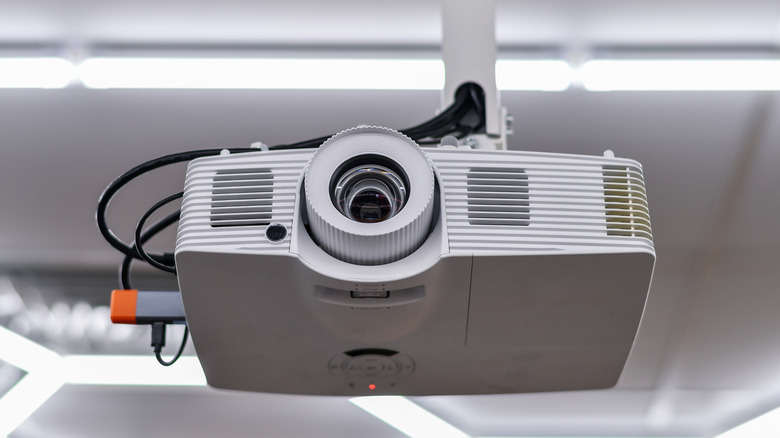
On the other hand, installing a projector is not something you'd call plug-and-play, though it's become much more straightforward in recent years. Modern projectors are great at automatic keystone correction (ensuring the projected image isn't distorted) and even sometimes automatic picture adjustments to optimize for the room. Likewise, if you have a truly portable projector like the Samsung The Freestyle, your setups will always be quick-and-dirty because that's what portable projectors are designed for.
But if you're doing a permanent installation, then getting to the same point as a TV that's ready to go is a much longer road. You need to find a place to mount or set up your projector where the screen won't be obscured when everyone's sitting down and watching. You need to do the math of throw distance versus the screen size you want. You need to install your screen correctly, and you need to connect external devices (such as consoles or Blu-ray players) that were designed to sit up front with a TV, not in the back with a projector. Maybe an ultra-short-throw laser TV is the closest yet, but it's still not as easy as a TV.