

8 Common Mistakes People Make When Buying A Projector
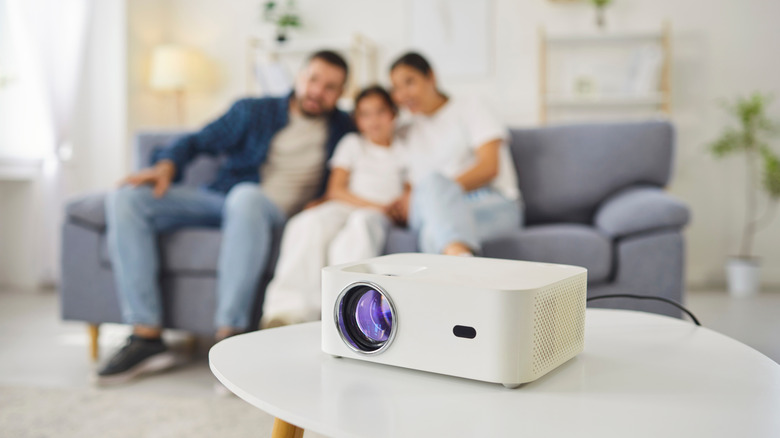
A projector is the ultimate upgrade to your home theater or gaming room, giving you a massive cinema-like screen that makes every movie night feel like an event. Nevertheless, there are pros and cons of a projector to weigh up before choosing one over a TV. Projectors are more dependent on the room around them: ambient light levels, throw distance, placement, mounting options, and even the color of your wall are all factors to consider.
And more so than any other gadget, the process of buying a projector is full of traps. From the deceptive viral marketing practices of less reputable manufacturers that prey on impulsive consumers, to a long list of technical specifications that might bend the truth, it's hard to know who to trust.
So grab a tape measure and start sketching out your room; here are some common mistakes you might make when buying a projector—and how to avoid them.
1. Not thinking about placement
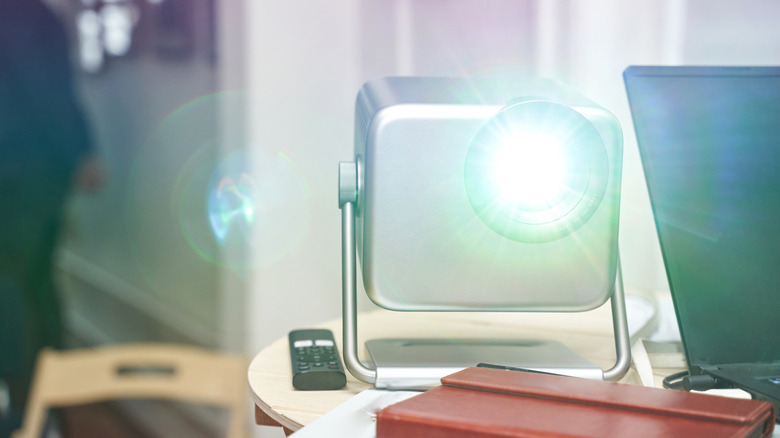
Almost all projectors offer digital image correction — also known as keystone correction — by warping the projection to fit your intended projection surface. Some even do it automatically, using a camera to detect when the image is skewed and adjusting for it. In many cases, you can just place the projector anywhere in the room and get a perfectly rectangular image. The process is very handy on portable projectors where speed of set up is more important than image quality, but you should never use it for a fixed install at home, because you're actually losing clarity, potential image size, and increasing lag. That's because keystone correction isn't warping the projection; it's digitally manipulating the source input and remapping it to fit your space. When you do so, you'll see a faint grey light where the native screen is — all of that is your wasted pixels.
Most importantly, you shouldn't need keystone correction because it takes only a little thought to mitigate. If you want the best image quality, you should always project the native, unprocessed image. Physically align the projector with the screen and avoid all digital image correction mechanisms. That means projecting perpendicular to the middle of your screen, not off from the side.
2. Not considering throw distance
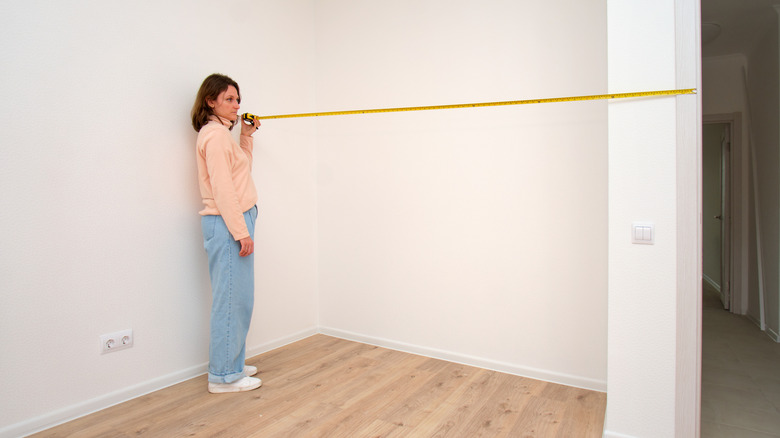
We've established that you should project from head on; otherwise, you lose clarity. But the next spatial consideration is throw distance. That determines how large your projection will be at a certain distance from the screen. On most projectors, the throw is fixed, meaning that you'll get a specific ratio of screen size to projection distance. There are two ways to use the throw ratio. Either you will have a specific spot in mind for the projector, and the throw ratio will determine how large your image will be and what screen size to buy. Or if you've decided on a certain screen size (in order to match a floor-rise or pull-down screen), it'll tell you exactly how far you'll need to place the projector.
Ultra Short Throw (UST) projectors can be placed right next to the screen to achieve enormous projection sizes. These are the easiest to work with in small spaces or where you're restricted for mounting options. Short-throw projectors will usually sit in the middle of the room; think of a coffee table in front of the sofa. Beyond that, Long Throw is the more traditional cinema-type projector that must be mounted behind the viewer, which typically means on the ceiling. If you're unsure about a particular model, use Projector Central to look up the throw ratio and enter your measurements into the handy calculator.
3. Assuming your wall is good enough
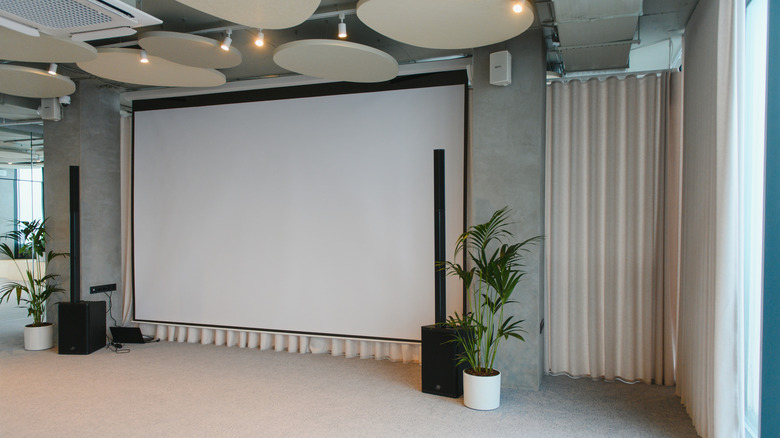
You don't necessarily need a fancy projection screen to get a good image. Your regular painted wall can be just fine. The benefit of using a wall is that you can get a much larger projection than you might on a screen for that truly cinematic feel, and of course, it's free — you probably already have a wall.
Color is important, though: White or light grey is best, and anything darker will negatively impact brightness and color accuracy. The type of paint also matters: Silky emulsions will reflect a nasty hotspot, so chalkier matte paints are best. Imperfections on your wall can also affect the visuals. Ultra Short Throw (UST) laser projectors are much less forgiving as they project from such an extreme angle, highlighting any unevenness on the surface.
So a wall can be good enough, but you shouldn't assume it will be. Budget for a suitable screen if the paint type, color, or texture isn't right. And remember that the screen must be matched to the projector — UST ALR (Ambient Light Rejecting) screens are designed for a projector to be placed low down and directly in front of them. Light from other angles will be reduced, so they won't work well for longer-throw projectors. I use a VividStorm 120" Floor-Rising ALR for USTs, which is highly recommended, but it certainly isn't cheap — costing nearly as much as the projector itself. On the other hand, a UST laser will lose efficacy on a traditional white projector screen.
4. Ignoring ambient light

Even with an expensive ambient-light-rejection screen, you should manage your expectations when using a projector in bright daylight. You can improve the situation, but you can't cheat physics: The brighter the room, the more light your projector will need to output — and even then, contrast will suffer. You'll need around 5,000 ANSI lumens or more for genuine daytime visibility.
This should only really be a problem if you're buying for outdoors, though, as it's an easy fix indoors by simply closing the curtains or blinds. However, even at night, you should still take into account artificial light sources within your home that may reflect off the screen and cause hotspots. If you want a room of immersive smart lighting that mirrors the on-screen action, you can do so — but use a TV, not a projector. A projector-based home theater should keep all ambient lighting to a minimum. A basement is ideal, and these are the cheapest ways to turn your basement into a home theater.
5. Believing fake brightness specifications
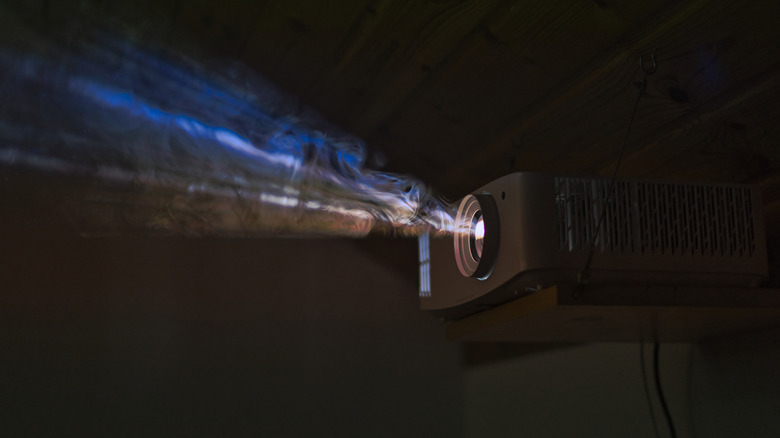
You can often get away with a lower-brightness projector if you're strictly using it at night, and the actual brightness of the image will be determined by both your projector's output and the size of the image you're projecting — the larger the image, the dimmer it will be. But as a general rule, the brighter the better. That's why manufacturers often put brightness specifications front and center.
ANSI lumens is a standardized way of measuring the light output of a projector. It's not perfect, and some manufacturers prefer to use a different system, but ANSI Lumens is the most common. But some manufacturers will simply list lumens or lux, which aren't standardized, as manufacturers are free to come up with their own testing regime. Make sure you purchase from a reputable manufacturer (these are the best projector brands as ranked by users) — not a no-name brand on Amazon — and look for expert reviews and ANSI ratings first to verify brightness claims.
6. Falling for the 4K logo in the marketing
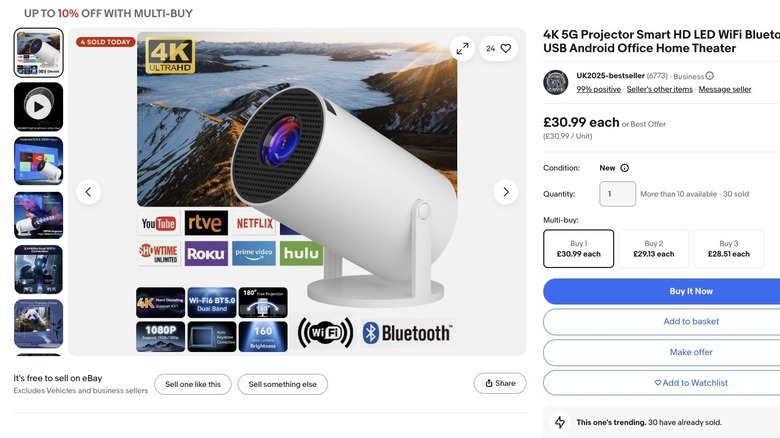
Some projectors can do 4K output, and they cost upwards of $1,000. Others will proudly show a 4K logo in the product listing or title, but read the small print and you'll find that it's because their system supports 4K content or can decode 4K-resolution videos. That means it'll play a 4K video file, but the output resolution will often be less than HD. Is it deceptive and scammy? Absolutely. They do it so that anyone searching for a 4K projector will get eyes on their product.
Be sure to look for native resolution in the product specifications, as that term describes the true, physical resolution the projector casts on the screen. For reference, 4K is 3840 x 2160 pixels (or 4096 x 2160), Full HD 1080p is 1920 x 1080, HD 720p is 1280 x 720, while DVD quality varies between regions; it's either 576p (720 x 576) in Europe, or 480p (720 x 480) in North America. Beware, 4K support doesn't necessarily mean you're getting a 4K projector.
7. Thinking pixel-shifted 4K isn't true 4K
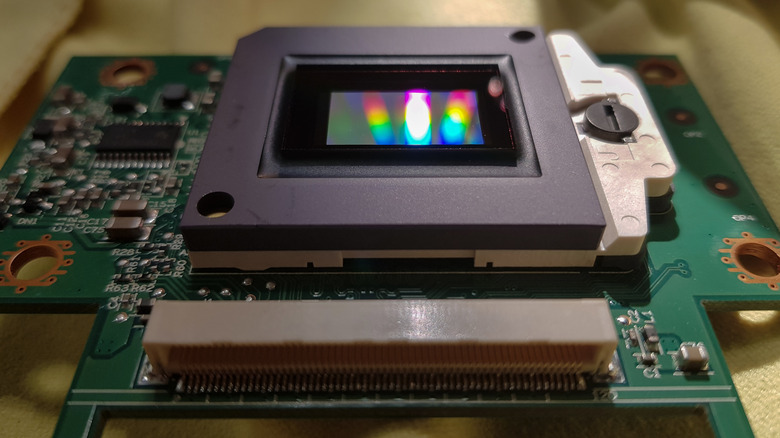
Most 4K projectors use a pixel-shifted 1080p chip (often called DMD — Digital Micromirror Device — or XPR eXpanded Pixel Resolution technology) to achieve the 4K output. That means they show a 1080p image, then move slightly, show another 1080p image, then repeat this two more times until an effective 4K resolution is produced. Some cinephiles say this isn't actually native 4K, and while that might be technically true, it's not helpful for most consumers.
The pixel-shifting process happens so quickly that your eyes don't notice. They operate at 240 times per second, meaning you'll get a perceived 60Hz 4K resolution image. Many 4K projectors on the market use pixel shifting technology, and it looks incredible. Truly native 4K may offer superior resolution (though that doesn't necessarily translate to other specs, like brightness and color clarity), but it also costs much more than pixel-shifted 4K technology. For most people viewing 4K streaming content from Netflix, it shouldn't be a concern. At the very least, try to experience a projector that uses pixel-shifted 4K before discounting them.
8. Falling for viral marketing

Social media is a terrible place to shop for projectors, so please don't fall for viral marketing. It's nearly always the same white-label device, about the size of a can of Coke, with low native resolution, 4K support (not native resolution), brightness that's unsuitable for anything other than pitch-black projection, and cheap internal components that burn out after a few weeks. They cost around $50 to $100, but these cheap projectors will leave you disappointed.
A new variant of this marketing trick is specifically targeted at tabletop roleplay gamers, showing stunning interactive battle maps projected onto a table — but it's the same device, repackaged for a new audience and upsold as a bundle of maps.
If it seems too good to be true, it probably is. Good projectors are not cheap. While you might score a secondhand bargain on an old HD projector for under $500 that still has some life left in it, you should expect to pay $500 to $1,000 for a new projector, even on the budget end. Decent UST lasers range from $1,000 to $3,000. From there, up to $5,000 for the premium models, or higher for ultra-high brightness. If you're ready to get started, check out our picks for the best home cinema projectors.