

This Popular Video Doorbell Feature Is Leading To Lawsuits - Here's How To Disable It

If you own a video doorbell, then you may want to look at what features you have turned on. That's because both Ring and Google are currently facing a lawsuit as a result of a facial-recognition feature built into security cameras and video doorbells they offer for purchase. The feature, which is called Familiar Faces on Ring devices and Familiar Face Detection on Google devices, is designed to recognize people you have saved in your device settings.
While the feature sounds useful, the big problem here is that a new proposed class action lawsuit filed against Amazon in June claims that Ring has been collecting facial recognition information from anyone passing in front of those cameras. (via CNET) Because people often aren't aware of the fact that their faces are being recorded, the data has been gathered without their consent — which is a huge invasion of privacy. Some places, such as Illinois and Texas, don't allow features like Familiar Faces to be enabled even if the devices support them.
The fact that these video cameras are almost always watching is just one of the many uncomfortable truths about using Ring cameras. Additionally, this is far from the first time we've seen Ring getting on people's bad sides. Earlier this year, we saw people getting rid of their Ring cameras.
How to turn Familiar Faces off

Ring devices have the feature turned off by default. However, if you have turned it on or just want to be sure you haven't enabled it, open the Ring app, tap the menu button, and go to Pro Features. From there, select Manage People under Familiar Faces, then tap the gear-shaped icon in the upper-right corner of the Familiar Faces library. This will show you which compatible Ring devices have the feature enabled, and you can disable the feature as you see fit.
You can also remove any saved information already stored in your library by opening the Familiar Faces profile and then tapping the Delete icon in the top-right corner. Ring notes that deleting any saved data will permanently remove it, along with the images that were being used to identify that person. If you have stored any Familiar Faces profiles, then you'll probably want to delete them manually. It's also worth noting that disabling Familiar Faces won't stop your Ring from alerting you to people approaching your home.
Changing the setting in Google requires using the Google Home app. Inside the app, tap your profile picture and then go to Home settings > Subscriptions > Google Home Premium > Familiar face detection. You can then turn the feature off for each of your cameras here. For older setups that use the Nest app, navigate to Settings > Familiar faces and then switch Familiar Face Detection off. You can also erase the entire Nest face library from the same Familiar Face Detection menu if you want the saved profiles and identification snapshots removed.
Why Amazon and Google are being sued
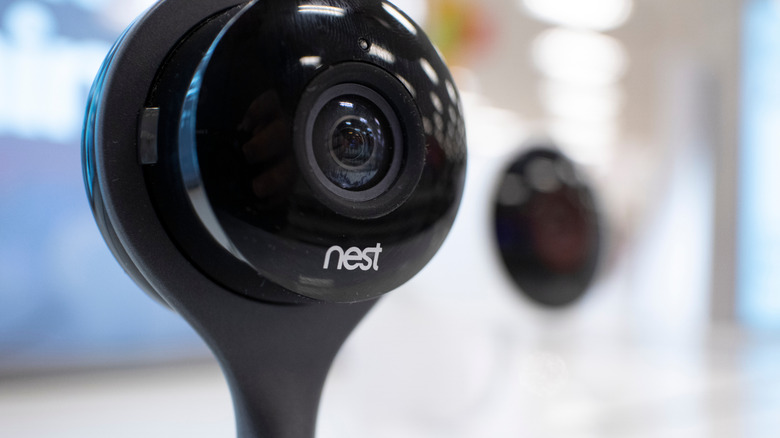
Google and Amazon are being sued because these features allow for the recording and storage of biometric data needed for facial recognition without the user's consent. At least that is what one of the proposed class actions filed against Google on June 29 alleges. According to that lawsuit, Nest cameras collect and store facial information from people who never agreed to it. Another lawsuit filed shortly after the first makes similar claims.
Separately, a lawsuit filed against Ring by Virginia resident Charles Sigwalt claims that Ring cameras at homes belonging to friends and family collected and stored images of his face without his consent. Sigwalt is currently seeking to turn the lawsuit into a class action for at least $5 million in damages. Ring's Familiar Faces feature is optional and disabled by default, but once it's enabled, a compatible camera can detect faces, add them to the owner's Familiar Faces library, and even assign a name to the image.
Both these features work similarly and allow the user to capture images of people they recognize and then name them. The overall idea here is certainly useful, especially if you want the system to recognize a trusted friend or family member, as then it can help cut down on notifications about someone approaching your home. However, capturing and holding onto that kind of information raises significant privacy concerns, particularly when it's done without the person's consent, and it's one reason we've seen so much concern over Meta's potential addition of facial recognition to its smart glasses.