

How Long Do Web Cookies Last? Why Simply Logging Out Is No Longer Safe

Cookies have long been a hot topic in cybersecurity circles because cybercriminals can use your browser's cookies to access sensitive information or even hijack your sessions on web-based platforms such as online banking or cryptocurrency platforms. By illegally scraping cookies, cybercriminals can trick a website into thinking it's you returning to browse and access your profile without even logging in. Cookies can last anywhere from a few days to several years, depending on your browser and the server that sends them. Logging out of a website doesn't remove these cookies, but you can delete them manually in your browser settings as a safety measure if they haven't already expired.
Cookies are essentially small snippets of data that a website's server sends to your browser. First-party cookies are essential to a website's user experience (such as shopping cart data or login sessions) and allow the website to remember your cart or preferences when you visit more than once. External sources like social media platforms use third-party cookies to track your browsing behavior across multiple websites, and they use this information to deliver personalized content across ad networks. Understanding how cookies work can help you take a few simple steps to protect yourself from cybercrime, understand who can collect your information, and decline cookies that track your browsing behavior.
How you can protect yourself by managing your cookies

Cybercriminals can steal cookies by injecting malicious JavaScript into websites you visit, or they can scrape them directly from your computer if the attacker gains access to your device. Connecting to unsecured public Wi-Fi networks could give an attacker an easy way to access your device. By illegally extracting cookies from your browser, cybercriminals can copy them onto their own computers and fool websites into thinking that it's you coming to the site for another visit.
How do you protect yourself from these malicious actors? First, safeguard your device and avoid connecting to unknown public Wi-Fi networks. Enabling multi-factor authentication, changing your browser settings to regularly delete persistent cookies, and disabling third-party cookies will help secure your device against threats like these. Disabling third-party cookies is one of five settings you should review more often. It's also good practice to regularly delete your browser cookies manually and avoid clicking on unknown links in emails, which could expose you to malicious scripts designed to capture sensitive information on your computer. If you're using Chrome, the Do Not Track feature is one of these four Google Chrome settings that tells websites and apps that you don't want your information tracked.
Most websites are required to let you choose which cookies you accept and which you don't, depending on the privacy laws of their region. Should you accept or reject these cookies? Depending on the website, first-party cookies can improve the user experience by storing your preferences and avoiding the need to log in repeatedly when you return. You can reject any cookies that aren't essential to the website's core functionality.
Myths surrounding cookies
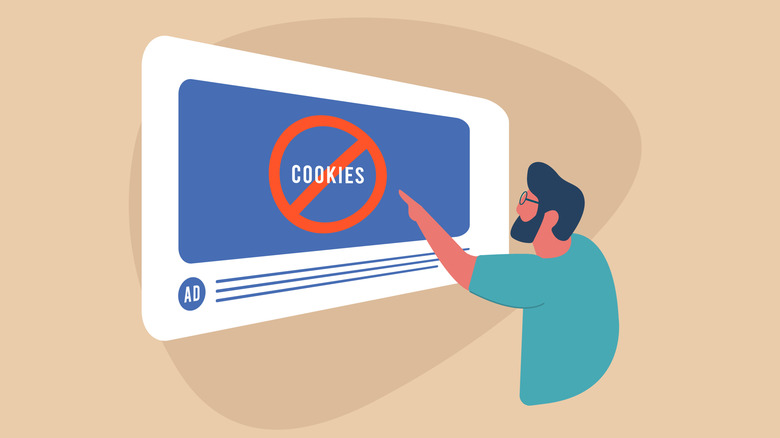
Many myths about cookies exist, some based on real concerns and others on overhyped misinformation. Firstly, cookies don't spy on you. As described above, cookies are intended to provide cohesive web experiences, and in most cases they do. They don't contain personal information like names or contact information, and first-party cookies are only sent back to the websites where they originate.
Secondly, cookies are not viruses or spyware. This is a common misconception because antivirus software flags cookies during a scan. This is because antivirus software can help track and remove third-party cookies that track your browsing behavior for advertising purposes. While this is a value-add in most antivirus applications, it doesn't mean cookies are viruses.
Thirdly, cookies don't create spam or pop-up ads. Third-party cookies do track web behavior to let advertisers serve you relevant ads, but the cookies themselves are not serving you ads. If you want more visibility into how advertisers track your behavior, this Google Chrome extension will tell you how ads are tracking you.