

Why Do Routers Have Antennas But Mesh Wi-Fi Systems Don't?
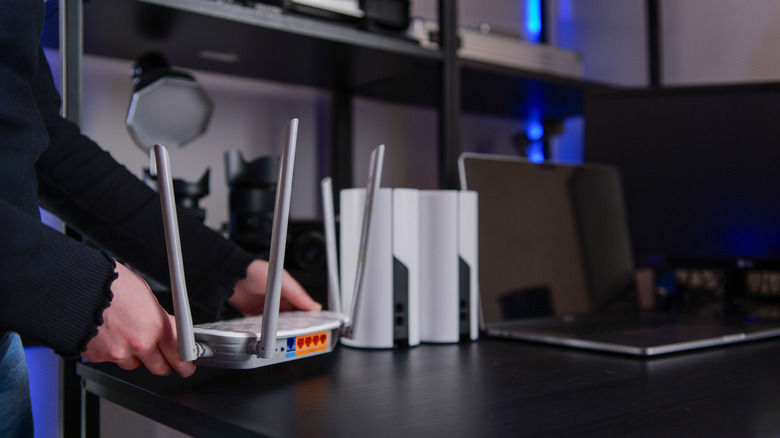
If you place a traditional router, even a gaming router, next to a mesh system, you'll notice a few differences. Mesh routers and nodes often have cleaner designs, staged as compact boxes or cylinders. Traditional routers, meanwhile, have external antennas protruding from their frames. For those who don't know any better, you might think they offer better signal quality and performance, but that's not the case.
Most times, mesh Wi-Fi systems are the better choice because they utilize satellite nodes to spread the network further. That said, mesh systems do have antennas, and they're just as capable as the ones you see on the outside of standard routers. If you were to take apart a mesh router, or a node, you'd find internal antenna components, much like those used inside smartphones and mobile devices. It's partly a design choice to improve the styling of the units. Mesh systems are meant to be placed sparingly around the house in areas that are in clear view, like on bookshelves, countertops, and furniture.
Since you probably wouldn't want a large, unsightly router with antennas poking out, cramping your home decor, they're instead made to be sleek and more attractive. Hence, the antennas are embedded inside. The main reason the antennas are internal, though, is because mesh routers prioritize omnidirectional antennas (coverage in all directions), which is achieved through the type of antennas used. They work the same regardless of where they're installed, so they don't need to be on the outside.
Omnidirectional antennas versus directional
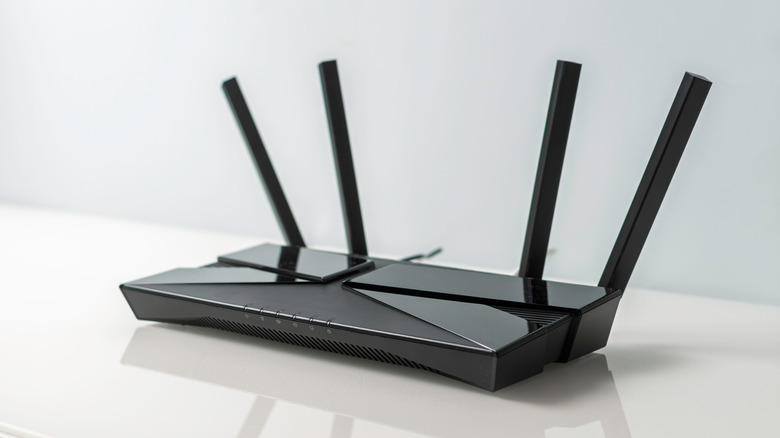
There are two basic types of antennas used in modern routers: directional and omnidirectional. Directional antennas send a signal in a specific direction, with an emphasized focus of sorts. They do still produce a bubble-like field, but they tend to be narrower than what omnidirectional antennas produce. Omnidirectional antennas, on the other hand, emit a wider horizontal radiation pattern that spreads and covers all directions, versus a singular focus.
Generally, mesh router systems use omnidirectional antennas. Thanks to the 360-degree pattern that they produce, there's really no need to install them externally. Moreover, they can be mounted in almost any configuration to produce the same RF radiation — the Wi-Fi signal. That's one of a handful of reasons why, most of the time, proper router placement is more important for any kind of router. The chances are pretty high that your router is probably sitting in the wrong spot, and simply moving it to a better or more central area of your home will significantly improve performance.
You can usually hide your router without losing signal quality behind decorations like plants, underneath a slatted crate, or inside a wicker basket, but certain materials like metal can interfere with signal quality, so there are some objects to avoid, too. That's because the signals emitted by the antenna remain nearly the same and are most influenced by the type of antenna and power specifications rather than anything else.
Mesh nodes often have multiple antennas
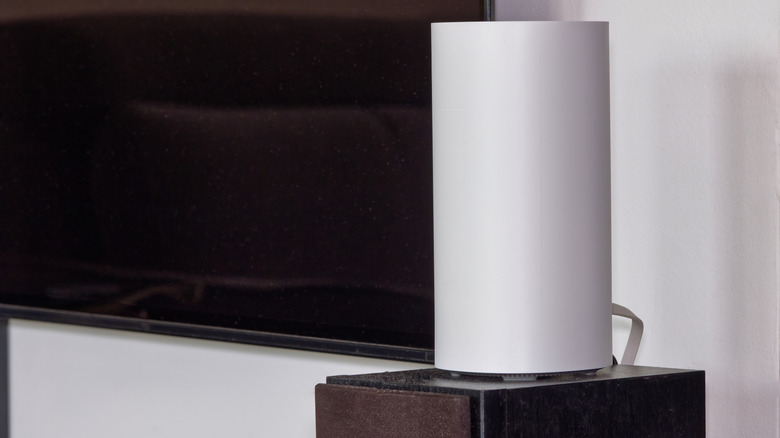
An interesting detail to note is that mesh nodes, also called radios or satellites — the separate router units designed to connect to a core system – often have multiple antennas. You might not be able to see them because they're integrated inside the shell or casing, but they are there, especially for dual- or multi-band network configurations. Despite nodes having multiple antennas, and the numerous antennas that appear on traditional routers, having more antennas on a router doesn't indicate better signal quality.
There are many factors at play there, including the power specifications of the router, the type of antennas used, and modern protocols or technologies available, such as MIMO. It means that when you choose a router for your home, whether you're installing a new network entirely or upgrading your old one, the number of visible antennas doesn't make much difference. More aptly, if you look at the improved performance of mesh systems over traditional options, with antennas that are usually tucked inside, it makes more sense to consider a router's capabilities, specifications, and available standards when choosing. Wi-Fi 6 or Wi-Fi 7 routers are the go-to over older variants thanks to new features and improved reliability, regardless of how many antennas they incorporate.