

The Pros And Cons Of Android Auto
Android Auto brings apps on your Android device to the display unit in your car. From there, you access music, phone calls, news and weather, maps, and so much more, directly from the vehicle's infotainment system. The platform allows you to use the touch screen or voice-activated controls to navigate through apps.
Android Auto through Gemini can even respond to your questions and answer you. You can use it to navigate to a restaurant, have the system call a family member or friend, or play a specific song on your favorite music streaming service.
While it can be a great tool to have for long car rides, the platform has its fair share of problems. Message notifications are turned on by default and can be distracting while driving. Another issue is that Gemini may not always respond correctly. Some users also complain about how Android Auto can have connectivity problems and disconnect frequently, especially when using a wired connection.
What works in favor of Android Auto
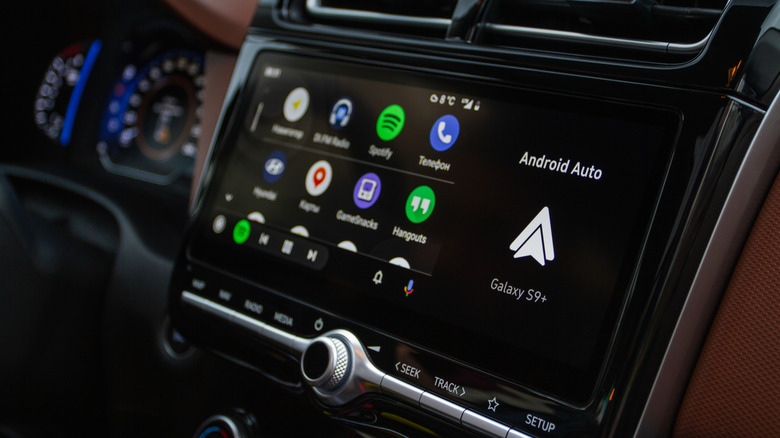
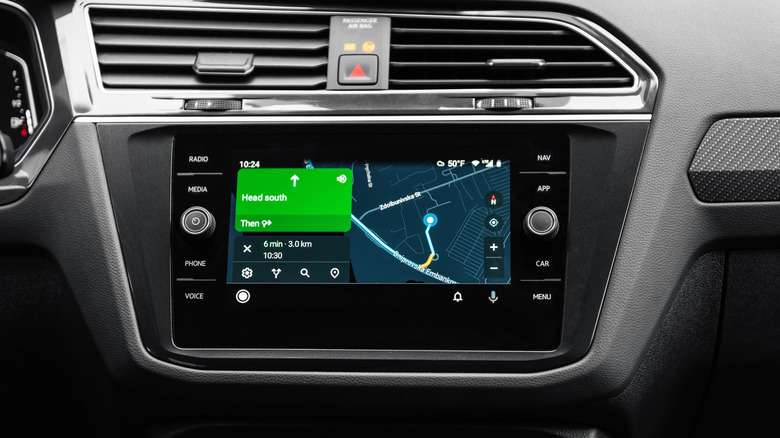
Android Auto is a convenient tool designed to be the brain of your car's display. There are several apps that work with the system, including Google Maps, which users say is one of the best features of Android Auto. Being able to put in an address and have a map show it on the screen and audibly guide you to your destination is useful, especially considering that the alternative is to use Google Maps through Bluetooth and mount the phone on your dashboard. You can even interact with the screen through touch while stationary, which makes setting up a route much faster.
Additionally, voice commands are another handy feature that elevates the Android Auto experience. When the voice commands work as intended, you can use them to set a destination, play your favorite songs, or just have a conversation with Gemini while on the move.
Another huge perk of Android Auto is the support for a massive library of third-party apps. Compatible apps like Spotify, YouTube Music, and Waze automatically show up on your car's display once you install them on your phone. Apart from these essential apps that almost every Android Auto user installs, you can even find niche options like PlugShare and ABRP that are tailored for EV owners.
The problems with Android Auto
Android Auto may be more convenient than using your smartphone while driving, but there are a few downsides to it. One of the biggest complaints is related to Gemini and how it handles user requests. More often than not, the voice command feature may misunderstand your query, respond with incorrect phrasing, or just shut down altogether. Having tested it in my own car, this has been the case several times.
Google Maps may be something users find easy to use, but it also has one not-so-great feature. When you connect your smartphone to your infotainment system, your last-used navigation app will automatically show up as soon as Android Auto loads. It's also worth noting that navigation apps can continually use data even without a route set. To avoid this, you can download offline maps for areas you frequently visit or simply turn off background data access for your preferred navigation app until you want to use the app again.
Receiving messages can also be quite problematic as they can distract you while driving. When you get a text, you'll get a notification on the screen alongside an alert tone, which can cause you to look at the screen for a moment. That said, you can disable this settings on your phone to help out.