

Why Your USB Hubs Overheat (And How To Fix It)
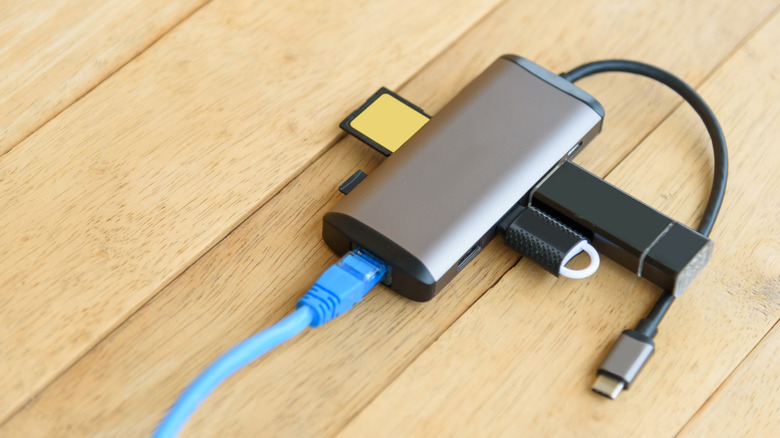
We may receive a commission on purchases made from links.
Life as a USB hub isn't all that peachy. Your owner is constantly tossing you into a backpack, you probably have a bit of a weird name, and no one cares that your USB-A ports are 3.0-certified. But for all the grab-and-go toils you're forced to endure, you're one of the most necessary and useful tech accessories in the home. It's a tough existence, but you were engineered for the long haul.
USB hubs are made by some of the top brands in consumer tech accessories, including Anker, UGREEN, and Belkin. Many USB-C models are powered by a Power Delivery (PD) connection to a laptop; just turn your computer on, and your USB hub should fire right up. While it's completely normal for a USB hub to run warm, an overworked unit may produce excessive heat. This can lead to video dropouts, slower file transfers, and other device failures.
An overheated hub can be caused by myriad factors, but one of the most common ones is when you have multiple, high-demand devices plugged into your hub at the same time. If the hub is exclusively powered by your laptop's USB-C port, your PC may not be supplying enough juice. In this scenario, you're better off investing in a powered USB hub that plugs into an AC outlet; you'll have a reliable source of power without needing to put your laptop to work.
If external SSDs and HDDs are a part of your everyday workflow, buy a USB hub that doesn't rely on laptop power
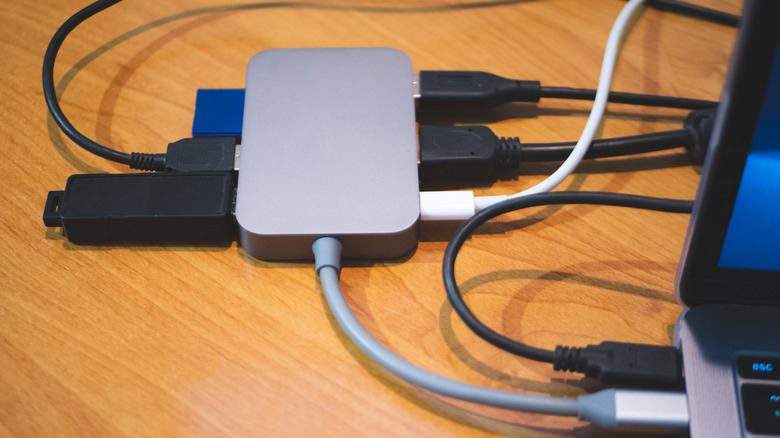
Should your daily workflow include one or several external drives, we highly recommend buying a USB hub with its own power source (one that plugs into a wall outlet). Many external disks require strong, consistent power, which your laptop's PD port may fail to provide. And if you're constantly accessing files from these drives, the last thing you want is overheating to disrupt your workflow.
Another potential reason that a USB hub can start overheating is poor build quality. Stick with reliable, long-standing manufacturers rather than some random third-party company that makes a 15-port hub for less than $10 (the reddest of red flags). There are numerous chips built into a hub, and all that video, data, and power need proper shielding to keep the hub running efficiently, but this may be one of the first corners cut by a lesser-known device manufacturer.
Not only do we recommend sticking to tried-and-trusted brands for any USB hub purchase, but we also suggest buying one with some type of defensive circuitry. This type of failsafe can detect and power down your hub before it enters unsafe heat territory. It's also up to you to manage what's connected to your hub at any given time; if overheating is an issue, nix the devices you don't need whenever possible.
Stick to the brands we all know and love, and save your risk-taking for slot machines
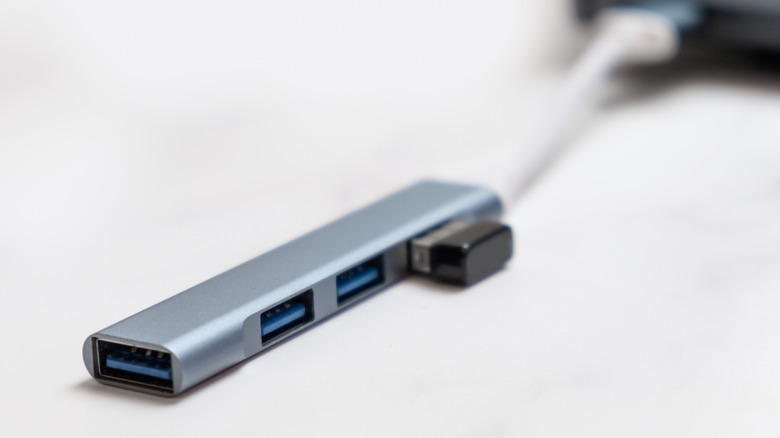
A USB hub or docking station doesn't require much on the user's end. You don't have to install specialized drivers to use it; it's not all that cumbersome, and there's little in the way of maintenance; just keep the ports free of debris. Remember: it's normal for a USB hub to feel a bit toasty. It is 100% not normal for one to nearly burn your hand when you touch it, though.
Should you encounter a situation where your USB hub is at an unsafe temperature, start by unplugging any connected devices, and be sure to do so at the device end (our goal is not to touch the hub). If your hub is powered via a laptop, disconnect the USB-C cable from your computer; for powered hubs, unplug the power cable from the wall outlet. Then, give the hub a good 15-20 minutes to cool down before attempting to reconnect your tech.
As for reliable hub recommendations, the $26 Anker 7-in-1 Multiport USB Adapter is at the top of our list. You get two USB-C ports, two USB-A ports, HDMI, SD and microSD slots, as well as a tethered PD lead. The latter also means this is the type of hub that relies on a compatible laptop. For a powered hub recommendation, we'd like to highlight the $45 INTPW Powered USB Hub. Along with rocking its own power supply, the hub includes numerous USB-C and USB-A ports, as well as two 45W PD connections.