

Here's Why Android Auto Is Killing Your Phone Battery
Whether you're just grabbing a sandwich for lunch or heading out on a long road trip, it's handy to have Android Auto by your side. It makes it easy to get navigation, listen to your favorite playlists, chat with a friend you're going to be late to, or even use apps you can sideload onto Android Auto. But this seamless convenience comes with a nasty catch: a drained phone battery. That's a frustrating downside if you need to keep using your phone after the drive. So why exactly does Android Auto drain your phone's battery so fast?
Simply put, it's the sheer amount of processor multitasking your phone is handling. When Android Auto is running, your car's dashboard becomes a simple display while your phone handles all of the processing. It constantly locks onto GPS satellites, streams high-quality audio, and keeps the microphone awake in case you need to lob any voice commands at it. On top of that, cruising down the highway forces your device's cellular modem to stay searching for a signal. It has to constantly drop weak cell towers and grab onto new ones as fast as it can. Maintaining a data connection while moving fast is one of the most draining tasks a mobile chip can endure.
Wireless Android Auto ratchets up that power drain. Beaming all that map and audio data also requires a steady, high-speed Wi-Fi connection between the device and the car. Pushing that much data wirelessly without charging effectively turns your phone into a quickly dying mobile hotspot. Smartphones can handle Android Auto, but their lithium-ion batteries struggle to keep up.
How working hard and extreme heat make things worse
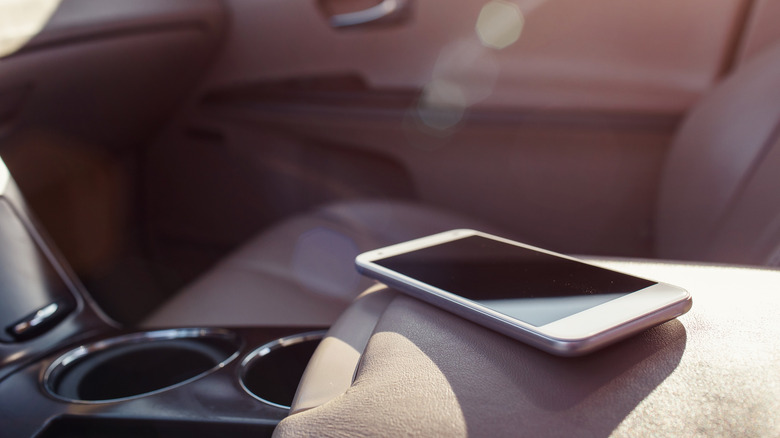
Believe it or not, those software demands explain only part of why Android Auto tanks your phone's battery (though other apps can drain your smartphone's battery, too). The physical environment inside your car plays a huge role, too; specifically, direct sunlight and heat. Phones regularly get tossed onto passenger seats, shoved into cramped cupholders, or magnetized to a dashboard mount right in the path of blazing sunlight. Also, when your phone's processor is working overtime to juggle navigation and media, it'll naturally run hot. That internal hardware heat combined with a sun-baked car cabin will likely drain the battery dramatically faster just to keep your phone running properly.
To make matters worse, plugging the device in to charge doesn't always stop the bleeding. How? Setting your phone on your car's built-in wireless charging pad will also generate a lot of excess heat. If a phone runs a heavy Android Auto workload while resting on a warm pad in a sunny car, it's likely to trip its internal safety alarms, as heat is a lithium-ion battery's worst enemy. In this case, your phone may stop charging to spare itself from thermal damage, leaving you with a hot, nearly dead phone by the end of the trip. To help your phone, minimize what you use Android Auto for (and consider downloading media and maps beforehand), fully charge it before you leave home, and store it somewhere cool and shady while in the car. Other Android Auto features can make long drives easier, too.