

What Makes Laptop GPUs Different From Desktop PC Ones?
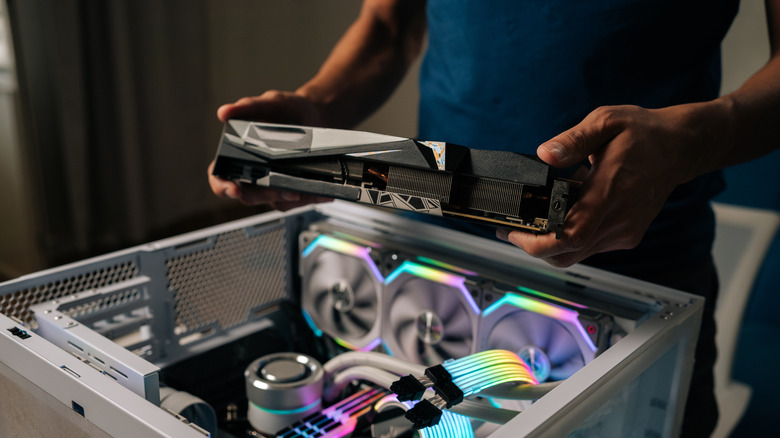
Personal computing isn't only about spreadsheets and word documents anymore, and thanks to the immense processing power of modern GPUs, your computer can even do far more besides playing games. You might have some questions, though, about why desktop GPUs cost so much and whether discrete GPUs in laptops provide better value for your money. Obviously, there's a size and performance contrast at play when it comes to answering both questions, but just how deep does that gap go?
Let's take Nvidia's GeForce RTX 5060, which comes in both desktop and laptop flavors, as an example. The laptop version is equipped with 13% fewer shader cores than what the desktop version has. The laptop chip also has a lower base clock speed of 1.46GHz to the desktop 5060's 2.28GHz. These spec differences contribute to a 7% to 15% loss in output on paper, depending on what you're looking at. In the real world, however, you'll find deltas of around 20% in graphics benchmark scores. Why the extra loss in performance? In short, physics. A slightly longer answer would be size, power, and heat.
Many materials get broken down when they're exposed to a certain level of heat. Silicon and other metals that go into PC parts are subject to loads of thermal stress when they take in power and convert it to work. Inefficiencies in processing generate latent heat that can accelerate breakdown and harm performance. So, how do you address that?
Laptop GPUs face more challenges than desktop GPUs
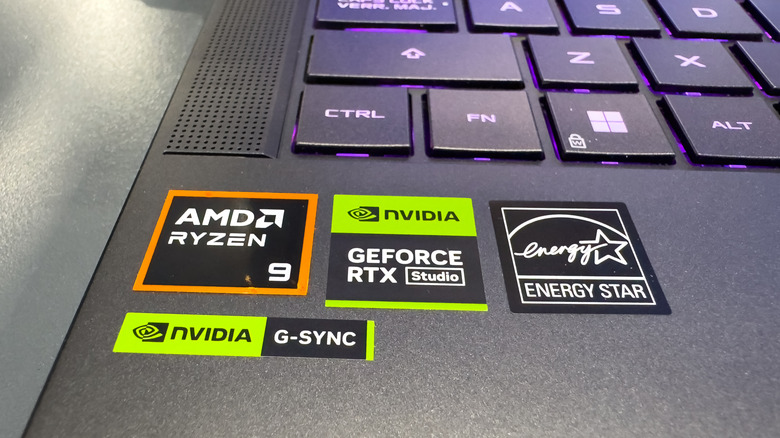
Engineers across the computing industry mitigate heat through several means, but with desktop hardware, air flow comes first. A typical PC case has plenty of space for air to circulate, and it is stocked with fans and slots where you can put in even more fans to cycle cool air in and hot air out. In a compressed form factor such as a laptop, that task becomes more difficult as parts are crammed next to each other and warmth accumulates. While fans play a big role here, you'll also see insulation and other relief measures such as thermal putty, silicon pads, and vapor pipe heatsinks — useful, but less effective than more elaborate water-cooling systems for desktop PCs.
Remember that you're buying a laptop because you want a mix of power and portability. Those values will come with compromise: size matters and that means adjusting components to new blueprints. It also can mean working with a lower thermal design power (TDP) where a certain wattage level produces acceptable operating temperatures. Going back to the RTX 5060, the desktop chip is expected draw up to 145 watts, while the laptop version is meant to run at 100 watts. Ultimately, a desktop GPU will almost always beat out a discrete laptop GPU for gaming and compute-heavy uses, but it still beats using a notebook with an integrated GPU.