

All-In-One Vs. Custom Liquid Cooling: Which Is Better For Your PC?
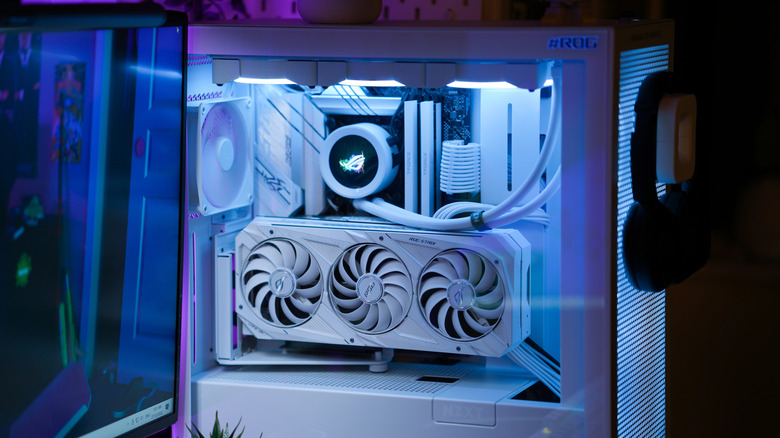
Ever thought about how to push that high-end CPU to its absolute thermal limit or had enough of the constant fan drone under heavy workloads? Liquid cooling comes in two flavors, all-in-one (AIO) and custom-built liquid cooling loops, with both of them going above and beyond standard fan coolers. When building a high-performance gaming PC, these are the two choices available to builders short of submerging a build in mineral oil, and that's scary territory, so we're sticking with these two.
Choosing a liquid cooled configuration means prioritizing fluid-driven heat transfer over typical metal heatsinks. For those still debunking outdated myths about building their own PC and trying to determine how much cooling their hardware requires, finding out how each setup operates is a great place to start.
An AIO provides a pre-assembled, closed-loop system that attaches directly to a CPU and motherboard, whereas a custom loop setup allows gamers to construct a complex circuit featuring individual blocks, pumps, reservoirs, and custom tubing. Before making that final call, users need to consider whether they want the convenience and affordability of sealed coolers against the extreme thermal capacity and personalization of a bespoke layout. For enthusiasts looking for essential tips and tricks for beginner PC builders, understanding these cooling options will help prevent thermal throttling and maintain steady boost clocks during intense gaming sessions.
All-in-one liquid coolers are reliable and maintenance-free
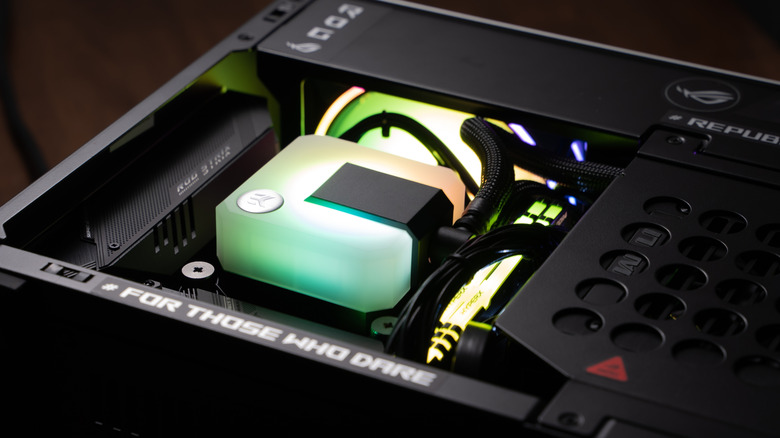
AN AIO liquid cooler consists of a pre-assembled, closed-loop system where the pump, waterblock, tubes, and radiator are permanently connected at the factory. The integrated pump draws heat away from the processor into the liquid coolant, which then travels to the radiator where fans blow the heat out of the computer case.
Because these units are sealed, they're entirely maintenance-free, meaning builders don't have to worry about refilling fluids or dealing with leaks during their lifespan. As far as deciding between a cheap DIY PC and prebuilt options, AIOs are incredibly user-friendly to upgrade thanks to their different sizes, which fit any case and often come included in higher-end prebuilt PCs.
However, AIOs have a finite lifespan. Most AIOs are designed to last three to six years, after which pump wear or slow fluid evaporation will eventually require users to replace the entire unit. While manufacturers have made significant advances in noise reduction, such as a quiet three-phase pump motor to reduce operational hum in Corsair's Titan lineup, the pump will still make some form of audible noise depending on the model. Regardless, AIOs are great for users who want quiet, reliable cooling without the hassle of regular upkeep, plus it's significantly less expensive than everything needed for a custom loop setup.
Custom cooling loops deliver maximum heat dissipation
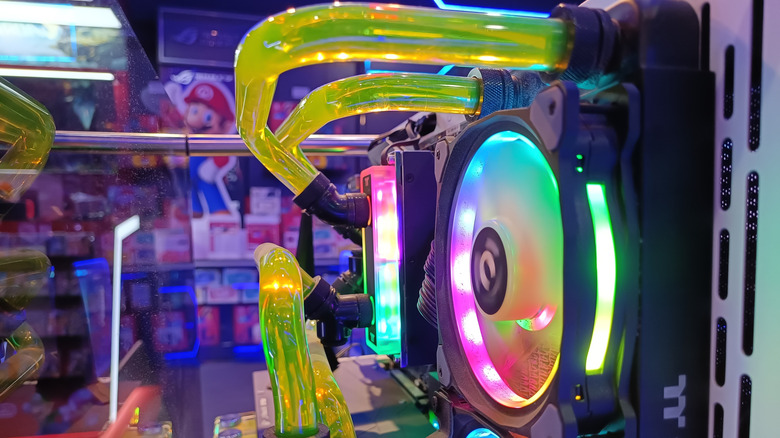
For the absolute lowest temperatures possible and a whisper-quiet gaming PC, a custom liquid loop is the ultimate thermal configuration. Unlike a sealed AIO, users assemble a custom loop themselves using individual parts, including specialized CPU and graphics card water blocks, a dedicated pump, a reservoir, and multiple radiators.
This allows players to route liquid directly to a graphics card, bypassing loud factory GPU fans entirely. Liquid cooling allows for slower fan speed thanks to the liquid loop pulling heat away from components, resulting in higher headroom as far as overclocking is concerned. By expanding the radiator surface area, gamers can run their fans at extremely low speeds while keeping their system incredibly cool.
But installing a successful liquid loop takes a serious amount of time, money, and regular maintenance. Building a custom loop requires specialized tools, such as a heat gun for bending hard acrylic or PETG tubing, and a complete setup can run from $300 to $1,000, or even higher depending on how many bells and whistles builders want. To keep a liquid cooled system running safely, users must also be able to flush and replace the coolant every six to 12 months to prevent algae buildup and corrosion. For DIY PC builders who like a challenge, a custom loop is a perfect choice. Otherwise, a simple AIO solution is the way forward.