

Bluetooth Vs. Bluetooth LE: What's The Difference?
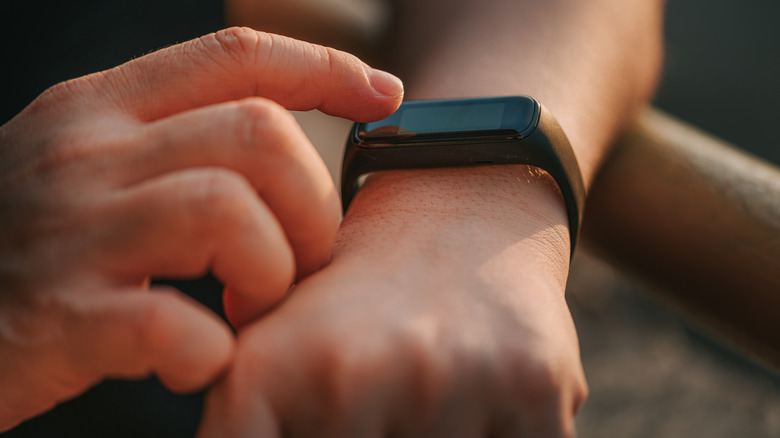
As you may already know, Bluetooth is the primary wireless technology that lets various accessories and devices connect without a cable. It uses short-wavelength ultra-high-frequency (UHF) radio waves to do this. As a result, Bluetooth operates in the 2.4 gigahertz (GHz) range and uses frequency hopping to avoid static and interference to maintain a seamless connection. Generally, Bluetooth shouldn't impact a device's battery health as much as you'd think, but in some cases it can be a constant drain. That's where Bluetooth Low Energy (LE) comes in handy, as it's the power-saving version of classic Bluetooth.
Bluetooth LE works in short bursts, instead of using a constant, continuous connection like regular Bluetooth (classic Bluetooth). When the technology was unveiled, only some devices could effectively use Bluetooth LE because it primarily stays in sleep mode until it wakes up to transmit data, then goes back into deep sleep once the transmission is done. This lets smaller, battery-powered devices, like fitness trackers and smart sensors, last weeks or months because Bluetooth LE uses so little power. While older audio devices relied on classic Bluetooth to overcome Bluetooth LE's continuous-streaming limitations, modern devices, such as the Bluetooth in your PC, using Bluetooth LE Audio can now transmit continuous audio efficiently without sacrificing battery life.
Bluetooth LE Audio and the upcoming changes
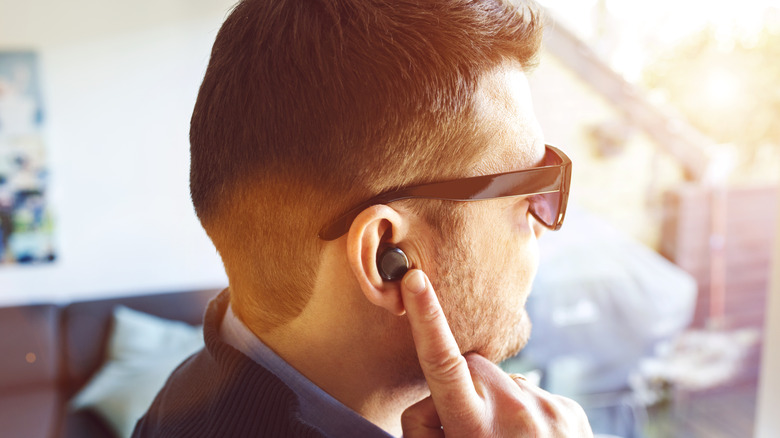
Generally speaking, classic Bluetooth handled audio until 2020, when the Bluetooth SIG announced LE Audio and showcased the LC3 codec and Auracast broadcast concepts. In 2022, the Bluetooth Special Interest Group (SIG) finalized the full LE Audio specifications, which were later adopted into Android 13 to 16 ecosystems. At the time, only some devices supported Bluetooth LE Audio, such as the Google Pixel 7 and 8, select Samsung Galaxy devices like the Z Fold 4, Z Flip 4, and the Galaxy S23, and some headphones like the Samsung Galaxy Buds 2 Pro and Earfun Air Pro 3.
In 2027, bigger Bluetooth changes are coming that will raise the speed ceiling for hi-res audio. Through Bluetooth High Data Throughput (HDT), Bluetooth LE's maximum speed will jump from today's 2 Mbps limit up to 7.5 Mbps. Furthermore, upcoming Bluetooth changes will also address frequency congestion and scale broadcasting with Auracast in public venues like concerts. Plus, hearing aids and wireless earbuds can pair directly to public Auracast audio streams without relying on an app or another device to route it.
If you want to be sure, you can also check whether your computer or mobile phone supports Bluetooth LE Audio. On Windows 11, you can do this through "Settings," then navigate to "Bluetooth & devices" > "Devices," and then scroll to the header "Device settings." From there, find the toggle for "Use LE Audio when available"; if it's there, your Windows 11 system supports it. Most newer phones should support Bluetooth LE or Audio, but you can double-check by looking at your device's specifications through the AIDA64 app for Android or iOS or in your Bluetooth settings (developer options).