

6 Reasons You Should Upgrade Your PC's Bluetooth
We may receive a commission on purchases made from links.
Bluetooth might not be the most exciting technology in your computer, but it's become one of the most important ways to connect devices to your PC. Some people might not even know or understand the difference between Wi-Fi and Bluetooth, but they enjoy the benefits of this technology all the same.
There's a good chance your mouse, keyboard, and headphones all connect to your computer using Bluetooth. It may have started off as a way for people to look like they were talking to themselves using those early Bluetooth earpieces, but just like USB and Wi-Fi, this technology has gone through several generations now. As of this writing, the sixth major generation of Bluetooth technology is rolling out in some devices, like the Redmi K80 Pro and Redmi Turbo 4.
With each of these new generations of Bluetooth, performance improves, and new features are added. That means your desktop PC or laptop may be running an older version of Bluetooth hardware that's missing key features you'd probably find useful. If your Bluetooth experience hasn't been so great lately, an upgrade could make things better in a few specific ways. These are the reasons you should consider upgrading.
Your headphones can't reach their full potential

Audiophiles might choose wired headphones over Bluetooth, but the rest of the world has thoroughly embraced wireless headphones. That's at least partially because smartphone makers stopped including headphone jacks, but whatever the reason, these headphones are here to stay.
A new pair of headphones that support the latest Bluetooth features will, of course, still work with your older Bluetooth hardware. Backward compatibility is a key feature of Bluetooth, but you only get the lowest-common-denominator benefits of both devices. Newer Bluetooth standards have improved audio codecs that generally make things more efficient and allow for higher-quality audio, but older devices can't take full advantage of those advances.
Depending on the headphones, PC, and operating system you're using, upgrading to a newer Bluetooth standard can unlock support for LE technology, the LC3 codec, or AptX Adaptive, some of which we'll cover in more detail shortly. If you've invested in a high-end or well-featured set of headphones, then the relatively minor cost of upgrading your Bluetooth hardware is an effective way to make the most of your device.
Bluetooth Auracast is a game-changer

It's easy to think of Bluetooth as being a personal technology, but Bluetooth LE (Low Energy) technology has a feature called Auracast that turns it into a party. You should be aware, though, that Auracast requires Bluetooth 5.2 at a minimum, as well as Bluetooth LE support ... and it will seem counterintuitive to the way you have used Bluetooth up until now.
Normally, you pair your headphones or speakers with a single device that sends audio. You may even have seen that some devices, like the Apple TV or many modern phones, can output audio to two Bluetooth devices at once, so two people can share an audio experience. With Auracast, there's no pairing in the traditional sense. Instead, Bluetooth audio is broadcast, and any number of Bluetooth devices in range can listen to it.
So, imagine everyone in the room can simply pop in their wireless buds and hear the same music or movie. Best of all, there's a good chance you already own a device that can act as an Auracast broadcaster. Recent Samsung Galaxy phones, for example, can start a broadcast from a shortcut in the quick menu. This might sound like a potential privacy issue, but you can choose to password-protect your Aurcast broadcasts. Of course, you need a device like a smartphone to scan for and access the broadcast right now, but devices like hearing aids and future headphones will likely get the ability to scan for and access Auracast directly. Auracast support is slowly rolling out to Windows 11, too, which means a Bluetooth upgrade could soon let your PC join the party.
Your game controller will lag less, and your keyboard and mouse will work better
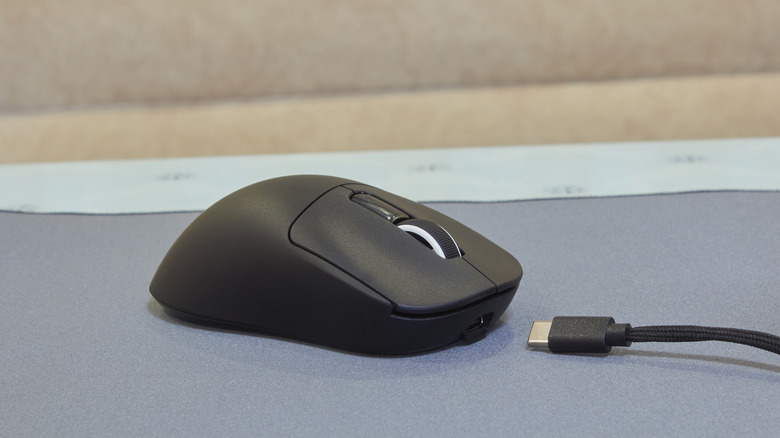
Wireless mouse and keyboard sets were a major convenience when they first became widely available, but input lag and signal loss have long been hallmarks of using these wireless peripherals. Bluetooth went a long way to rectifying this, but it can still be a laggy way to operate your computer. It can be particularly frustrating when your Bluetooth peripheral starts dropping out or lagging when it was working perfectly just a few moments earlier.
Like Wi-Fi, Bluetooth is susceptible to interference from other devices and even people, which can cause these performance issues, but with each update to the Bluetooth standard, the technology gets better at dealing with these obstacles. So, by upgrading to a new Bluetooth version on your PC, you can potentially make your wireless peripherals work better.
Unlike the situation with Bluetooth headphones, you can get an immediate benefit with the mice, keyboards, and controllers you already own. Since you're upgrading your receiver, you're making your computer better at receiving the signal from your peripherals, and it can handle more devices at the same time. Of course, if your keyboard, mouse, or controller supports new features that lower latency, there may be even more benefit for you, but there is certainly a rationale for upgrading your PC Bluetooth without changing anything else at all.
Your computer manufacturer probably skimped on your Bluetooth
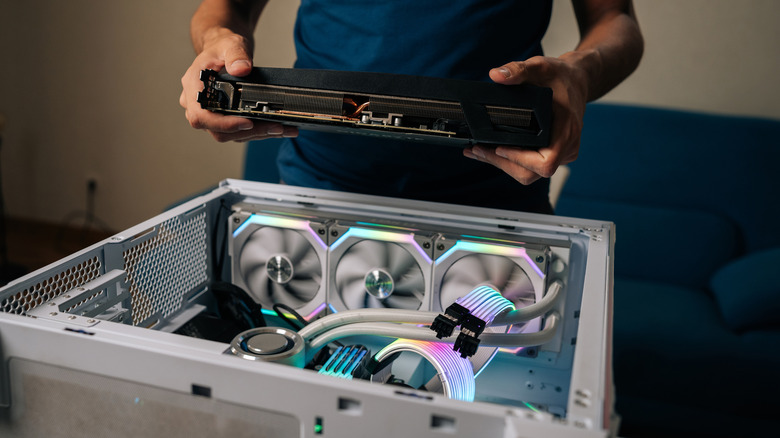
If you bought a prebuilt PC, a motherboard with built-in Bluetooth, or a budget laptop, chances are that the OEM (Original Equipment Manufacturer) didn't bundle that system with the very latest version of Bluetooth at the time of manufacture. While Bluetooth hardware isn't expensive in absolute terms, when you're making millions of products and your profit margins are already razor-thin, saving a few cents or a dollar on every unit can add up rapidly. Bluetooth also isn't one of those items on the spec sheet that average buyers salivate over. As long as it's there, that's likely good enough, and manufacturers know it.
While it may no longer be cheaper to build your own PC, part of the reason for this is that OEM PC builders cut corners where they can. Whereas you might opt to have the latest Bluetooth version, since that extra dollar or two doesn't matter to your bottom line, the companies building machines at scale have more incentive to go with the cheaper models. So, having (potentially) been saddled with lowest-bidder Bluetooth from a profit-hungry PC maker, you're a prime candidate for a Bluetooth upgrade.
Upgrading Bluetooth can fix dropouts and disconnects
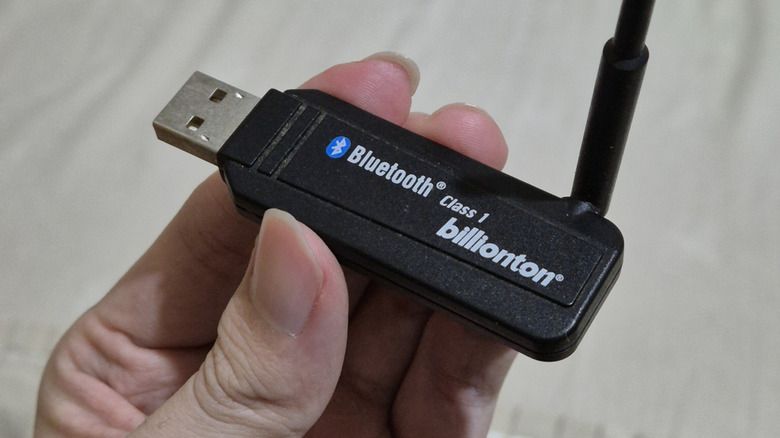
One of the most common Bluetooth problems is either total disconnection, a failure to connect, or constant dropouts. This is one I can personally attest to. My (otherwise rather expensive) Windows laptop loses its Bluetooth connection to my headphones if I'm in the next room, while my smartphone can happily send audio to those same headphones anywhere in our home, even on different floors.
Adding a modern Bluetooth dongle to my laptop fixed this problem decisively, and it's likely to help lessen this issue for anyone currently experiencing dropouts from their PC Bluetooth. In particular, if you're still using any variation of Bluetooth 4, then upgrading to at least Bluetooth 5 will result in a massive increase in range. So, if your Bluetooth headphones keep disconnecting, or (even worse) the sound keeps stuttering if you so much as turn your head, then a shiny new Bluetooth dongle might be just what the doctor ordered.
Your laptop might be upgradable without a dongle
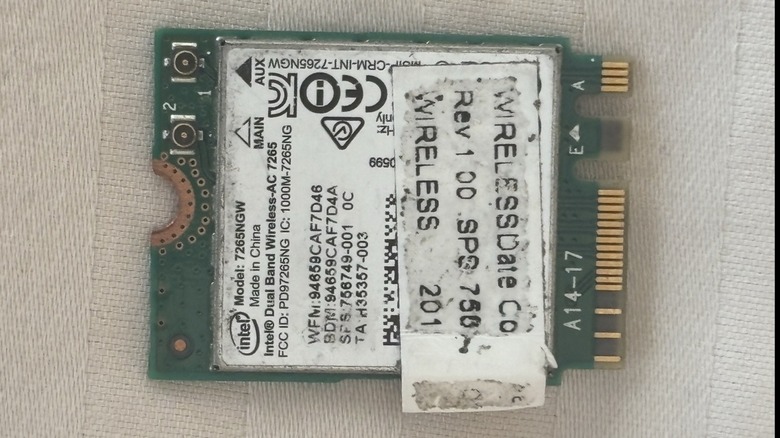
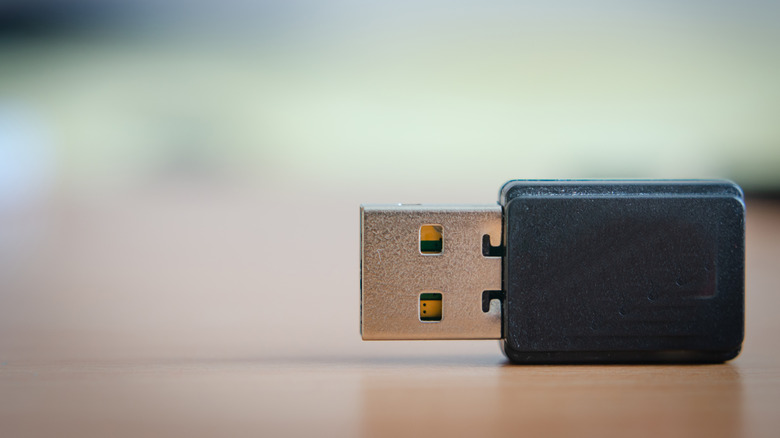
Upgrading the Bluetooth on your desktop PC is fairly easy. If your motherboard has built-in Bluetooth that can be upgraded, then you just need to follow the manufacturer's instructions. If it can't be upgraded, then all you need is a USB Bluetooth dongle. For a laptop, this isn't exactly an elegant solution.
After all, USB ports are limited, and even a low-profile dongle sticking from your laptop makes it less comfortable to use on the go. You might feel like you'd rather just tough it out with the old Bluetooth that the laptop shipped with.
The good news is that many modern laptops use a removable card like the one pictured above for Wi-Fi and Bluetooth technologies. If that's the case for you, you can buy a card with the latest Wi-Fi and Bluetooth capabilities and give your computer a serious upgrade. They aren't even all that expensive, with advanced models that support Wi-Fi 7 and Bluetooth 5.4 (and LE) often retailing for under $50. So why settle for buggy-level Bluetooth (or even slow Wi-Fi) when five minutes and a screwdriver can fix many of your wireless woes?