

These Are The Most Affordable Earbuds To Support Apple Music Lossless Streaming
Apple Music is a black sheep in the iPhone maker's software ecosystem in that it is one of the few services the company offers to those who don't own any of its devices. You can even stream tracks at Lossless and Hi-Res Lossless quality — some of the big perks to Apple Music according to ex-Spotify subscribers – through your PC or Android device in addition to any on iOS and macOS. But do you need any special equipment? Is it affordable? And, most importantly, is it worth the hassle?
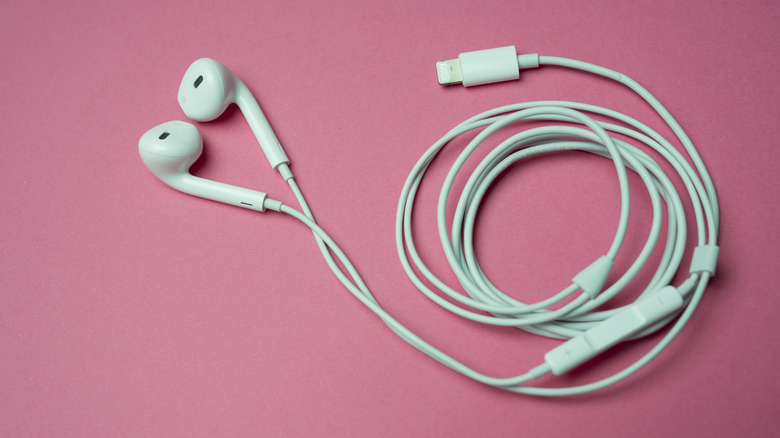
If you're happy with streaming at the standard Lossless quality of 24-bit/48kHz, all you really need is a pair of wired headphones. Apple's cheapest option is its USB-C EarPods at $19, but you can also use your own if you have them or plug in a 3.5mm pair into a USB-C-to-3.5mm adapter; Apple sells such an adapter for $9. For Hi-Res Lossless streaming at 24-bit/192kHz, in most cases, you will need one of the best portable digital-to-analog converters (DAC) in addition to a pair of wired headphones.
The details and caveats to affordable Apple Music lossless streaming
Apple Music streams pretty easily to any Apple-brand hardware at up to a 48kHz sample rate. Some devices can support higher rates, like recent 14-inch and 16-inch MacBook Pro models, which can output at up to 96 kHz and the Apple Vision Pro and HomePod speakers, which can push the full 192 kHz. Apple TV 4K devices are currently capped by their firmware at 48 kHz, but 192 kHz pass-through is possible and will actually be enabled with the tvOS 27 update.
By default, Android resamples audio input for 48 kHz output via USB. Some device manufacturers override this process, and there are ways to bypass it that Android Authority has detailed, but suffice to say, you may be spending a little money and effort on getting there. The best advice for any sort of hi-fi streamer on Android or other operating systems is to check with their manufacturer for details.
All that said, if you're truly gunning after Hi-Res Lossless playback across your phone and computer, you should definitely invest in an external DAC. Those of you going the home theater route may also need to reconsider how audio passes from your Apple TV 4K to your speaker system, especially if you're doing everything through HDMI, as your TV may still limit sample rates to 48 kHz. This is where an AV receiver comes in to help you get the best audio out of your Apple Music experience.