

iOS 27 Quietly Fixes Messages' Most Frustrating Feature
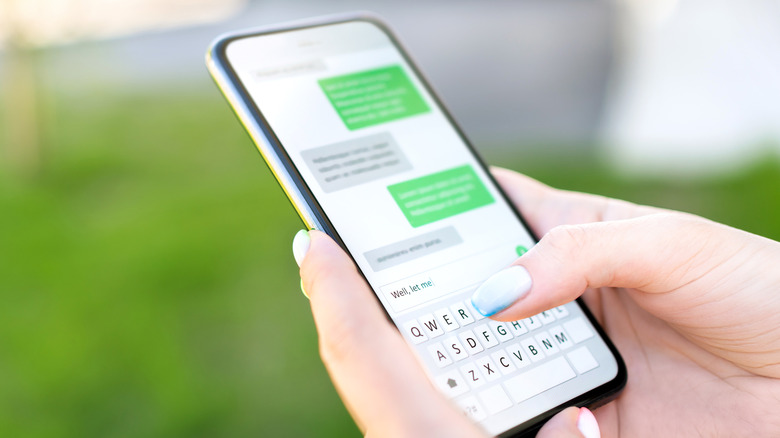
A lot is expected to change in iOS 27 when it releases on September 14, 2026, especially with the new Siri updates that Apple is bringing and whatever changes are made to support the iPhone Fold and its upcoming launch. And it appears Apple has added in a much-needed fix to Messages with iOS 27 that will make it easier to avoid sending accidental recordings to your family and friends. In past iOS versions, users could tap a small microphone button that appears in the text field.
By default, this is set up to begin recording audio so that you can send voice notes to whoever you're texting. While voice notes can be handy for quickly communicating with someone, the position of the button within the text field itself has made it frustratingly easy to hit on accident. Plenty of users have complained online about the feature, including Justin Bieber.
While the location of the button is handy, it means you have to be vigilant about not inadvertently turning it on, as it risks sending unwanted voice notes to people and interrupting other media you're playing on the phone. Alongside the other changes that Apple is making with iOS 27, this Messages feature appears to be getting a revamp, allowing you to turn it off completely.
How to turn off Record Audio in iOS 27

To disable the voice recording button in Messages on iOS 27, head into the Settings app on your phone, navigate to Apps, and select Messages to open the app-specific settings page. From there, select Show in Text Field. Tapping this will give you three different options to choose from: Record Audio, Start Dictation, or None. Changing it to None will remove the microphone completely, allowing you to text freely without worrying about hitting it.
However, it doesn't actually disable the feature. You can still send an audio message by tapping the plus button beside the text field and choosing Audio. You can continue to use Dictation, too. Just ensure it is enabled under your phone's keyboard settings, and then tap the microphone button on the keyboard itself. To find out if your phone model will see these updates, check the list of iPhones with iOS 27 support. The update should come out to devices as old as the iPhone 11 — at least with the core experience.