

Not Google Maps, Not Waze: Here Are 5 Navigation App Alternatives For Android Auto
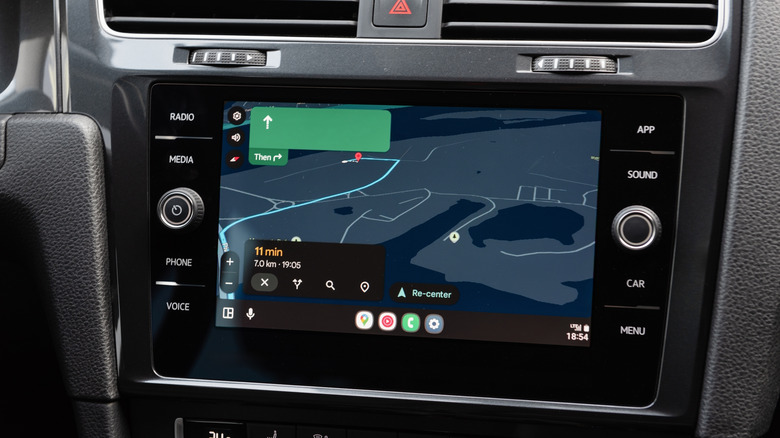
Navigation apps have become a big part of our lives. Whether we are commuting across our own city or heading out for a road trip, navigation apps not only help us figure out the best route but can also show traffic information and highlight businesses like gas stations and eateries, electric vehicle charging stations, and highway rest stops. Although Google Maps and Waze are two of the most popular navigation apps for Android Auto users, these aren't the only navigation apps in the Google Play Store. There are several free, reputable Google Maps alternatives, as well as paid offerings with premium features.
These apps either try to solve problems that folks find with Google Maps, such as Google's data collection and privacy concerns, or include additional features. There are also options that deliver an ad-free experience or use completely different mapping data than Google Maps or Waze. We have handpicked some of the navigation apps that you can consider for use with Android Auto in your car. We're making our recommendations here based on user feedback on the Google Play Store and our own coverage of different mapping apps.
TomTom
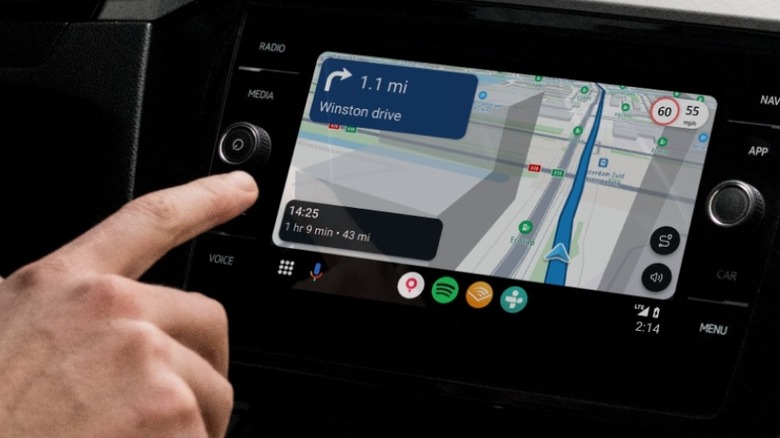
TomTom may not sell all of its hardware models in the U.S., but the company still offers a pretty decent maps and navigation app that includes Android Auto support. What's even better is that the app is free to use. It delivers turn-by-turn navigation, real-time traffic information, and speed restriction details right on your screen. You can also download offline maps to run the app seamlessly even when you don't have access to a data connection.
In other highlights, Android users get a navigation option designed for electric vehicles (EVs), which includes information about the closest charging stations and more. You can even set up your EV profile to get more accurate results. The app also has a distraction-free and ad-free interface that makes it easier to look at your directions and other map details. More importantly, it doesn't track your data and respects your privacy.
Android users have a favorable view of the app, rating it 4.3 out of 5. Some have said that they appreciate the level of detail in the maps and clean interface. On the downside, some users mention getting inaccurate data at times, particularly with businesses, and slow performance.
Sygic GPS Navigation
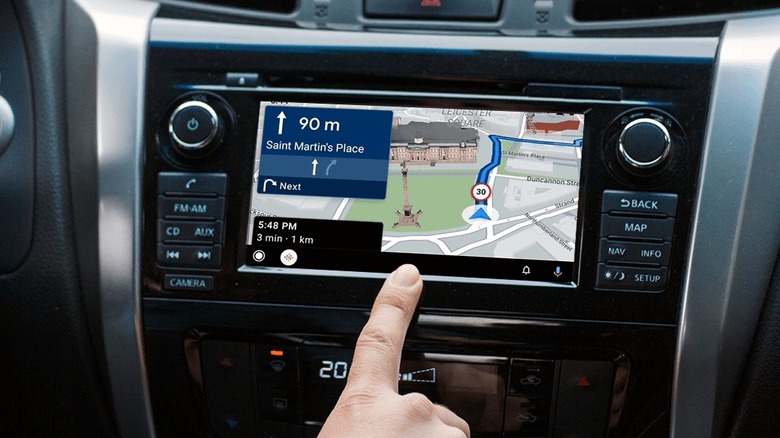
Sygic GPS Navigation is a feature-rich alternative to Google Maps that not only includes essentials like turn-by-turn navigation, walking directions, and points of interest (POI), but also offline navigation, live traffic alerts, and speed camera information. You also get lane assistance, information about traffic incidents along your route, fuel prices, and more. However, its free version is pretty limited and only gives access to the maps. For everything else, including Android Auto support, you'll need the Premium+ subscription, which costs $12 for three months or $20 annually. Sygic also offers a motorbike mode as an add-on to get twisty routing and a glove-friendly UI. This mode will set you back $50 (one-time purchase).
Google Play users have given the app a decent rating of 4.1 out of five and appreciate its detailed offline maps and user-friendly interface. However, some users voice concerns about the quality of voice-navigation prompts, excessive battery drain, and constant upselling.
OsmAnd
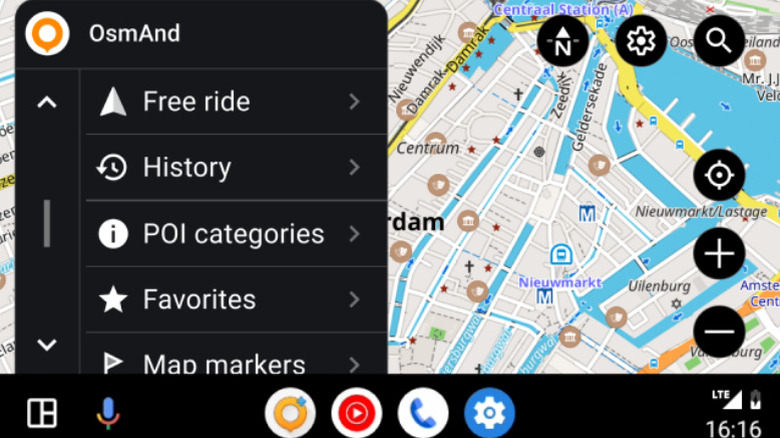
OsmAnd offers comprehensive maps and tons of control over your overall navigation experience. All the essentials are present, including the ability to download maps, turn-by-turn voice navigation, lane guidance, and speed limits. However, Android Auto support is a paid feature, available with a Maps+ or OsmAnd Pro subscription, which also adds several other useful features. The Maps+ annual subscription costs $15, or you can get it as a one-time purchase for $70. The OsmAnd Pro subscription is priced at $6 a month or $40 annually. You can also download the OsmAnd+ app for $70 and get access to Android Auto support. If you want to give the app a test drive in your car before laying out any money, there is a 10-day trial for Android Auto support available in the free version of the app.
OsmAnd sets itself apart from other navigation apps thanks to its support for custom map layers, contour lines, satellite overlays, and topographic maps. It's also great for rural navigation, dirt roads, or off-road trail driving. Google Play Store users have given the app a rating of 4.5 out of five stars. They highlight the app's support for importing GPX (GPS Exchange Format) files from other sources and the availability of tons of features. However, some users note the steep learning curve and the need to get a paid subscription for some of the essential features, like downloading more than seven maps or Android Auto access.
Calimoto
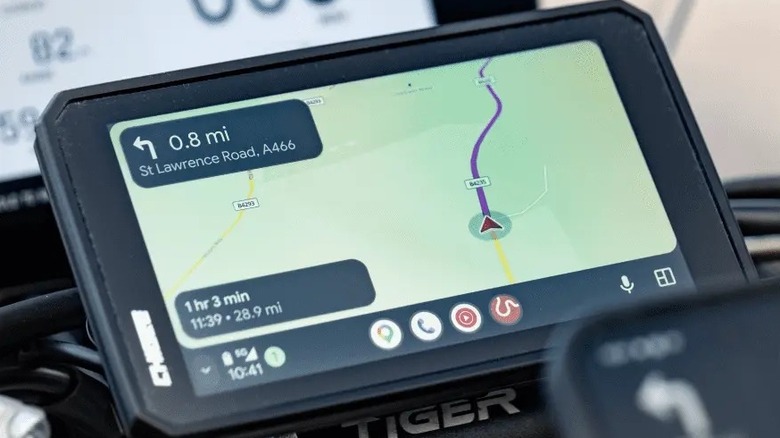
If you have a motorbike with an Android Auto-compatible display unit, Calimoto might be a pretty good option for you. It's a navigation app designed for motorcycle riders and is filled with exciting and useful scenic routes that you don't typically find that easily on Google Maps or Waze. You can use it to avoid the boring highway and take the backroads or other less-traveled paths to make your ride a little more enjoyable. After all, riding is often less about reaching the destination and more about the journey.
Calimoto offers turn-by-turn navigation with voice instructions and can also inform you about points of interest on your route, including gas stations, restaurants, and even the famous biker hangouts. The app also supports offline maps and navigation, ensuring you won't be left stranded in a remote area. While you can plan your rides or import routes from other apps and view POIs for free, you'll need a premium subscription to access the rest of the features, including offline maps and navigation. The subscription starts at $13 a week or $80 for a year. There is also a 14-day trial to assess the app.
Calimoto has received generally positive feedback from Android users on the Google Play Store, with an average rating of 4.3 out of five. Users find it easy to plan routes, love its interface, and appreciate the inclusion of speed limit color coding for roads. However, some find it to be a bit expensive and note the outdated data for closed roads.
MapQuest
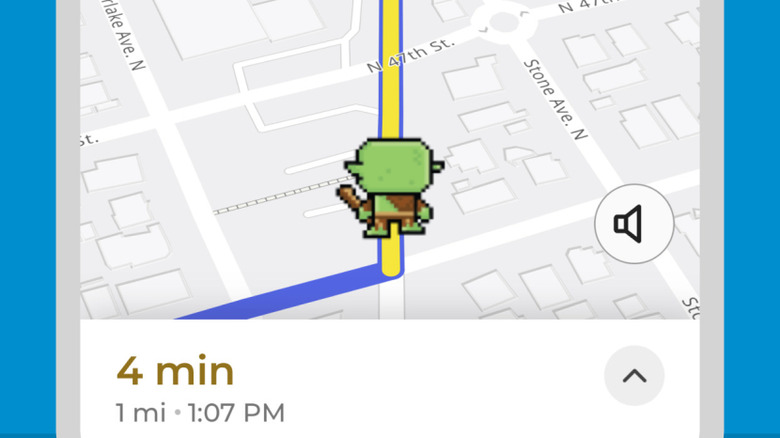
Years before Google Maps arrived on the scene, MapQuest debuted the world's first online map and navigation functionality in 1996. For nearly a decade after that, it was the go-to mapping app for many. However, the rise of smartphones and the popularity of Google Maps resulted in the erosion of MapQuest's market share. However, MapQuest is back and introduced a proper app in March 2026. It went viral later in the year after refusing to rename Lake Ontario as Lake America, following President Trump's executive order, and even dethroned Google Maps as the top travel app. It also didn't wait around and quickly came out with support for Android Auto. As a result, MapQuest is another navigation app that you can consider as an alternative to Google Maps and Waze.
The MapQuest app offers maps and navigation information for the U.S. and Canada, including satellite imagery, turn-by-turn voice directions, walking directions, real-time traffic updates, and optimized routes. You also get a speedometer to compare your speed with the speed limit, favorites, and support for multi-point routes. Moreover, it can show points of interest and local weather, and there is even a Wear OS version of the app.
MapQuest has garnered a solid rating of 4.6 out of five on the Google Play Store. Keep in mind, though, that this rating could have been influenced by some of MapQuest's recent decisions. That said, users like the Android Auto support and lots of voice options for directions. However, as you can expect, the relatively new support for Android Auto means you'll have to deal with some rough edges, including latency issues and a heavily zoomed-out perspective. The company is also calling it a beta. However, many of these issues could be fixed soon as MapQuest works to improve the experience.
How we selected these navigation apps
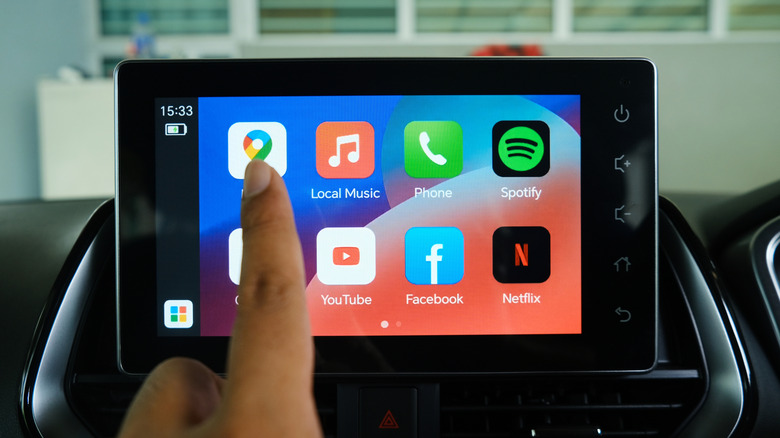
Although Google Maps and Waze dominate the mapping and navigation landscape on Android Auto, there is a decent selection of alternatives in the Google Play Store. When sifting through these choices, we first focused on apps that are confirmed to run on Android Auto, as well as offering turn-by-turn navigation support, either completely for free or using a paid add-on.
With that feature set established, we narrowed our focus to mapping apps that have received generally positive feedback from Android users based on reviews in the Play Store. Beyond the written word, we also considered cold, hard numbers: All of our recommendations have garnered an average user rating of at least four out of five stars on the Google Play Store.