

Do Older AirPods Still Hold Up After Years Of Use?
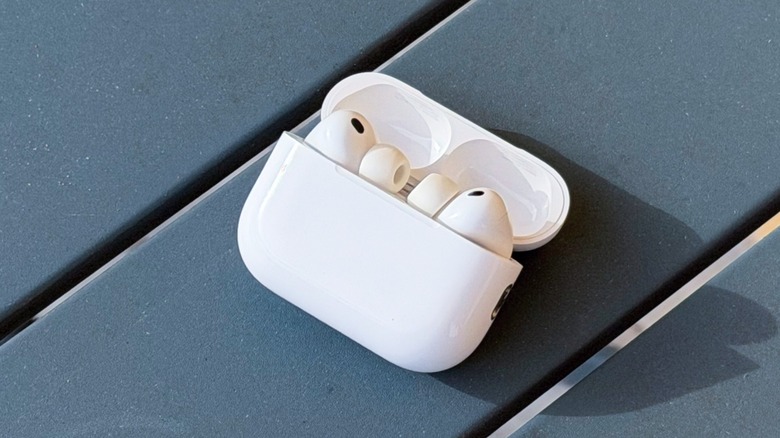
When you spend the money for a product like Apple's AirPods, you expect them to hold up for years. Based on my experience, that's a reasonable expectation to have. Besides battery life degradation, which is inevitable, there's no evidence that the audio quality gets worse. The exception to this rule is that users who fail to regularly clean their AirPods do find that sound quality degrades over time. This is one of several reasons why cleaning your earbuds is so important.
In addition to the audio quality staying consistent over time, Apple hasn't discontinued any notable AirPods features. If you have a pair of first-generation AirPods and want to connect them to an iPhone 17, the earbuds still offer automatic pairing, easy syncing between Apple devices on the same Apple Account, and auto-pause/play when putting the earbuds in or taking them out.
Of course, AirPods might not last as long as you'd expect if you don't take care of them, such as not cleaning them properly (both earbuds and charging case), dropping them, or tossing them into your bag with abandon. While you can't check battery health on Apple's earbuds like you can on an iPhone, you might begin to see signs of wear. A couple examples of that include reduced listening time on a single charge as well as one earbud draining significantly faster than the other. Thankfully, though, there are a few things you can do to maximize your older AirPods' lifespan.
How to mitigate battery life degradation on AirPods
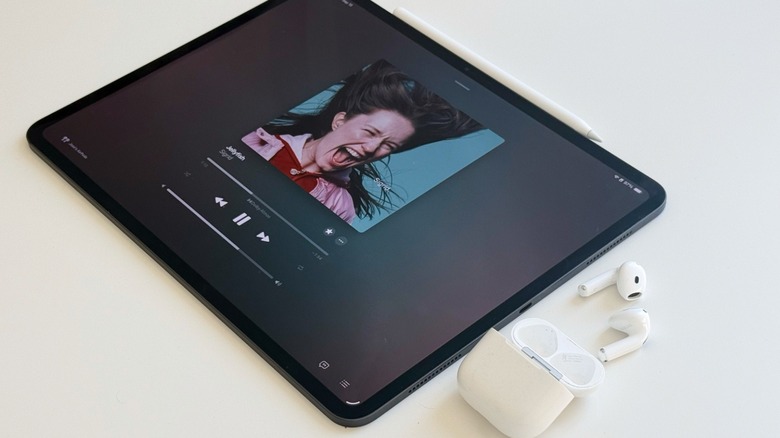
On AirPods, uneven battery drain usually happens because one earbud is doing all the heavy lifting to operate the microphone. Active voice calls and offline voice assistant commands draw more power than just listening to music does, and in my years of using AirPods, I've noticed that Apple doesn't typically change the microphone's earbud assignment when it's set to Automatic. One way to avoid this issue is to manually swap which earbud is used as the default microphone every once in a while.
To do that, navigate to your iPhone's Settings app, then tap Bluetooth, then tap the blue info icon next to your AirPods. On the Microphone setting, switch between Always Left and Always Right every every month or so. Doing so should help balance the battery wear of each of your AirPods over time.
Fortunately, some newer models come with software features that help offset charging-related wear. For instance, the AirPods Pro 3 use adaptive charging technology to learn your daily usage routines. In doing so, the software intentionally pauses the charge until right before you usually start using them. Apple says this behavior "preserves the lifespan of your battery over time."
When should you upgrade your AirPods?
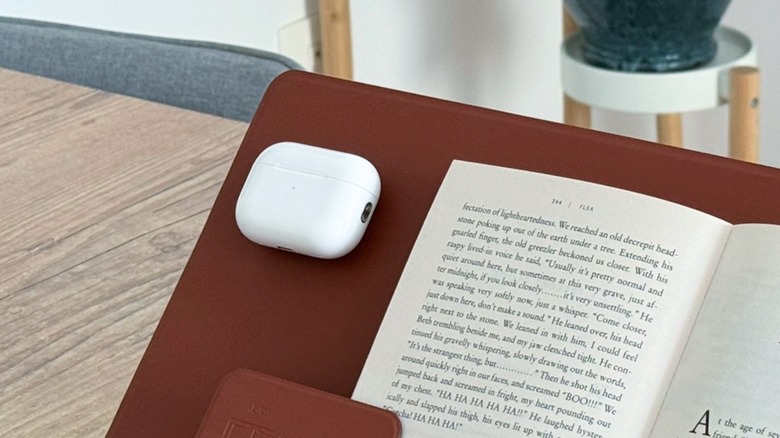
New generations of AirPods typically launch every two to three years. If you're a hardcore user like I am, you'll probably end up updating your hardware with each new AirPods release — not because they don't still sound good, but because battery life has noticeably degraded and you want all of the latest features that the new models offer.
Another issue that has pushed me to upgrade AirPods more frequently than I might otherwise is that one side might not charge properly after a while. Even though Apple has offered recalls in the past, it has been a common complaint for years, and it's plagued every pair of AirPods I've owned, including the AirPods 4 and AirPods Pro 3. While Apple never denied repairs under warranty, it just so happened that the issue reappeared right after my warranty ended.
If you're not quite ready to buy new AirPods, it's worth looking into Apple's service and repair options for AirPods. Across the earbuds lineup, battery service costs $49 for each earbud. Damaged AirPods, on the other hand, cost between $69 and $89. For the charging case, Apple charges between $59 and $99, depending on the model. Keeping in mind that the brand new AirPods 5 start at $129, you might just be better off buying a new pair.