

Why Your Galaxy Watch Might Be Overheating (And What To Do About It)
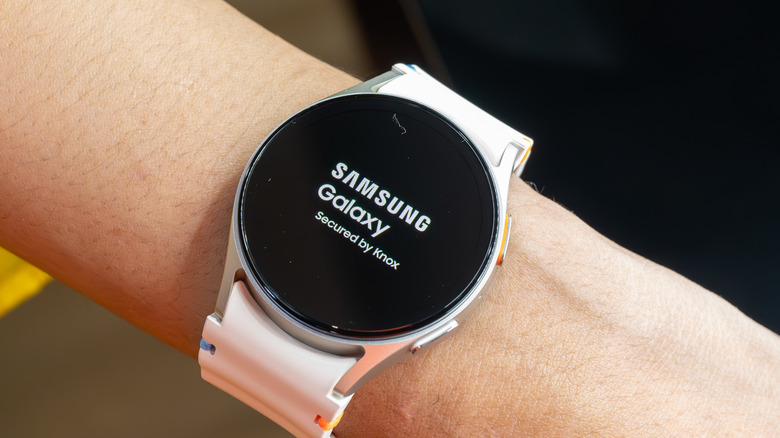
Your Galaxy Watch is basically a tiny computer strapped to your wrist. So, feeling a little warmth isn't necessarily a sign that something is wrong. However, there is a big difference between your watch feeling slightly warm during use or even while charging and getting so hot you want to take it off. Unfortunately, some users have run into the latter issue, with one Galaxy Watch 7 owner posting online about how their watch became uncomfortably hot while they were wearing it. This can happen if your watch uses more resources than normal, so check whether your battery is draining faster than usual.
Unfortunately, there isn't a single end-all-be-all explanation for why your Galaxy Watch might overheat. Samsung says processor-intensive apps, GPS tracking, software updates, direct sunlight, and even incompatible chargers can increase the device's temperature. So, if you've noticed your watch overheating a lot, it might be worth sitting down and evaluating which chargers you're using and whether you have a lot of apps running.
Your apps and settings could be making your Galaxy Watch hot
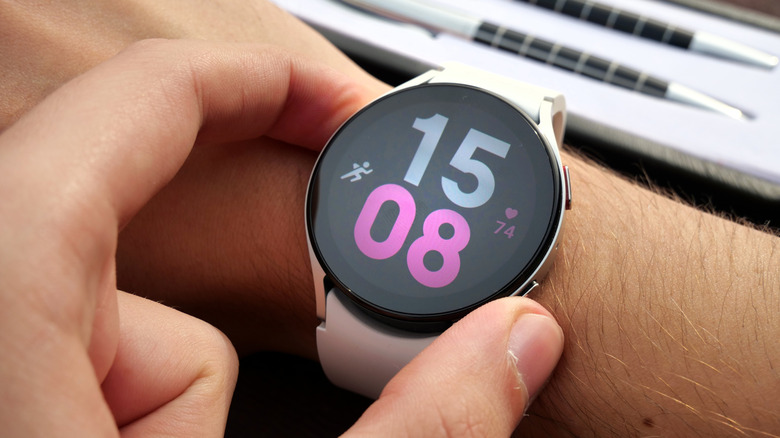
One of the first places to look is at what your Galaxy Watch is actually doing while you're wearing it. For example, extended GPS use, running multiple apps, and even initial setup data transfers can temporarily push the hardware harder and generate more heat. If you just updated your watch, you should expect it to be warmer, too, since it has been using more resources to download and install the update.
If you noticed the problem after installing an app, you can try removing it temporarily to see if that's the issue. It may also help to close any apps you're not using right now and make sure your watch and apps are up to date. Some features, like continuous health tracking, GPS, voice wake-up, and the always-on display, may also increase heat, depending on how much you use them. You can always try disabling some essential Galaxy Watch features to stretch your battery life a little further. This might also reduce processor use and help your watch run cooler.
Power Saving Mode could be another useful test. You can enable it through the Galaxy Wearable app under Watch Settings > Battery > Power Saving. You don't need to leave it enabled permanently, but if the watch runs much cooler with Power Saving Mode active, that could suggest a non-essential app is contributing to the issue.
Why your Galaxy Watch gets hot while charging
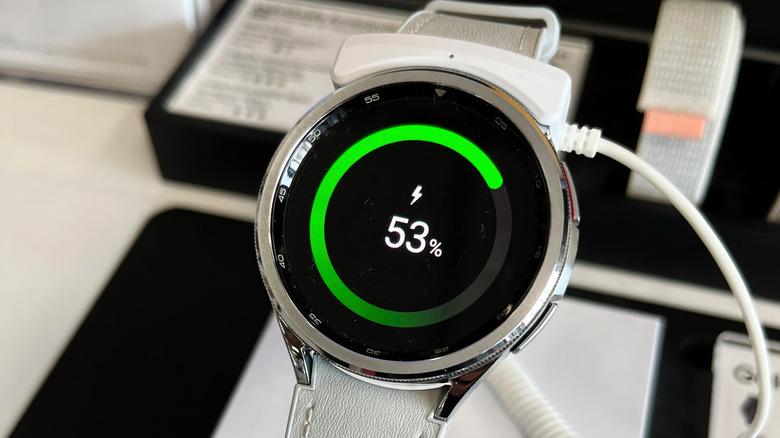
You've probably noticed that your Galaxy Watch gets warm while charging. Some warmth is expected while charging, and we suggest following the best charging practices to help keep your watch's temperature down. However, if you notice your watch getting painfully hot while charging, disconnect it and let it cool down immediately before putting it back on the charger.
If you run into this issue, start by checking the charger itself. Samsung warns that incompatible or defective charging accessories can lead to excess heat. It may be worth trying another compatible Samsung charger to rule out a charger issue. Also avoid charging the watch in direct sunlight or anywhere else that's already hot. Figuring out the best time to charge your Galaxy Watch for your environment can be really helpful.
More importantly, if you receive an overheating warning, don't ignore it. Samsung says that the Galaxy Watch will begin limiting functions as its temperature rises and if it continues, it may eventually shut itself down. If the watch remains too hot to touch after you've stopped using or charging it and given it time to cool, reach out to Samsung support and stop wearing the watch immediately.