

4 Bad Home Projector Habits You Should Avoid
Home projectors are more popular than ever, and it's easy to see why. Getting a huge, theater-sized screen in your living room used to mean a second mortgage and a professional installation crew, so most people just went with a TV. But today, projector affordability is among the many reasons to ditch your TV for a projector. However, it's worth knowing that, although these gadgets are a fun alternative, they generally need more care and attention than a TV in order to keep that cinematic magic alive.
The biggest difference is how hard a projector works to beam that massive picture onto your wall. These devices generate lots of heat since they use bulbs, lasers, and lenses to make your movie nights look perfect. But if a projector is treated with the same careless attitude as a cheap bedroom TV, the result can be a dead gadget. Movie night will be no more, and you'll have an empty wallet.
The good news is that keeping a projector alive and kicking is incredibly simple. It really just comes down to breaking a handful of common bad habits. Whether the setup involves a cheap backyard thrower for summer nights or a premium 4K unit for your dedicated media room, stopping these daily mistakes is the easiest way to protect your investment. Here are four of the worst bad habits projector owners can have and that you need to avoid.
Yanking the power cord out too quickly
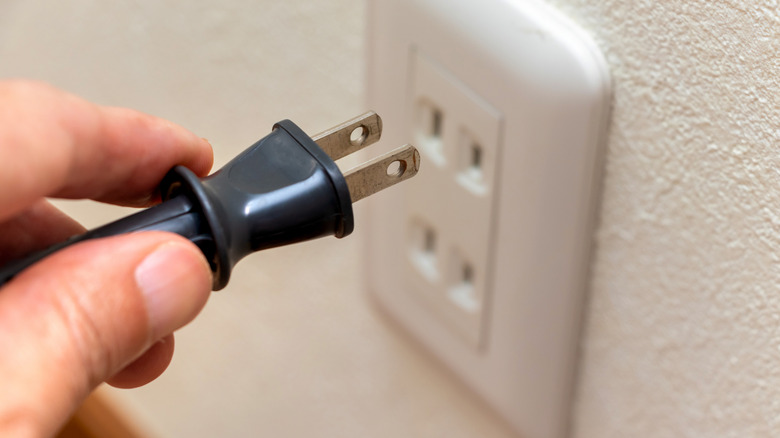
When the end credits finally roll, and it's time for bed, your natural instinct might be to just hit the power button on the surge protector or yank the plug straight from the wall. However, pulling the plug on a projector right after a movie is a straight-up mistake. Projectors run incredibly hot, and they desperately rely on their internal fans to keep everything from melting down and dying.
When you cut a projector's power outright like that, you're also stopping those fans from doing what they absolutely need to be doing. Now, your projector has an excess of leftover heat trapped inside from playing your movie, and if it can't get it out, it could start to damage the internal parts. This could mean issues like warping the plastic casing or even potentially causing its bulb (if it has one) to violently pop right inside the device. It's an easy way to ruin a perfectly good piece of tech in a matter of weeks.
Preventing this problem is easy: Just make sure you always turn off your projector with either the included remote control or the physical button on the projector itself. Shutting a projector off this way (as intended) lets it run its fans for a few minutes to help it push out any remaining heat. Only once the fan stops is it finally safe to unplug your projector, if needed.
Cramming your projector into a tight space
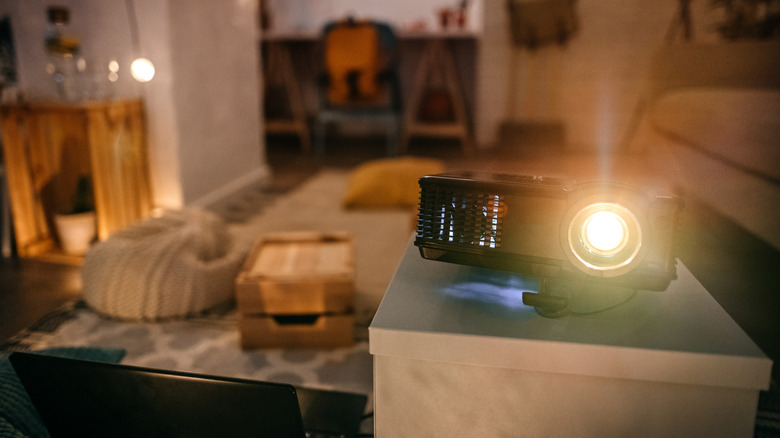
It's always tempting to hide a bulky or unattractive piece of tech inside a closed media cabinet or into a packed bookshelf. But while hiding the hardware might mean great things for your living room's aesthetic, it's one of the fastest ways to suffocate the device. Projectors need to breathe — they constantly pull in cool air and vigorously blast out hot exhaust just to stop the internal electronics from frying.
Jamming the device tight against a wall or crowding it with decorative clutter can end up completely blocking that must-have airflow, which is one of the reasons not clearing the right space is among common mistakes you can make when buying a projector. If the exhaust vents are covered, the hot air has nowhere to escape. If the intake vents get blocked, the projector just ends up swallowing its own hot air over and over again. And as you might expect, that forces the internal cooling fans into overdrive. They'll stay whirring at an annoyingly loud volume that'll end up drowning out the audio of whatever movie you're trying to watch.
What's worse, the trapped heat situation will eventually trigger an automatic thermal shutdown, and your projector will just power off in the middle of a movie to stop things from becoming a fire hazard. To keep your machine running smoothly, make sure to give your projector plenty of space around it. Leave at least several empty inches around any vented areas, if possible — a clean tabletop well away from walls or other obstructions, a ceiling mount, or a shelf that's dedicated to it and free of clutter are the safest spots.
Moving the device while it's still hot
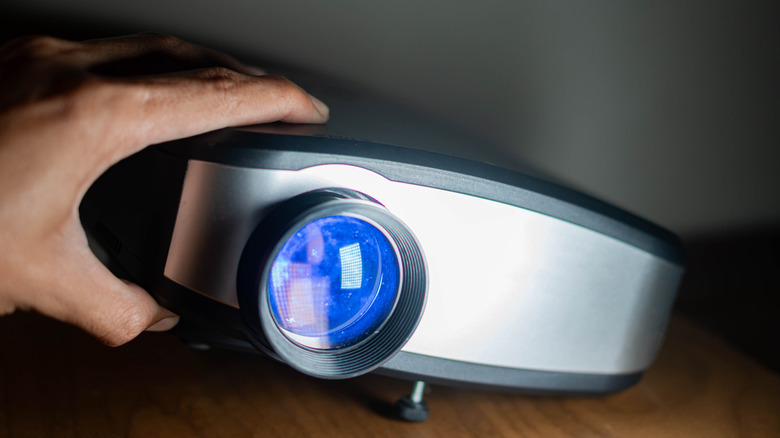
Portable projectors are fantastic for hosting spontaneous backyard movie nights with your friends and family. In fact, that portability is one of their major selling points. However, tossing a projector into a backpack or carrying it under your arm the second the movie ends is a bad idea. Why? Because projector internals, like the optical components, are wildly fragile, and that fragility actually shoots through the roof when those parts are still radiating heat after hours of continuous use.
The bulbs inside many projectors have tiny, pressurized glass filaments that become extremely sensitive to bumps and shakes whenever they're operating at peak temperatures. Dropping your projector onto a couch or even accidentally bumping it against a doorframe while it's still hot is an easy way to snap those internal pieces. Even newer laser or LED models have fans spinning at top speed and perfectly-aligned lenses that can't handle sudden, jerky movements.
So, the easiest fix is to just let a hot projector sit and cool down for a while. If the device absolutely has to change rooms or go back into its storage box that night, you should leave it alone for at least five to 10 minutes after you turn it off. Give the gadget time to run its fans and cool down enough for all those sensitive parts to settle. At that point, it'll be much safer to move around your house.
Ignoring routine filter maintenance
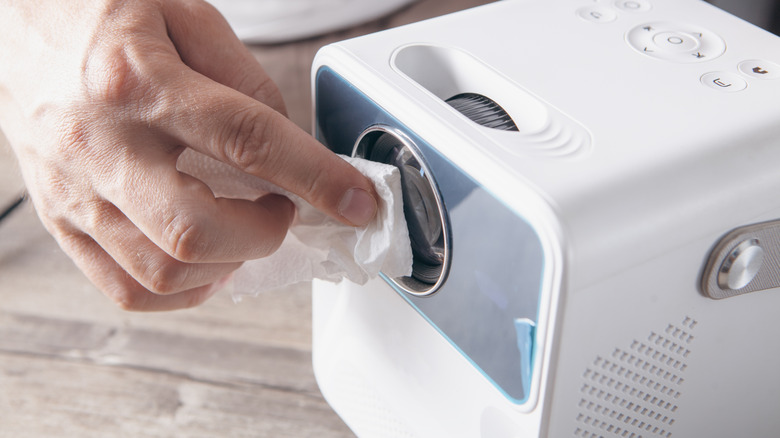
Whether you have an inexpensive option or one of the best projectors for home theaters, they're all susceptible to damage caused by dust. To keep the bright lights inside from overheating and melting everything, projectors suck in a ton of air from the surrounding area. However, along with that air often comes problematic gunk like pet hair, household dust, and other microscopic debris. To catch all of that grime, some units have a small, removable air filter that usually gets completely forgotten about after you set up the projector and get the good times rolling.
Letting a thick, gross sweater of dust build up in the air filter is a very common bad habit for projector owners that can also be dangerous, as it chokes airflow into and out of the device. A blocked air filter means none of that cool air it needs gets inside, which then causes the internal temperature to spike. Beyond that, if any dust gets pushed past the dirty filter, it could settle right onto the main lens or internal color wheels. That, in turn, means you could end up with issues like discoloration or a blurry image during movie nights.
Taking a few minutes every couple of months to maintain your projector's filter will save you a lot of headaches down the road. All you need to do is pop the filter cover off, pull the filter out, and give it a quick blast with some canned air. Taking care of that filter clean helps keep the fans quiet, your picture nice and crisp, and the projector itself running safely for years to come.