

What's The Difference Between Apple Face ID And Android Face Unlock?
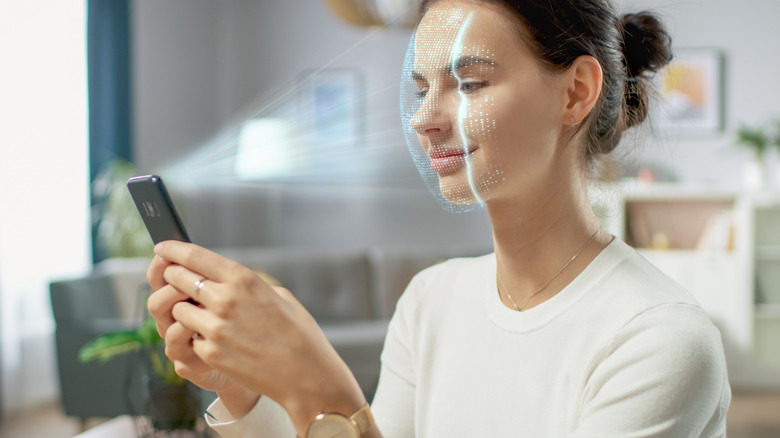
When it comes to on-device authentication, facial recognition is one of the most secure ways of preventing unwanted access. Depending on the implementation, facial recognition can be more secure than fingerprint scanning. Unlike something like a passcode, pattern, or password, a person's face, which is biometric, cannot be guessed or forgotten. On top of that, it lets you unlock your phone hands-free by looking at it and instantly gaining access to your device. Both Android phones and iPhones have facial recognition. On an iPhone, it's called Face ID, while on Android phones, it's called Face Unlock.
The biggest difference between Face ID and Face Unlock is that the former is hardware-based while the latter is software-based. This difference matters because it affects how secure and reliable these facial recognition systems are. Face ID is miles ahead of Face Unlock, and it's worth considering if security features weigh heavily in your decision between an iPhone and an Android phone.
Face ID uses depth perception in face recognition

Face ID came with the iPhone X, replacing Touch ID when Apple removed the Home button. When you set up Face ID, the TrueDepth camera projects tiny dots onto your face to create a 3D map, while also capturing an infrared image. It converts that information into a unique digital faceprint made from numeric code before storing it securely on the phone. When unlocking your iPhone, the TrueDepth camera scans your face and compares it to the faceprint for a match. So, Face ID isn't comparing pixels on a flat image, but a 3D representation of your face. It also works with sunglasses, hats, or in low-light conditions.
Face ID is widely accepted for authenticating logins and purchases in Apple's ecosystem and several third-party apps. It famously can't be fooled by a photograph since it's a 2D representation with no depth data. It also can't be fooled with a highly detailed mask. Face ID is also attention-aware, meaning it can tell when you're not looking at your phone. That way, no one can hold the phone in front of your face when you're asleep to unlock it. Apple claims that Face ID has a false positive rate of 1 in 1,000,000, with the probability being higher for siblings who look like you and children under 13 years of age.
Face unlock is all algorithms (no hardware)
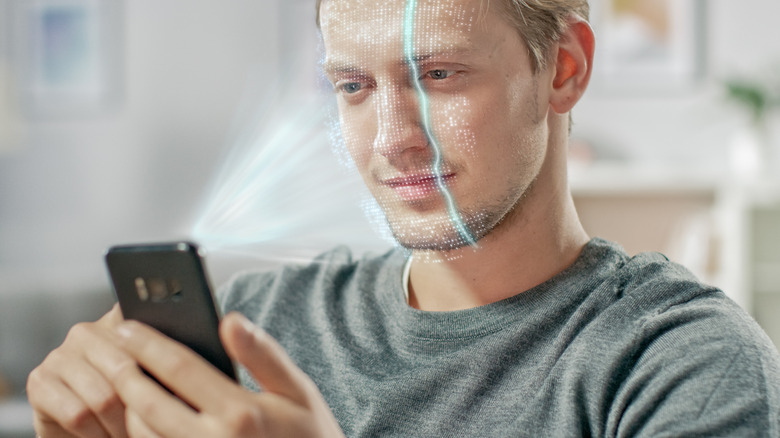
If you're using a budget or mid-range Android phone with face unlock, it's likely using 2D-based facial recognition. The face print these phones store doesn't include any 3D data. That means the scan checks against the flat image that is stored as your faceprint. It also doesn't take an infrared image, meaning it can struggle in low-light conditions. Without depth perception like the iPhone's TrueDepth camera, the selfie camera can also struggle with hats and sunglasses. Furthermore, it can't tell if it's scanning a real person or a picture, making it easier to fool.
Which?, the UK's largest consumer protection organization, has been testing facial recognition on Android phones since 2022. Of the 208 phones tested, 133 (64%) of them were tricked by a printed 2D photo. These phones were from popular manufacturers like Samsung, Motorola, Asus, OnePlus, and Nothing. Which? recommends using fingerprint scanning or a passcode over basic facial recognition on these phones.
The few Android phones that weren't fooled were recent flagships like the Samsung Galaxy S26 and Google Pixels. Google Pixels warrant a mention because face unlock on the Pixel 8 and newer is classified as a Class 3 biometric (the highest an Android can achieve). It can even open banking apps. It's still all software, but the Pixel's face unlock uses highly advanced machine learning (powered by its Tensor chips) to prevent spoofing.