

You Can Use Google Live Translate Offline - But Only On These Phones
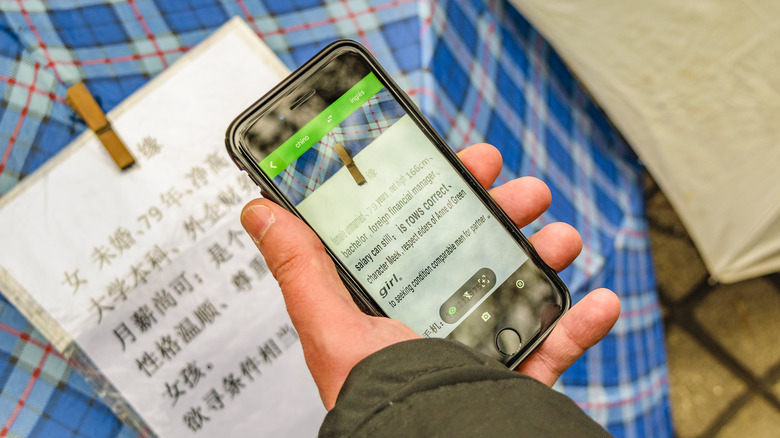
Google Translate just got a lot more useful for travelers, especially if you're heading somewhere you can't count on having reliable cell service. That's because Google has finally added offline support to Live Translate. That means you can now take advantage of the app to translate live conversations even when your phone isn't connected to the internet. Until now, Live Translate required a data connection, even though Google Translate has supported downloading languages for more basic offline translation for years.
Unfortunately, there is a pretty big catch. According to Google's updated support page, offline Live Translate is currently only available on Pixel 9, Pixel 10, and Pixel 11 devices. That means older Pixels, Samsung Galaxy phones, and other Android devices will miss out on the feature, at least for the time being. Android Authority first spotted Google working on the feature earlier this year, and the version that is now rolling out appears to support even more languages than those early tests suggested.
Google also recently expanded Live Translate so Android users can keep a translation session running in the background even when they switch apps or lock their phone. Live Translate also works with or without headphones, and Google says more than a third of live translation sessions now last longer than five minutes. Adding offline support will no doubt make the feature even more useful in the places where translation can matter most. Crowded places like airports and trains can have spotty service, so being able to stay connected to the internet isn't always easy in those situations. Offline support should help alleviate that issue, though.
These Pixel phones support offline Live Translate
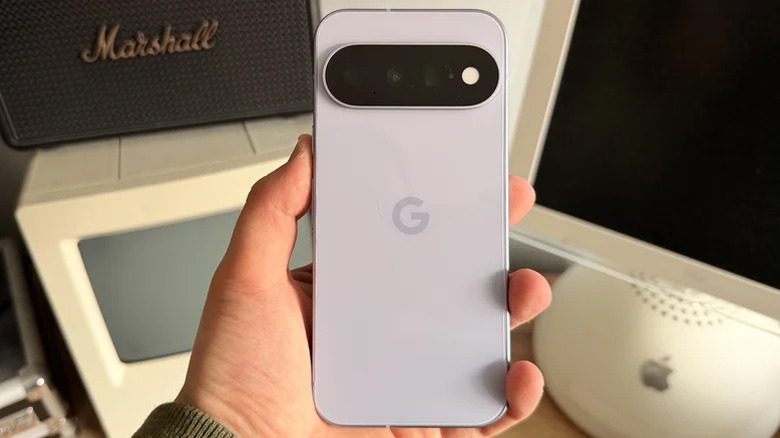
Offline Live Translate is only available for Pixel 9, Pixel 10, and Pixel 11 users. For now, if you're using a Pixel 8 or older, you won't get the new offline mode. Even though the regular Live Translate feature is available on Samsung, OnePlus, Motorola, and other Android devices, offline mode won't be available on them.
Google Translate itself has offered offline translation for a while now, and users can already download language packs and translate text without an internet connection. The company also expanded on that offline language list by adding 33 additional languages back in 2023. However, completing all of this live requires some serious power, and that likely means taking full advantage of the new AI power in the latest Pixel devices.
Google hasn't explained why the feature starts with the Pixel 9 series rather than extending to older phones, as those older devices have offered support for other AI features in the past. However, the Pixel 10 and newer phones can perform Google's Live Translate feature for phone calls without an internet connection, so there's likely some kind of performance and power element at play here. For Pixel owners who travel regularly, offline conversation translation is another reason you may want to go with a newer Pixel device over another brand if you're upgrading soon.
Offline Live Translate doesn't support every language

It's also important to note that the offline version of Live Translate is far more limited than the online version when it comes to languages. Google's regular Live Translate mode supports more than 70 languages, but offline conversations currently only work when translating from English to 10 other languages: Italian, Spanish, French, German, Portuguese, Hindi, Russian, Swedish, Japanese, and Indonesian. You can't use the offline mode to translate directly from Spanish to French.
To set up offline mode, head to Google Translate > Live Translate, and choose a supported language from the language picker. Languages that support both offline Live Translate and normal offline text translation are marked Live & Text. You can tap the download icon to save the language pack you want. You can already use Live Translate on your Android phone with any wireless earbuds, and you can now keep a Live Translate session running even with your screen locked.