

You Can Preserve Your Home Projector For Years To Come - Here's How
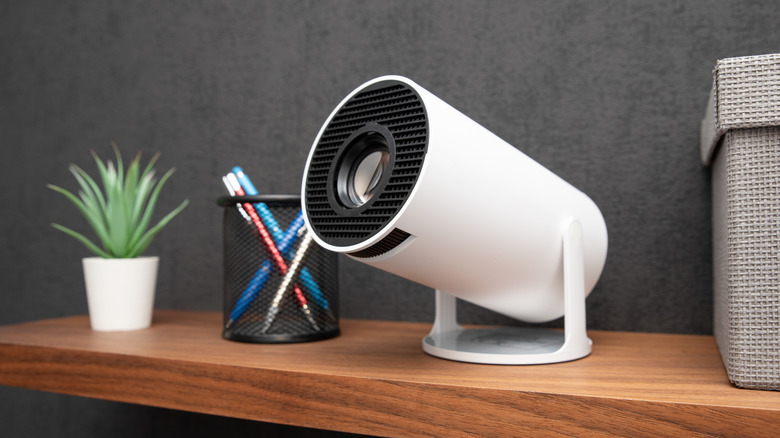
So, you finally own a home projector. That means movie nights can feel a little more special. At the back of your mind, though, you may wonder whether it will survive a 24-hour movie marathon, how many flicks you can go through before the picture quality starts to fade, or what to do when parts wear out. But before you spiral over how long projectors can last, you need to remember three practices to preserve its lifespan: Proper usage, storage, and maintenance.
A projector's shelf life depends on its build type and how you use it, but the typical lifespan of LED and laser-type projectors range between 20,000 and 25,000 hours — that's 8,000 movies, at least. However, just because you've purchased the latest model does not mean it is immune to overheating or malfunctioning. It's important to realize that these problems are often caused by dust buildup, poor placement or storage, and power interruptions that negatively affect internal parts.
Recommended usage and storage methods for your home projector
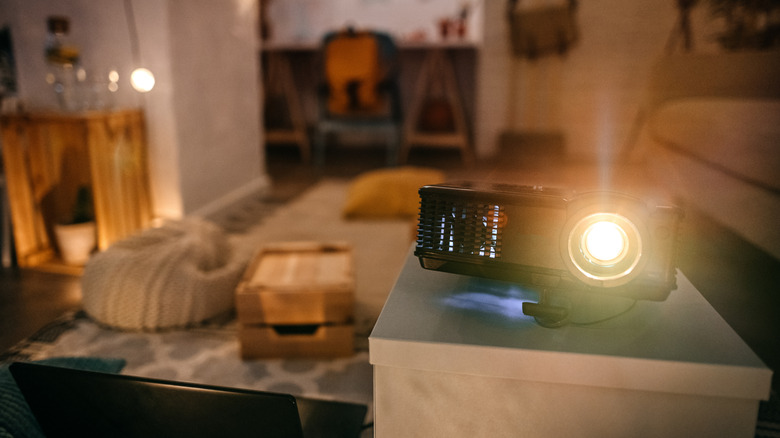
Plenty of owners report that using a projector every day is fine. To extend its lifespan, some users have recommended turning on eco or low-power mode during use. This lowers the light output and power consumption, which reduces the probability of overheating and extends the life cycle of the projector's light source. Others suggest limiting daily projector usage to a maximum of four hours, and then shutting it down completely when not in use.
Perhaps more importantly, choosing the best setup for your projector is crucial to prevent issues like overheating or glitchy displays. For instance, running the device inside a closed, cramped cabinet or in a dusty, poorly-ventilated space will likely cause the projector's cooling system to work harder and compromise the life of its components. Generally, you should place your projector on an open shelf, or a mesh stand where air can flow freely around it. Moreover, do not place fabric underneath your projector and keep it away from direct sunlight, moisture, and and any locations where dust can make itself comfortable inside the vents.
Projector cleaning and troubleshooting tips
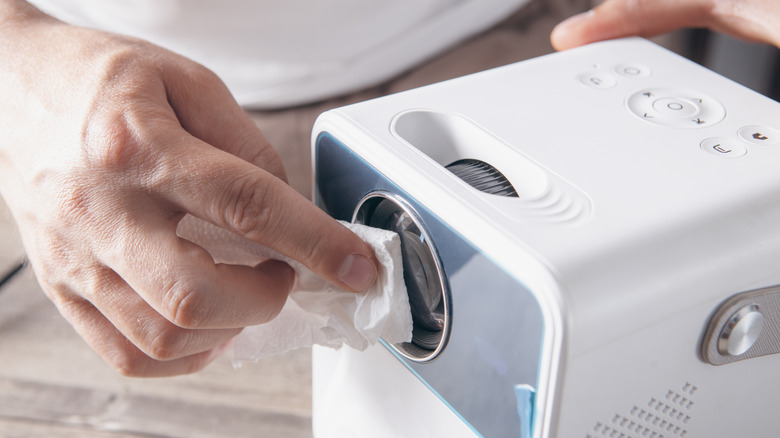
Forgetting to clean the lens and ventilation parts are some of the common mistakes people make after buying a projector. Even if you keep it in a cool, well-ventilated spot, it is still possible for dirt to end up in nooks and crannies. If you notice your projector heating up faster than usual, or dust surrounding the lens, it's time to implement some basic maintenance. Wipe the exterior with a microfiber cloth, and use compressed air to blow particles off your projector's lens and fan. Some models have a dust filter, so make sure to take that out and clean it regularly.
Should you turn your projector on and notice a significant decline in image quality, look for warning lights indicating whether your projector lamp needs checking. In the event you you hear a loud pop after activating the system, it is an unfortunate sign that your bulb needs replacing. On the other hand, if your unit starts to make grinding, buzzing, or clicking noises, these may indicate that the fan has issues, and it is time to consider getting a new model.