

What Will Change To Your Kindle's Library If You Stop Paying For Kindle Unlimited?
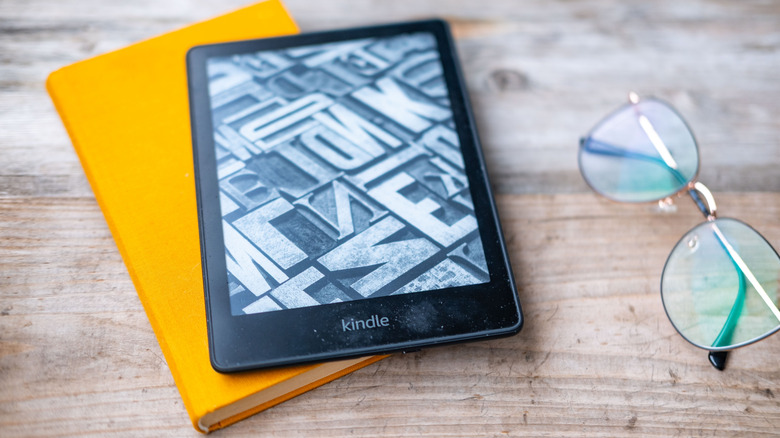
Amazon's giant digital library subscription is one of many reasons why owning a Kindle is still worth it to enthusiastic readers, but subscription fatigue is a real problem today. If you're looking to spare your budget a few extra bucks by stopping your Kindle Unlimited subscription, you might wonder what will change in your Kindle library. The good news? Your device won't suddenly morph into a useless paperweight just because you slashed an expense. Still, there are immediate shifts to the Kindle's core reading experience that you should know about and prepare for before hitting cancel.
Here's the biggest reality check when you finally stop paying for the service: Those borrowed titles sitting on your home screen are entirely on borrowed time. Any ebook, audio file, or digital magazine checked out through the Kindle Unlimited catalog is tethered to your active subscription. The second your current billing cycle ends, those specific files disappear from your account. The next time your device syncs with Amazon's servers, the books will vanish from your device, too.
Thankfully, the rest of your digital library remains perfectly intact and ready for your next beach vacation. Any titles purchased directly from the Amazon storefront are permanently yours to keep, regardless of whether you have an active subscription during checkout. Those outright purchases stay safely downloaded on your Kindle, ready to be cracked open whenever the reading mood strikes.
Preserving notes and exploring Kindle Unlimited alternatives
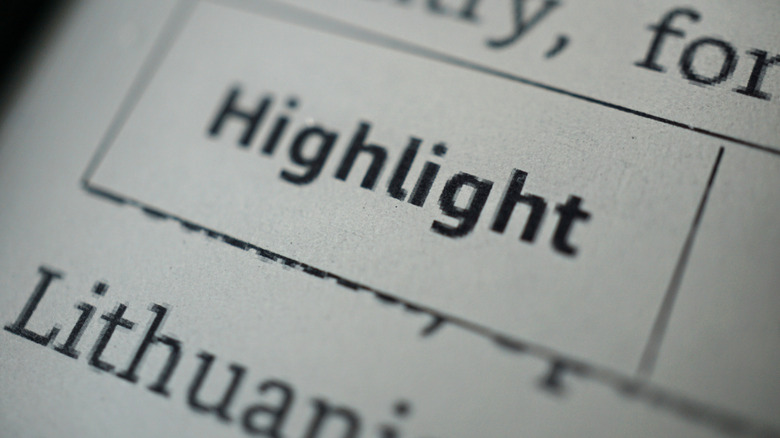
A major point of anxiety for the folks who like highlighting and taking tons of notes is figuring out what happens to all of their digital marginalia on their Kindle if they end their Kindle Unlimited subscription. After all, that bit of text belongs to them, not Amazon. Losing pages of meticulous study notes just because you no longer have a subscription would be frustrating, if not devastating, to some. Luckily, Amazon's cloud infrastructure preserves all of these personalized notes totally independent of the actual downloaded book file. Even after all those borrowed titles are wiped from your Kindle's local storage, your digital highlights and typed notes remain securely locked to the associated Amazon account. So don't worry: If you ever outright purchase one of those books down the road (or borrow it again), you can expect to see all of your custom annotations pop right back into place.
If you still have an Amazon Prime membership, despite cancelling Kindle Unlimited, and still crave a rotating selection of fresh reads, diving into the hidden perks of a standard Prime membership is a smart move. Many Kindle owners overlook Prime Reading, a smaller but entirely free rotating catalog of books and magazines bundled directly into your Prime subscription. It's a solid alternative, offering hundreds of highly rated fiction and nonfiction titles at absolutely no additional cost to Prime members. And if you pair that with these must-change settings for your Kindle, you'll be reading comfortably in no time.
Other totally free alternatives to Amazon
If you're ditching Kindle Unlimited and your Amazon Prime subscription, there's no reason to let your Kindle collect dust or ditch it for non-Amazon e-readers. There are free book sources outside of Amazon, and the best budget-friendly workaround for many is a local public library card paired with the Libby app. Through an official integration, Libby lets users wirelessly beam borrowed library books straight to their Kindles. There is one geographical catch, however: This native Kindle support is exclusively for library cards in the United States. For U.S. readers, these borrowed titles behave exactly like regular purchases do on your Kindle.
Beyond your library, an entire universe of zero-dollar literature sits waiting across the internet. Public domain books, which are those old enough to have lost their copyright protection, are free and widely available from repositories like Standard Ebooks and Project Gutenberg. There, you'll find thousands of titles to download, often formatted as EPUB, TXT, or PDF files. Though Kindle devices refuse to open EPUB files transferred via USB, Amazon's official Send to Kindle web tool uploads and sends these files to your device in seconds.
Pair those archives with daily deal aggregators like BookBub or even Amazon's own Top 100 Free list, and you can find plenty to read while still keeping your budget intact. Readers who want to use a Kindle without paying Amazon definitely do have other options. They may take a little more work on your end, but the money you'll save is worth the effort.