

Should You Charge Your AirPods Wirelessly Or With A USB Cable?
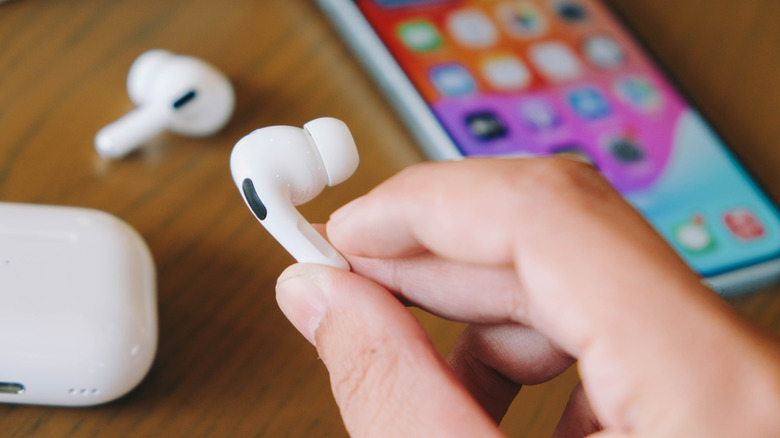
You figured out which AirPods are best for you, and now you set your AirPods on a wireless charging pad at the end of the day. It's an easy, cord-free routine, but a lingering question likely remains in the back of your mind: does avoiding a cable actually wear down the AirPods' battery faster? The internet is full of terrifying rumors about wireless pads destroying lithium-ion cells over time. However, Apple recommends both charging methods, so neither affects your earbuds' lifespan.
The charging case is the reason: it acts as an incredibly smart bouncer between the wall outlet and the earbuds. When the case draws power, it strictly controls the exact voltage needed to charge safely. More importantly, it manages how that electricity flows into the actual AirPods resting inside. This intelligent power management system stops accepting juice the exact millisecond the battery hits maximum capacity, so they're ready to use and avoid any problems with Apple AirPods.
And because the case handles the heavy lifting, the choice between wired and wireless comes down to convenience. A cable is great for a rapid power-up before rushing to the gym, while a wireless charger keeps your nightstand or desk looking tidy. Either way, your AirPods' internal batteries stay completely safe.
Understanding power delivery and actual battery threats
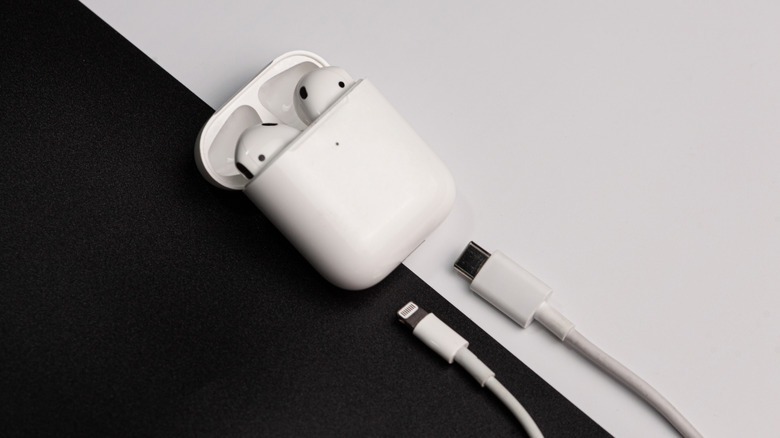
Physical cables are flat-out more efficient; pushing electricity through copper wastes almost no energy. Alternatively, wireless pads rely on electromagnetic induction to beam power through the air. That invisible leap isn't as tidy, and any energy lost in the process instantly turns into heat (the enemy of lithium-ion batteries). But before you panic, remember that AirPods only sip a microscopic amount of power compared to a wirelessly charging phone. The wattage here is so low that the tiny amount of waste heat generated is harmless to the battery.
So, what actually destroys battery health? The real villain is extreme environmental heat. Leaving that case on your car's dashboard during a blistering summer afternoon will degrade the internal chemistry faster than daily wireless charging ever could. Another pitfall is letting the battery die completely before you charge it again, since draining lithium-ion battery cells to zero creates severe voltage stress. The fix is simple: the moment you're done listening to music or podcasts, drop the buds back into their case to keep them from completely dying.
There's also one of many AirPods features you should manually enable: Optimized Battery Charging. This clever feature learns your daily usage routines, then holds the battery at 80% until just before you leave for work or to go exercise. This also stops your AirPods from sitting at 100% for hours, which can also damage the battery. Now your buds can stay healthy and running for years.