

The 3 Levels Of Your Android Phone's Biometric Security

Android has three tiers of biometric security. Each tier's strength depends on several factors, including its spoof acceptance rate (SAR), how often users must use their fallback authentication method, and how easily the data can be read outside the execution environment. The requirements are as follows:
-
Class 1 (formerly Convenience): For users who want a quick way to unlock their device. Requires primary authentication every 24 hours, after four hours idle, or after three failed biometric unlock attempts. SAR of under 30%. Can be used only to unlock devices, not for in-app authentication.
-
Class 2 (formerly Weak): This middle-ground between convenience and security has the same requirements as Class 1, but with a SAR of under 20%. Encrypts biometric data and performs matching in an isolated environment. Can be used to authenticate in-app.
-
Class 3 (formerly Strong): Most secure. For users who want to lock down their device. Same requirements as Class 2, but with a SAR of under 7%. Cryptographic keys aren't visible to the operating system. Primary authentication required every 72 hours.
Currently, the only Android devices that earn a Class 3 rating for facial scans are the Google Pixel 8 and newer. Unlike their rivals, these use machine learning algorithms to stop attackers from beating facial-recognition systems using Live Photos or videos. This is a huge benefit and one of many reasons to consider a Pixel over other Android phones.
How to ensure your Android phone is properly-secured
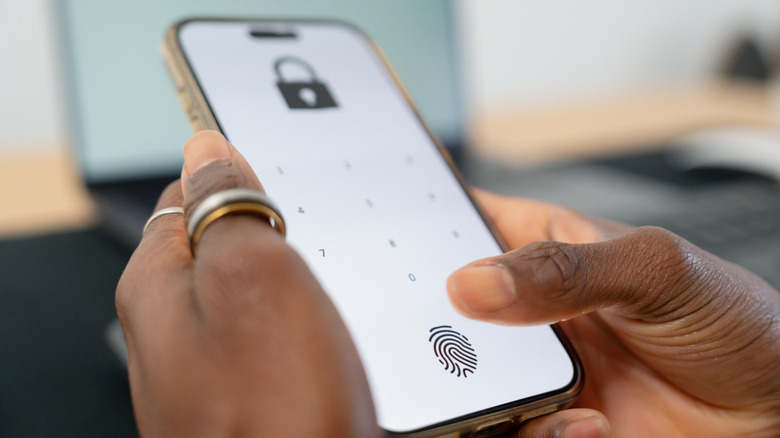
Scanning your fingerprint to unlock a device might not be as convenient as scanning your face, but that can actually be an advantage. Let's say someone discreetly picks up your phone and points it at you; some devices make sure you're actually looking at the screen, but most don't. The camera may also see someone who looks vaguely similar to you and decide that's good enough, rendering it functionally useless. To be clear, fingerprint scanners can be beaten too; it just takes more effort.
You may also want to rethink pattern-based verification. While a 3x3 grid offers more combinations than a four-digit PIN, studies show users consistently start in the top-left, which greatly reduces this method's effectiveness. In fact, nearly one-third of all patterns could be cracked within 20 attempts, and that's without researchers being able to see any helpful smudges or trails on the phone screen.
Finally, use Android's built-in security features such as Lockdown mode, which disables biometrics, prevents USB connections, and temporarily blocks notifications. You might also want to disable features that reduce security by keeping your device unlocked, such as Extend Unlock, Trusted Places, and On-body detection. While no device can be 100% protected against unauthorized access, this is a step in the right direction.