

Why Your Android Buzzes When Plugging It In (And Why Multiple Buzzes Could Be A Problem)
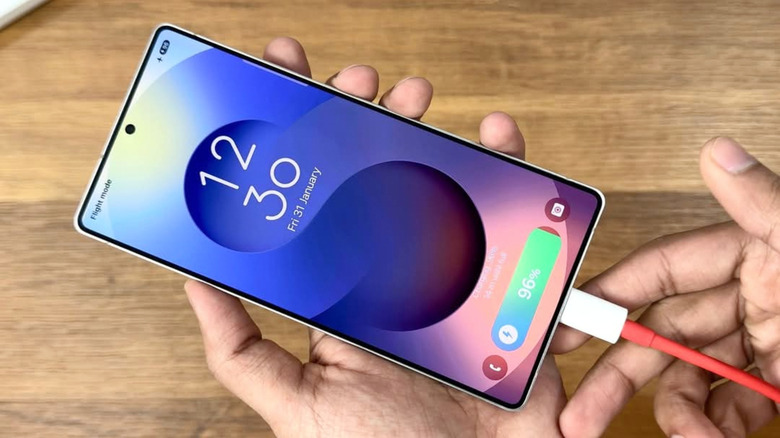
When you plug in a modern Android phone or tablet, it's normal for the device to vibrate briefly, and there may be an accompanying sound, too. This "buzzing" feature exists just to let you know that successful contact has been made with an active charging source. In other words, the cable you plugged in is working and providing at least a slow trickle of power.
If your Android device buzzes multiple times after you've connected it to a charging source, though, that's a red flag. It most likely means that the connection is faulty in some way. Each instance of haptic feedback is another charge attempt failing and restarting, and your Android should only start charging once every time it's plugged in. Depending on the source of the issue, a faulty connection could damage your Android device. Regardless, your rate of charge is almost certainly lower than what it should be.
There's also a small chance that a third-party battery app you installed is generating extra buzzes. If you have any battery-related apps installed, you might solve the issue by adjusting that app's settings, or by simply uninstalling it. Even if you don't have any battery apps installed, though, resolving a charge buzzing problem is usually easy.
Fix multiple buzzes by cleaning the USB port
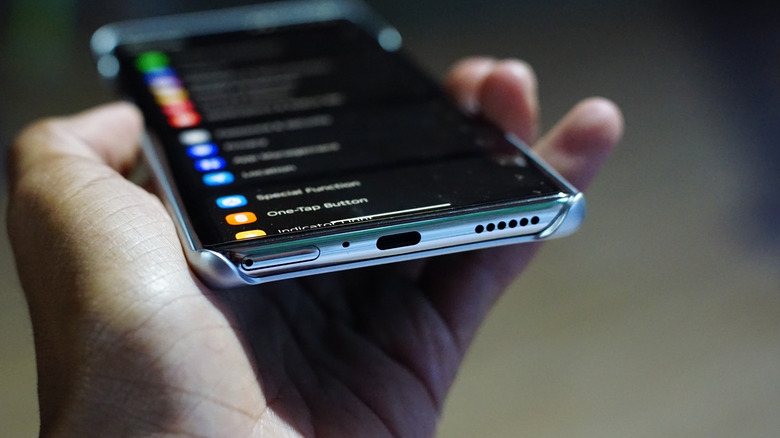
When your Android phone is buzzing repeatedly due to a faulty connection, the simplest and quickest fix is to clear debris from your phone's USB port. Use a can of compressed air to blow out dust, dirt, or lint that's collected in the port. If you can see debris still stuck in there, try using a blunt toothpick to free it, being careful to avoid scratches to the connector pins. For good measure, blow out any debris inside the charging cable connector, or the port on the charging block itself, if it has one.
If you're still getting multiple buzzes while charging after cleaning all your charging equipment, then you probably have faulty hardware on your hands. You can isolate the problem by testing other cables and charging sources to see if the same buzzing issue happens. If it doesn't, then you should look into a new cable or wall charger. If the problem persists no matter how you charge your phone, then you can be sure it's an issue with the phone itself. In that case, you should bring it to a professional phone repair service. With some confidence, you can also try repairing the USB charging port yourself.
You can turn the charge vibrations off completely
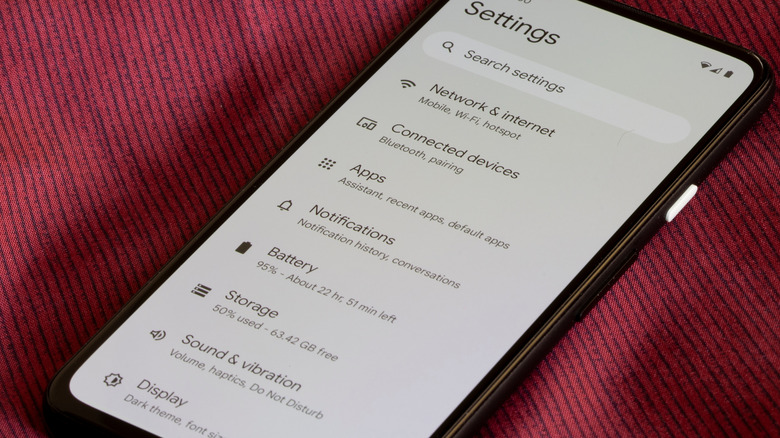
If the charge buzzing really bothers you, turning it off entirely is possible. On your Android device, go to Settings > Sound & vibration > System sounds & vibration. There, you can toggle off the option "Charging sounds and vibration." From then on, you'll have to eyeball the power icon in your Android status bar to find out if and when your phone is charging.
You should think carefully before toggling the charging buzz feature off, though. It's useful to get a clear signal if and when charging begins. After all, who hasn't plugged a cable into their phone to charge it and didn't realize until later that the cable wasn't attached to a power source? In the case of repeated vibrations, knowing there's a problem ensures your Android phone is working optimally and isn't subject to undue damage. Feedback, as with many aspects of life, is valuable.