

You Can Use Any Galaxy Watch With Your iPhone - Here's How
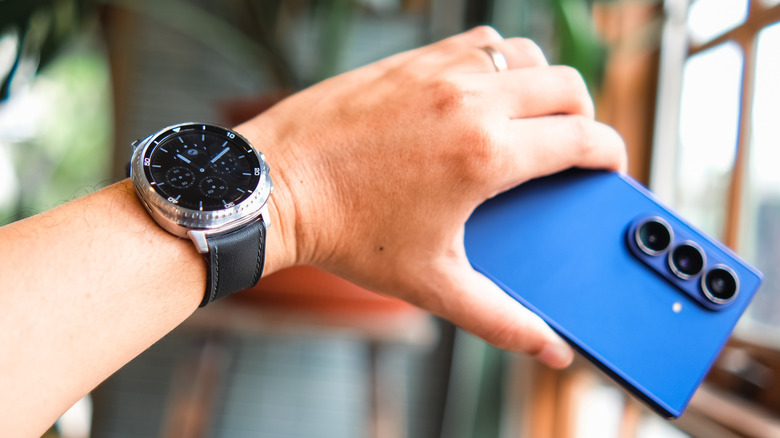
An Apple Watch is typically the wearable device people pair with their iPhones, but Samsung's Galaxy Watches can also be used with Apple's phones. Both wearables offer similar features and functionality, but there are some categories where one or the other comes out on top. If you're into the design or exclusive features of the Galaxy Watch but love the slickness of your iPhone, you're in luck.
If you have an older Galaxy Watch model, the process is super simple. You just need to use Samsung's Galaxy Watch app from the iOS App Store to get your devices connected. The app lists every compatible model with detailed instructions to get everything set up.
If you have a newer Galaxy Watch, things get a bit more complicated. Samsung changed the operating system in the Galaxy Watch line to Wear OS a few years back, and that removed official iOS support. Thankfully, there are third-party apps like Merge that can handle the pairing instead.
How to connect a Galaxy Watch to an iPhone
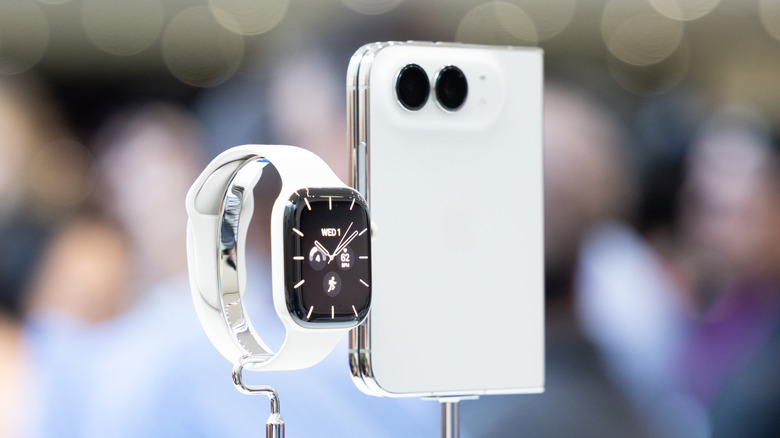
To connect an older Galaxy Watch to your iPhone, download and open the Galaxy Watch app from the App Store. This is a setup service created by Samsung itself, so it's not a hacky solution like Apple Watch pairing workarounds for Android phones.
The Galaxy Watch app works for older models, including the Galaxy Watch 3, Galaxy Watch Active, and Galaxy Watch Active 2. Open the app, select your watch model, and follow the on-screen instructions to get everything set up. It'll even help you troubleshoot if your watch isn't detected by your phone at first.
If you have a Gear S2, Gear S3, Gear Sport, Gear Live, Gear Fit 2, or Gear Fit 2 Pro, you can't pair it to your iPhone with the Galaxy Watch app natively. These devices only support Bluetooth connection. You can pair them by following the standard iOS Bluetooth connection steps; as if you were pairing a Bluetooth speaker.
How to use new Galaxy Watches on iPhone
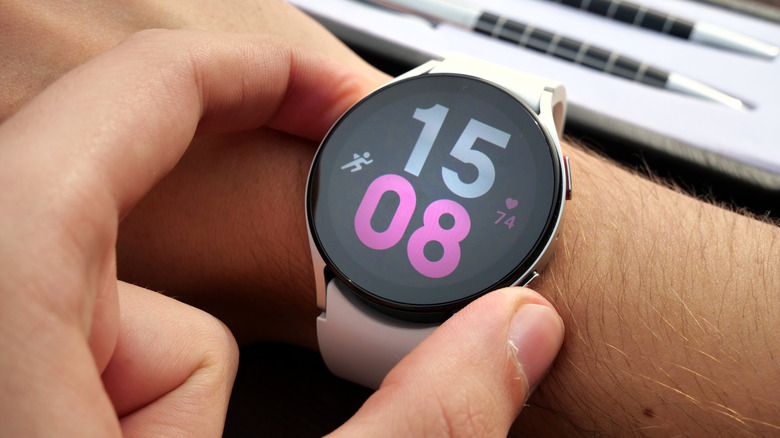
If you have any other Samsung Galaxy Watch model, you'll need to use an app called Merge to connect the device to an iPhone. It's a third-party app that isn't officially supported by Samsung, but it can connect all major Wear OS watches to an iPhone without much hassle.
To set up your watch with Merge, first download the Merge app on your iPhone. Then, install the Merge app on your Galaxy Watch. Once the app is installed on both devices, open Merge and follow the instructions on both screens. The app will ask for permissions on your phone, and then the rest of the install process happens on the watch.
There's a big catch, though: Merge requires a subscription. All of its fancy features like notifications, phone calls, music playback control, and fitness syncing will cost you $4 monthly, or $36 annually for the basic plan. There's even an "pro" subscription with a few additional features for $6 monthly or $60 annually. There's a 14-day free trial period, but you'll have to pay after time runs out.