

Wear OS 7: 5 New Features Coming To Your Android Smartwatch In 2026
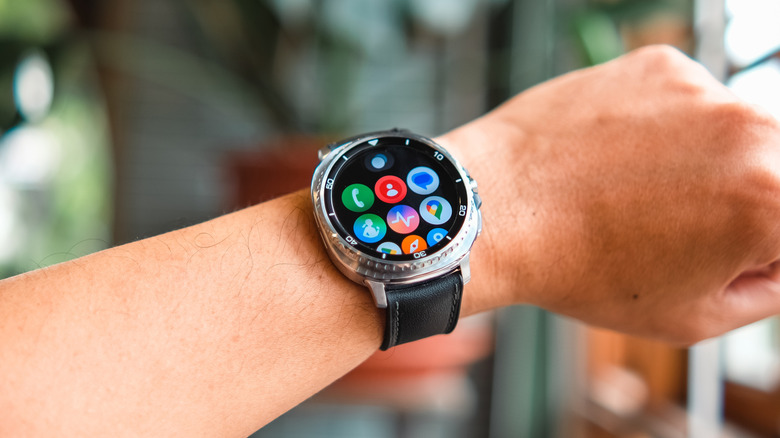
Your Android smartphone is getting many new features in 2026, but Google hasn't forgotten smartwatch users. The company has officially announced Wear OS 7 in an Android Developers Blog post, detailing several of the changes it will bring. Users can expect to get their hands on this update later in 2026, while developers already have access to the Wear OS 7 Canary emulator in order to test their apps for compatibility.
Alongside the release timetable, Google also revealed some exciting new features that you'll be getting on your smartwatch with Wear OS 7. Some of these solve big issues that have made users ditch their smartwatches in the past, while others simply make the smartwatch experience more seamless.
The main goals behind this update are to reduce the need to constantly pull out your phone, make Wear OS more customizable and similar to Android, and help batteries last much longer. Google is also more closely integrating Gemini Intelligence into Wear OS 7 following its recent aggressive push for AI integration throughout the Google ecosystem, and is making it much easier for developers to build native apps for smartwatches.
1. Real-time tracking with Live Updates
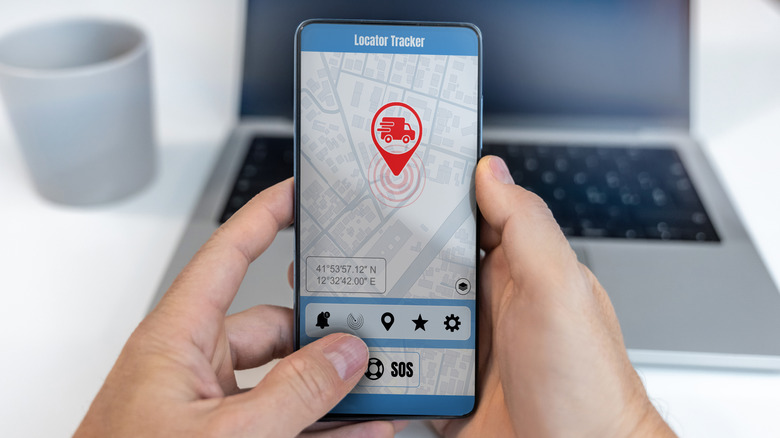
Google added Live Updates to Android smartphones in 2025, allowing users to track data in real time directly from the notification bar without opening an app. With Wear OS 7, this feature is now heading to your smartwatch.
We've seen how useful Live Updates are on a phone, letting you track deliveries, ongoing timers, or downloads that are in progress much more intuitively. The feature makes even more sense on a smartwatch that's always on your wrist, letting you keep up with updates without digging through your pockets for your phone. Additionally, this feature will work with your phone's notifications, which means you can see your phone's Live Updates on your smartwatch screen even if you don't have the app on the watch itself.
It's important to note that this will only work with apps that are developed to support this feature. Native apps like Google Maps should work from day one, but you might have to wait for the developers behind apps like Uber or DoorDash to opt into the program before you can track deliveries on your smartwatch.
2. AI automation with Gemini Intelligence
AI is everywhere today, but Google thinks that it's not being used as much as it should be. With the company going so far as to integrate AI into your mouse cursor, it's no surprise that Google is pushing Gemini Intelligence heavily with Wear OS 7. Google hasn't given every detail on what this means yet, but the Android Developers Blog post mentions several AI automation features that users can expect from smartwatches in 2026 and beyond.
The first of these is making AI more proactive and helpful. Google gives the example of using a voice command to start tracking a run instead of manually tinkering with the tiny screen to set up a timer. The new Gemini Intelligence in Wear OS 7 will also enable task automation using AI. This will allow you to use your smartwatch to automatically perform tasks on your phone without having to take it out, such as ordering food, which you can then track with the new Live Updates feature.
3. More customizable widgets
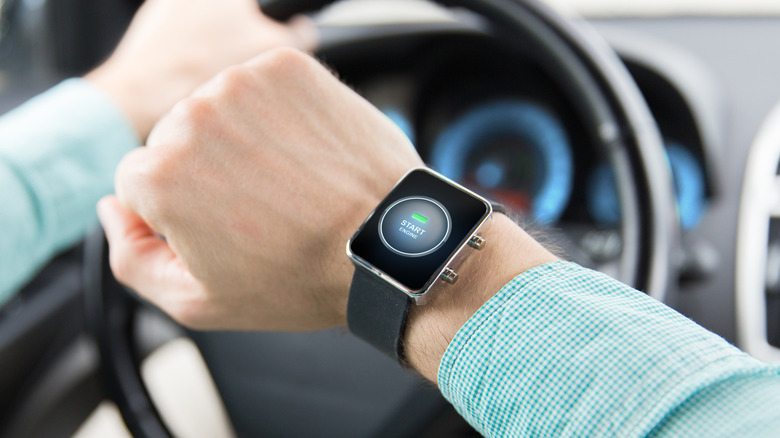
Smartwatches are great, but the smaller screen size means that data viewed on them is different from how it appears on your phone. For most iterations of Wear OS, your smartwatch showed chunks of information through tiles — widgets that take up your entire screen in a tile-like format. These did the job very well, showing you important information without requiring you to tinker with the tiny screen on your watch too much.
Google is introducing a new look for your widgets with Wear OS 7. This will make your widgets more closely resemble those that you'd find on your Android phone. You can choose from "Small" and "Large" for the sizes, which mirror the 2x1 and 2x2 widget sizes you would find in the same app on Android.
This should make the UI more consistent across different devices, but Google understands that not everyone will immediately be into the new look. As such, these new Wear widgets will function alongside the existing tiles, and those who prefer the look of full-screen tiles can continue using what they're most accustomed to.
4. Better media controls for Spotify, YouTube, and more
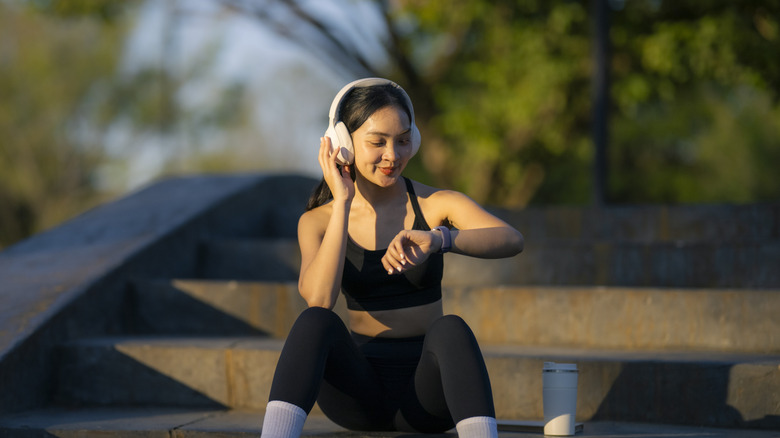
Taking your phone out just to skip a song or pause a podcast is annoying, especially if you're out on a jog. Fortunately, having a smartwatch means that you don't have to do this. With Auto-Launch Media Controls turned on, your smartwatch interface automatically changes to a playback manager whenever your phone is playing a song or a video.
This feature has existed on previous Wear OS versions for a long while now, but there's always been one major annoyance that users had to put up with: With the option turned on, the playback menu opened on your smartwatch even with apps you didn't want to use it with. Sure, having the ability to pause and skip songs on Spotify is nice, but you don't always want your smartwatch screen to be interrupted when you start a YouTube video.
In previous versions of Wear OS, you had to turn the feature off entirely to avoid this. With Wear OS 7, Google is introducing the ability to enable or disable this option for each specific app. This new feature comes alongside the ability to switch between different audio output sources more effortlessly than ever, improving media playback on smartwatches significantly.
5. Longer battery life and better fitness apps
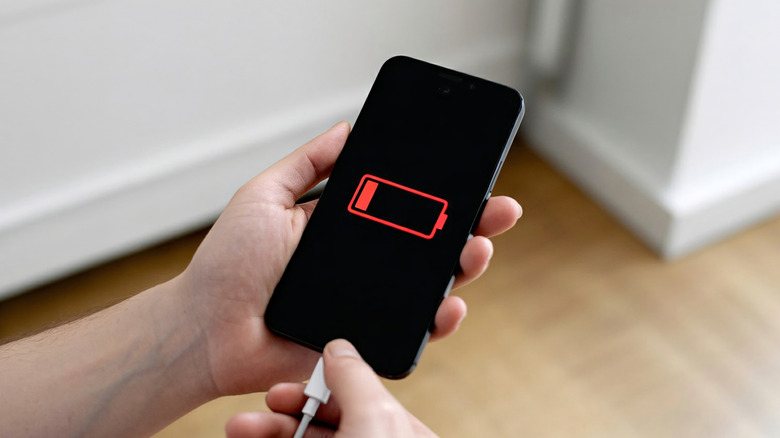
Whether you're out on a run or recording your sleep, a smartwatch dying halfway through is never a good experience. With Wear OS 7, Google claims that your smartwatch running the updated OS will last 10% longer than it previously did. This might not seem like much at first, but a 10% increase in battery life might be the difference between a full night of sleep tracking or your watch dying before your alarm goes off.
Another new feature coming to Wear OS 7 is the Wear Workout Tracker kit. Developing fitness apps that fit smartwatches from scratch is incredibly difficult, as they need to integrate the watch's sensors and process data throughout the day without eating up all the battery. The Wear Workout Tracker kit gives developers starting features to work with, ensuring that most of the background processes are handled properly. With this update, users can expect to see much better fitness apps that are also less harsh on your smartwatch's battery.