

How Does Toyota's Navigation App Compare To Google Maps?
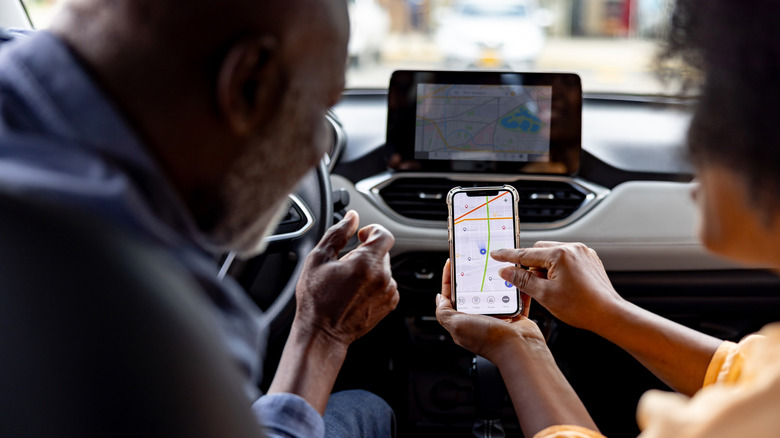
There are several navigation apps you can use to get around while driving. Google Maps may be the most popular choice, but some vehicles, like ones made by Toyota, feature their own navigational services that come with the car. However, they work slightly differently and feature add-ons not normally found within other GPS apps.
Toyota's Drive Connect is what the company refers to as its GPS navigation app. It's a built-in system that comes with up-to-date navigation, live-agent assistance, a virtual helper, and more helpful driving functionality. Drive Connect is part of Toyota Connected Services, which itself is a selection of digital tech such as safety, service, remote start, and more. Drive Connect is handled through the vehicle's display instead of your phone. Google Maps is primarily a GPS, and can be accessed through the app, a browser, or a car's display.
Toyota's Drive Connect does come with a few hiccups, however. The first is that it's only available on Toyota and Lexus vehicles. The second is that Toyota locks major features behind premium subscriptions and Drive Connect has a monthly fee. You could just use Google Maps, but Google's navigation app doesn't have all the features Drive Connect does.
The pros and cons of Toyota's Drive Connect
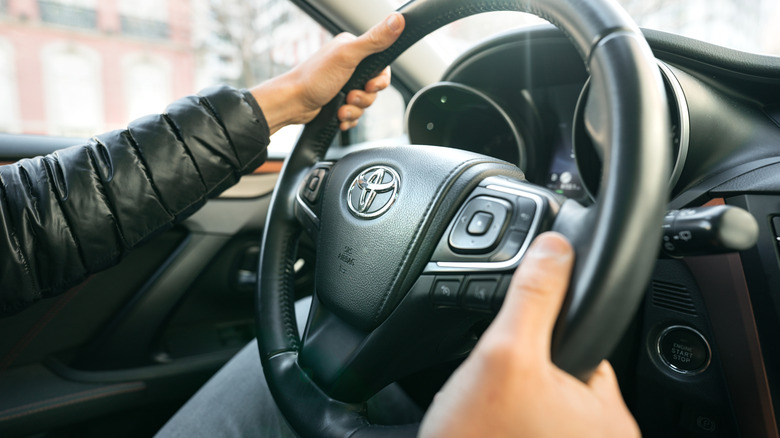
There's plenty to like about Toyota's Drive Connect navigation app. The system offers several additional tools to help drivers get from point A to point B. More than just relying on a digital map with a picture of a car moving along roads and a voice telling you when to turn, Drive Connect comes with driver assistance through a live person guiding you along your route if you need the extra hand.
Not only does it come with a digital assistant that gives you updates on how long until you need to turn, but it also includes what Toyota refers to as its intelligent assistant. This is an AI that uses cloud-based machine learning to improve communication functionality. You can speak aloud to it and have it direct you to a destination, make a call, play music, and even call the live assistant as needed.
Drive Connect utilizes real-time cloud data to show live updates as you drive. This helps it provide the most optimal directions to your destination, give live traffic updates, and more directly track your location. All this makes the system more reliable and accurate so you can get around traffic jams, construction, and road blocks. However, it all does come with a price of $15 a month for what Consumer Reports names the most reliable car brand.
The pros and cons of Google Maps
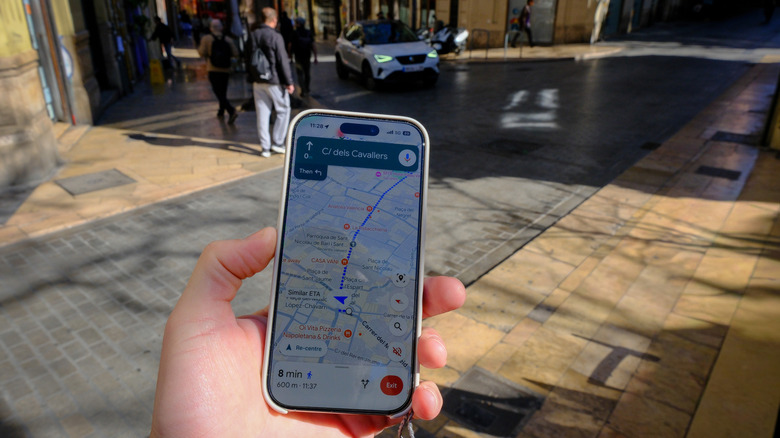
Google Maps may not have all the bells and whistles of Drive Connect, but it does have one big advantage over Toyota's navigation app, which is that Google's app is completely free. You don't have to pay a monthly fee to use it on your phone, Android Auto, Apple CarPlay, or in a browser. However, it's really just a tool to help you get around.
Google Maps doesn't have a premium option, and doesn't feature a live assistant. It can use Gemini — one of four best new features added to Google Maps — to help you navigate and answer questions about where to go, how to get there, and the like as part of Ask Maps.
Drive Connect may be a handy tool to use for driving, but if you want to get around outside your car, Google Maps is the better option. It features tracking for walking, biking, and public transport alongside its driving features. However, reviews say it may not always work as intended, and users report that they have been taken roundabout ways. Still, others say it's their app of choice when they need to get from one place to another.