

Should You Put A Router In Your Bedroom? It's Complicated
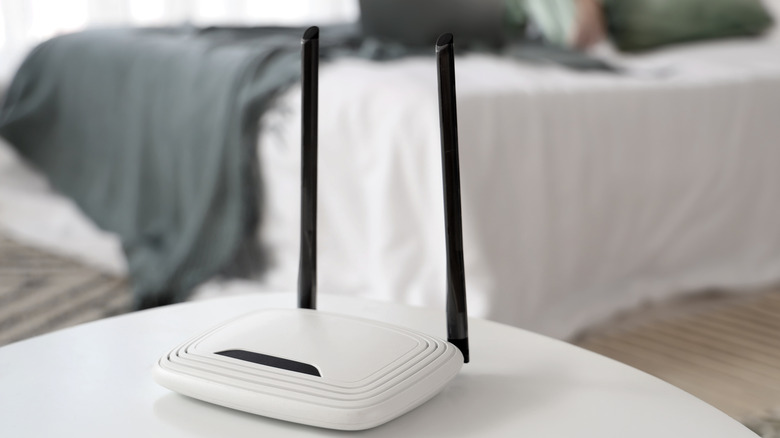
You've probably heard before that where you place your router is very important. You can intuit that fact when you walk further away from its location and the signal bars on your phone drop lower. You also may intuit that the bedroom is the best place for your router if you spend most of your time there. The truth is a little more complicated. From a strictly functional point of view, there's nothing necessarily wrong with having a router in your bedroom, but it depends on the layout of your home.
Routers work best when they're placed in a central location with a lot of open space. Their coverage becomes limited if their radio signals are hampered by too many walls and furniture, and bedrooms tend to be full of furniture and clutter. If you live in a studio apartment where it's all open space, or if you live in a "bachelor apartment" without much furniture, then sharing a room with your router probably won't cause problems. Generally speaking, though, the best Wi-Fi router placement usually isn't your bedroom; in most homes, that's your living room.
No (known) radiation risks exist, but there are sleep risks

What if you have no choice but to put your router in the room where you sleep? You may still worry about the fact that the router you'd be sleeping next to for eight hours a night works by emitting EMFs (electromagnetic fields). A common concern is that Wi-Fi EMF radiation will harm your body, but that concern is unfounded because scientists haven't been able to confirm EMFs emitted by Wi-Fi routers are harmful.
A 2020 Berlin Institute of Health study explored the effect of Wi-Fi exposure on the brain during sleep but did not find conclusive evidence of any meaningful effects. The International Journal of Environmental Research and Public Health published a 2023 study examining the long-term effects of a Wi-Fi router on mouse brains, but researchers couldn't find a meaningful impact in that case either. Both studies acknowledge that more research will be necessary before scientists can say for sure that exposure to a Wi-Fi router's signals either is or isn't bad for your health.
That said, routers can negatively affect the sleep of anyone nearby. Wi-Fi signals aren't the problem, though; a router's indicator lights can be pretty bright in a dark room, and they tend to flicker incessantly. According to Sleep.com, artificial light can affect your circadian rhythm, meaning a good night's rest is harder with flashing router lights in the room. Fortunately, there are steps you can take to protect your sleep.
Play it safe by adjusting your router's settings
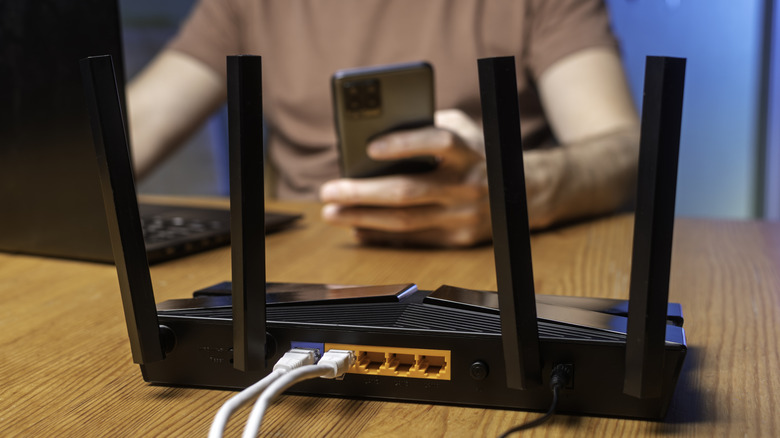
If you want to make sure your router isn't disrupting your sleep with its indicator lights, check your router settings. Some routers, like Google's Wifi series, let you dim or completely shut off status lights. Failing that, putting a piece of tape or a sticker over those indicator lights will protect your circadian rhythm. Of course, it'll be challenging going forward to figure out if and when your router is working without indicator lights, and stickers or tape residue will lower the resale value of your router.
You also have a few options if you want to wait until the jury is out on EMFs before exposing yourself while you sleep. Some routers have a physical Wi-Fi switch you can use to turn wireless signals off before you go to bed, and many let you do the same in their advanced configuration menu. This serves the dual purpose of limiting radio signal exposure and limiting your access to the Internet when you should be getting rest.
Be aware, though, that "Wi-Fi bedtime" features that let you schedule nightly Wi-Fi "shutoffs" usually don't turn off the router's radio signal. Instead, they just disable access for specific devices. If manually turning off the Wi-Fi every night is too much of a pain, you can also use a smart plug or mechanical outlet timer to automatically shut off power to your router at specific times.