

You Can Now Switch eSIMs Between iPhones — Here's How
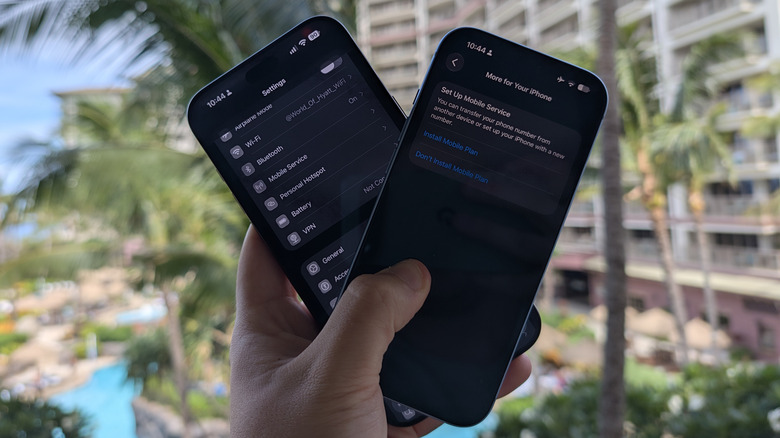
A new feature that lets people use one phone number across two iPhones at the same time, dubbed iPhone Handoff, arrived in iOS 27. iPhone Handoff allows a main iPhone to pair with a secondary iPhone to share the same phone number. Apple says calls, voicemail, messages across iMessage, RCS, SMS, and MMS, as well as your Find My location, will all carry across whichever iPhone you are actively using. When you start using the secondary device, the cellular connection moves, and a "Switched to this iPhone" message appears at the top of the screen to confirm which handset is live. The same process happens when you move back to the primary device. Only one of the two iPhones can actually use the phone number at any given moment.
This new feature replaces the workarounds many users have relied on for years, such as call forwarding or a second line with a second number. It's one of the smaller changes in Apple's latest major iPhone update, which we covered in our full iOS 27 review. At launch, carrier support is limited and will likely require an extra fee. Here's how you can use iPhone Handoff and how the feature works.
What switches with iPhone Handoff?
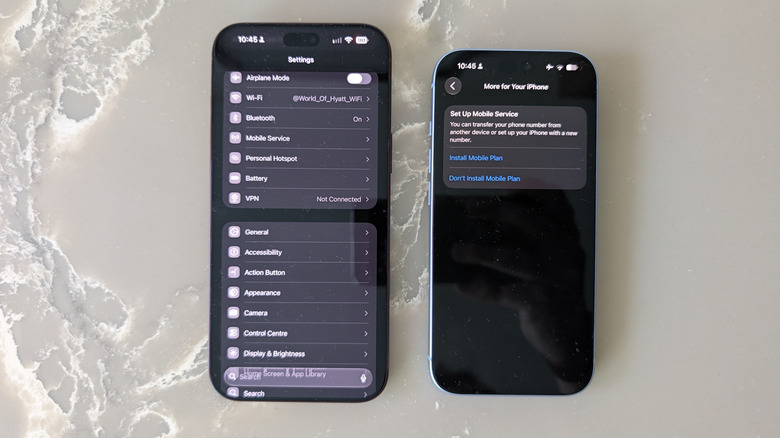
With iPhone Handoff, your cellular connection moves from your main iPhone to your secondary device, and vice versa. Apple recommends that the main iPhone should be the one you use most, because it keeps some carrier services tied to the primary device. For example, call forwarding, caller ID, and carrier account management can only be handled from the main device. Cards added to Wallet will continue to work on both phones, as they would now. However, certain transit passes, IDs, and corporate badges will only work on one iPhone at a time.
If you use an Apple Watch, it will not move between iPhones. It remains paired to the iPhone it was set up with, which is why Apple recommends pairing it to the handset you use most often. Third-party apps follow their own rules, and some will sign you out of one device when you sign in on the other, such as WhatsApp. Banking apps may ask you to approve the second iPhone from the first before they work at all.
All of these restrictions narrow down the uses for iPhone Handoff. It probably only makes sense for those who want a work phone and a personal phone sharing the same number, a cheap backup iPhone for travel or the gym, or to keep using an older handset running alongside a new one after an upgrade. It may also be useful for someone who wants to use an iPhone 18 Pro for its camera capabilities and an iPhone Duo for its larger display.
Who can use iPhone Handoff?
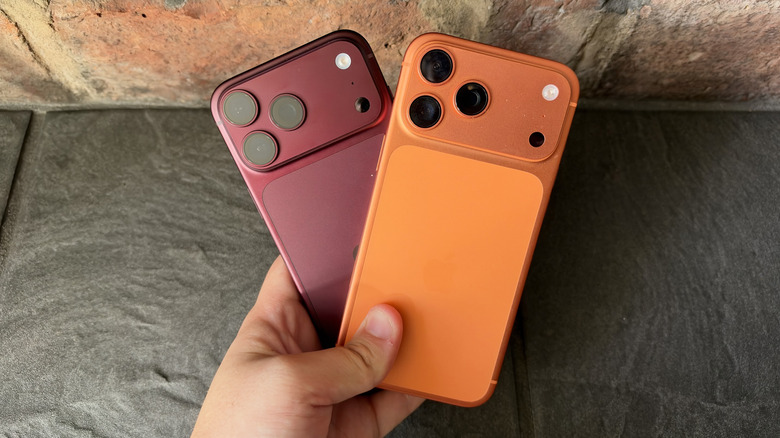
Carrier support limits who can use iPhone Handoff. As of this writing, Apple only lists two networks that support the feature: T-Mobile in the U.S. and Telekom in Germany. T-Mobile charges an additional $5 a month for iPhone Handoff support and says the secondary iPhone keeps access to calls, texts, data, mobile hotspot, Scam Shield, and T-Satellite on eligible plans. The carrier also says Handoff is ready to use on the iPhone 18 Pro lineup now. Telekom prices it differently, only offering Handoff on its existing MultiSIM product at €6.95 a month.
More networks will support the feature in the near future. Apple confirmed during its September event that Verizon in the U.S. and EE in the U.K. will support iPhone Handoff before the end of 2026, with other networks to follow later. BGR spoke to EE about iPhone Handoff, and the U.K. carrier confirmed its iPhone Handoff rollout is still being finalized and that it will share timing closer to launch. AT&T has not committed to supporting the feature, though the carrier has made it clear that it is not a priority.
Whichever network you're on, you should expect to need a compatible mobile plan, since most carriers are treating Handoff as a paid add-on. You also need two iPhones running iOS 27 or later, with the main device running an eSIM from a supporting carrier. To set up the feature, you will need to connect both to Wi-Fi, sign into the same Apple Account, sign into FaceTime and iMessage, and enable Messages in iCloud so texts sync.
How to switch eSIMs with iPhone Handoff
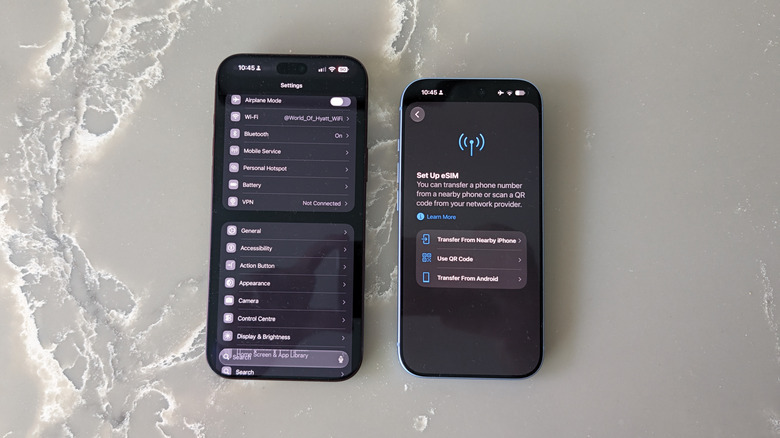
You can turn Handoff on while setting up a new iPhone or afterward in Settings. If you want to enable iPhone Handoff when setting up a new iPhone, choose Use Number on This iPhone and Another at the Set Up Cellular step, tap Continue, review the details, and then follow the prompts on both devices. Your new iPhone becomes the main device by default, and your old one becomes the secondary.
To enable iPhone Handoff later, open Settings on your secondary iPhone, tap Cellular, then tap Set Up Cellular or Add eSIM. Pick Use Number on This iPhone and Another, tap Continue, then pick which of your two iPhones you want to be the main. Selecting This iPhone will make the device in your hand the main one, while Other iPhone leaves your other iPhone as the main one. It's generally best to make your newer phone the main one if you can, as it will keep software support for longer. Confirm the changes on your current iPhone and follow the prompts on both devices' screens.
After that, to switch eSIMs between your two iPhones, you just need to unlock the one you want to use, and the eSIM on it will automatically activate. If you replace either handset, you will have to transfer the eSIM across to the new one, which will deactivate it on the old phone. You may have to set up iPhone Handoff again. Dual SIM works as long as both eSIMs come from supporting carriers, and both eSIMs will switch together. Turning Handoff off may require calling your carrier to remove it from your mobile plan, because simply deleting the eSIM from your secondary iPhone may not stop the billing.
How the tech behind iPhone Handoff works
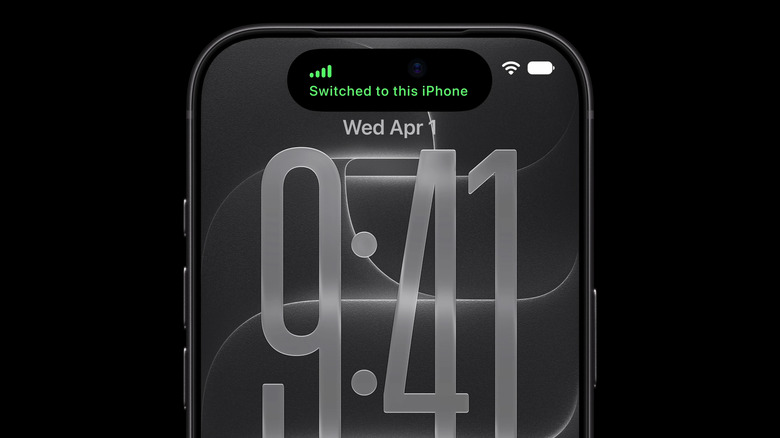
When BGR spoke to EE, the U.K. carrier provided a technical breakdown of what happens behind the scenes to enable iPhone Handoff. Each iPhone holds its own eSIM identity, even though both are connected to the same number. The network actually sends signals to both eSIMs at once, though only the active iPhone will ring or display an incoming message. The secondary handset will stay attached to the network the whole time, and the iPhone suppresses calls, texts, and mobile data on-device rather than at the network level.
Switching eSIMs between the two iPhones is controlled by the devices rather than the network. Unlocking or using the secondary iPhone is what makes it active, and vice versa. If both devices happen to be unlocked, the one you used most recently takes over. EE was clear that this is enforced by the iPhones rather than decided by the network. A call already in progress will stay on the phone that made the call or picked up, so picking up your other iPhone won't move the call across.
EE described Handoff as a "relative" of its existing One Number service, built on a new architecture specifically designed for pairing two iPhones to the same number. Each carrier that supports iPhone Handoff will need to build that architecture rather than flick a switch on it, which is perhaps why carrier support is rather sparse at launch.