

What Do K And F Mean On Intel CPUs?
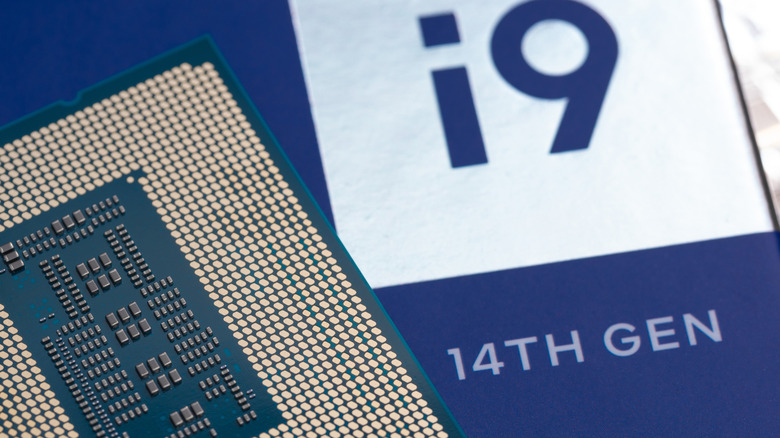
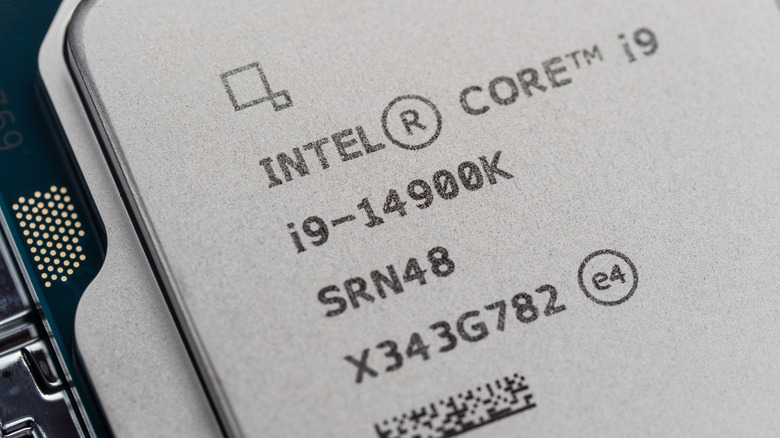
Intel processors will often be adorned with different letters and numbers, but there is no real indication as to what they do on the product pages, other than "Unlocked" or something vaguely similar. Most users will see things like "K," "F," a combination, or even other letters like "H" and "V." Each letter does have a technical reason for being there, and it's relatively easy to remember.
When you spot "K" on an Intel CPU, that means it can be overclocked, pushing the processor past its official performance metrics, harnessing even more power from the chip. Gaming enthusiasts and performance diehards who like to push hardware further than intended will overclock their PCs with Intel chips just to squeeze a few more frames-per-second out of video games or points in benchmarking. These processors will often be the ones for most users, as they give the most flexibility, but will cost the most.
It also sports one more advantage over its F and KF counterparts, which is that it has integrated graphics onboard. That means that if your graphics card breaks, is delivered later in a build, or isn't required, you can still use the onboard motherboard's HDMI port to output video via the CPU. Where "F" comes in is that it will generally be a weaker chip down the totem pole and support non-integrated graphics. That means it's usually the ideal range for budget builds — once upon a time, before the RAM price fiasco — with previous entries like 2022's 12400F being a great middle-ground processor for gaming at the time.
From KF to V, Intel CPU letters aren't that complicated
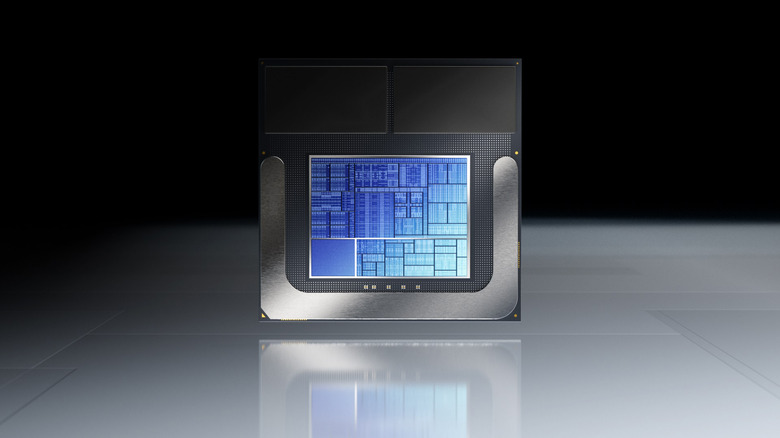
As you've probably already clocked, "KF" is a combination of the two. Fully unlocked for overclocking and would be on par, performance-wise, with its "K" sibling, but also lacking integrated graphics. This can also act as a way to save a bit of cash, with these chips sitting pretty in the middle price-wise with the other two. Intel will sometimes release a processor that's more reliable in terms of performance and undercut everything, like the recent Intel Core 7 270K Plus, which brings a little more juice in gaming performance in particular to the table, even beating the prior flagship chip, the Ultra 9 285K.
Meanwhile, "V" appears on any chip using Intel's Lunar Lake design, which is the Core Ultra 200V chips, found on a recent Raspberry Pi competitor, the LattePanda Mu Ultra. As expected in 2026, these chips are targeted at workforces trying to integrate AI into workflows.
Intel's processors sound like spilled Alphabet Soup
There are also "S" and "T" for "Special" and what Intel describes as "power-optimized lifestyle," respectively. So where do the other letters sit? They all mean something, and it's once you start digging outside of the desktop space that it becomes a flurry of potential algebra.
On mobile, "HX" and "HK" indicate similar reasoning to the desktop, as these are the highest performers in the roster, but the chips are also unlocked. "H" means no unlocked CPU, while "P" is for "thin and light laptops." "U" and "Y" are for power-efficient devices. If you spot G1 to G7, that's to describe the graphics power of the chip itself, usually as a prefix. "N" is usually reserved for low-powered chips found in cheap mini PCs or laptops for minimalists, like the N150.
Intel also works within the embedded PC space and provides specialized chips for this too. It's unlikely you'll ever encounter one of these unless you're in the industry using them. "E" for embedded, while "UE" is for power efficiency and HE is for high performance. UL and HL are power-efficient and highest-performance in an "LGA package," as these will be placed on a regular CPU board. Other specialized chips include high-end "X" or "XE" chips, and B for Ball Grid Array (another type of processor board).