

If You Haven't Updated To iOS 27 Yet, Download This Security Update ASAP
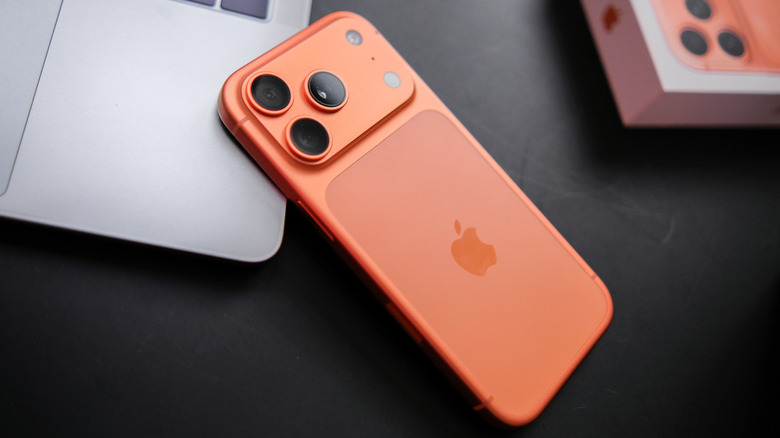
If you're waiting to download iOS 27 and all of the cool new features it brings, you most definitely need to concern yourself with downloading iOS 26.7.1 or iPadOS 26.7.1. This new update fixes a critical zero-day security vulnerability that may have already impacted a number of Apple users. Additionally, this security update is also available in macOS Tahoe 26.7.1 and macOS Sequoia 15.8.1.
According to Apple's release notes for the iPad and iPhone update, the company experienced an out-of-bounds write issue for CoreGraphics (Apple's low-level 2D graphics framework) that Apple states "may have been exploited in an extremely sophisticated attack" against those who have yet to upgrade to the latest operating system. This iOS 26 update fixes the issue, which has been assigned an 8.8 out of 10 in terms of severity.
For those that need a refresher, you can check for an iPad or iPhone update by navigating to Settings > General > Software Update. Select Download and Install if one is available. Be sure not to conflate the 26.7.1 security updates with the latest update to iOS 27.0.1, which addresses certain bugs in Face ID for the iPhone 18 Pro, among other issues. Those waiting to download iOS 27 should certainly check for the security patch, but there are also other things you should do to prep your iPhone for iOS 27.
iOS 26 and iPadOS 26 users need to download this security patch now
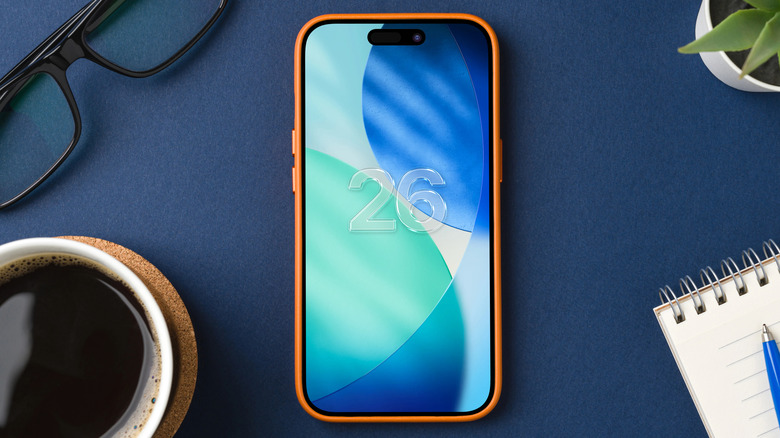
Those running iOS 26, iPadOS 26, macOS Sequoia, or Tahoe are being heavily urged by Apple to download the latest iOS 26.7.1 update as soon as possible. According to the National Vulnerability Database (via TechRadar), vulnerability CVE-2026-86950 can allow hackers to use a malicious file to execute arbitrary code. Interestingly, Apple's use of the phrase "against specific targeted individuals" suggests that this CoreGraphics attack could possibly affect high-profile individuals such as journalists or CEOs.
Affected devices include the iPhone 11 and later; iPad Pro 11-inch first-generation and later, iPad Pro 12.9-inch third-generation and later, iPad Air third-generation and later, iPad eighth-generation and later, iPad mini fifth-generation and later, and Macs running macOS Sequoia 15.8.1 or Tahoe 26.7.1. Along with making sure their devices are properly updated, iOS users may also want to double-check the various iPhone security settings that should be enabled.
For those already on iOS or iPadOS 27, Apple makes no mention of any published CVE entries, and the latest iOS 27.0.1 primarily contains bug fixes. Mainly, the update fixes an issue in iPhone 18 Pro and Pro Max models that saw devices accidentally restarting if Face ID failed to authenticate. The update also fixes a camera issue in these models that created color artifacts in certain lighting conditions when using the f/1.48 aperture, while a bug was also fixed for all iPhone users addressing an issue that would cause touchscreen problems if Control Center and the Notification Center were opened at the same time.