

Why Some Xbox Games Never Became Backward Compatible
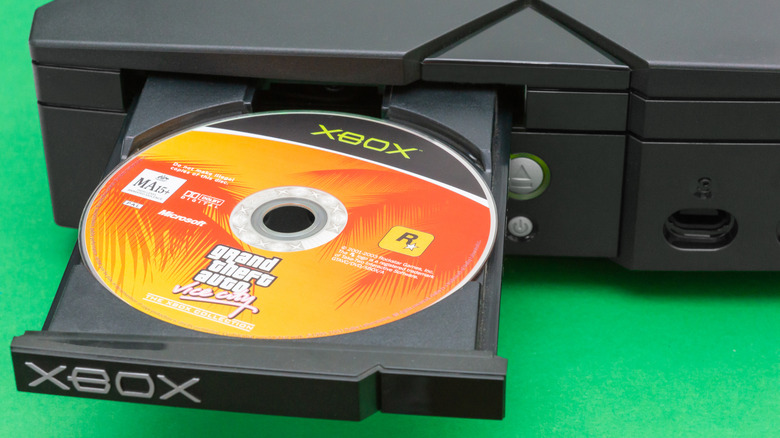
When you pick up a new console, it's easy to get so caught up in how many new games you can play that you start to forget about all the old ones that are out there too. Thanks to backwards compatibility, upgrading your console to a later generation model doesn't have to mean closing the door on everything that came before. If a console is backwards compatible, it can run some or all games made for earlier consoles in the same family without needing to be ported or remade. For example, playing selected Xbox 360 games like "Alan Wake" and "Fallout 3" on the Xbox One.
Unfortunately, you can't play every single original Xbox or Xbox 360 game on the Xbox One, nor the Series X/S. There are a few titles that you would need to dig out your original Xbox for instead, like "The Sims 2" or "Gun." According to Xbox, the reason some older titles aren't backwards compatible comes down to "licensing, legal and technical constraints." That could mean that aspects of certain games have fallen out of license, such as songs on the soundtrack, or that some games are entirely incompatible with modern hardware.
Playing an Xbox game on an Xbox Series X/S isn't as straightforward as having the console read an old disc. Instead, backwards-compatible titles run with additional features to aid in improving their overall performance. As a result, it can take a while for the backwards compatibility team to test and quality-assure each game, which may not be a feasible step for the company.
How many original Xbox games are backwards compatible, and are there more to come?
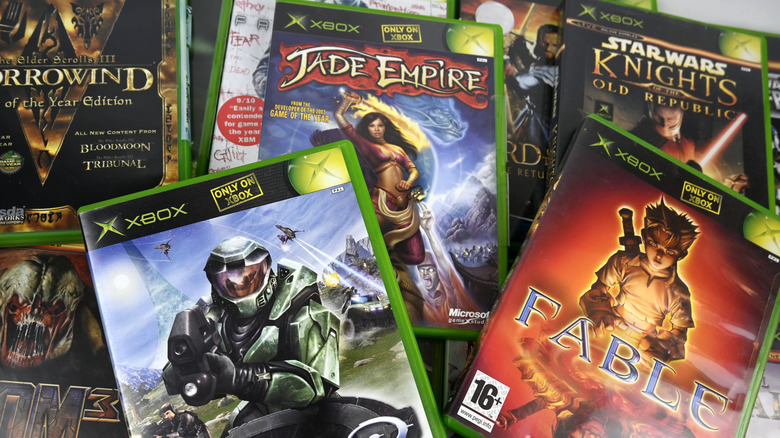
At the time of writing, there are 53 backwards-compatible original Xbox games available in the United States that you can play on your Xbox One or Xbox Series X/S using a disc copy, or by buying a digital copy through the Xbox Store. Some titles available as part of the backwards compatible library include "Max Payne", "Jade Empire", and "The Elder Scrolls III: Morrowind". The exact number of titles available varies depending on which area you're in.
For instance, if you're in the United Kingdom, there are only 49 backwards compatible Xbox games in the library. You can check which games are backwards compatible and search the library using the Xbox website, but be sure to set the site to your local region for accurate results. Sadly, the backwards compatibility library is unlikely to grow anytime soon. During Xbox's 20th anniversary celebrations, around 70 games were added to the library, alongside a disclosure that this would be the final update with no other titles joining in the future.
So, if you're itching to replay an old favorite of yours that didn't make the cut, you might need to buy yourself an original Xbox instead. However, not all is necessarily lost: the notice also mentioned that Team Xbox hopes to look at different ways of supporting the Xbox ecosystem through Cloud Gaming and other platforms in the future.
How do Xbox games run differently on the Xbox Series X/S?
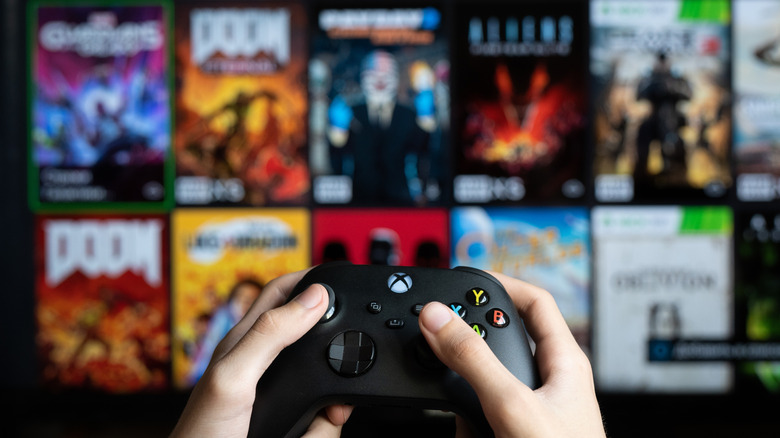
When you play an original Xbox game on a Series X/S console, you're going to see a few differences from running it on the original hardware. Those differences include new features like FPS Boost and Auto HDR. FPS Boost helps to increase the number of frames per second you see while gaming, leading to smoother and more fluid-looking visuals than an original Xbox could handle. Meanwhile, Auto HDR improves the overall image quality by implementing high dynamic range.
High dynamic range helps to make a game's colors pop and adds depth to lighting, causing a game's visuals to look richer and brighter. However, if you'd prefer that the game's visuals remain untouched, you can toggle these features off altogether in the Manage Game menu. Running an original Xbox game on any eighth-generation or later console — from the Xbox One onwards — performs to a much higher capacity than was possible back when it first launched. That's courtesy of modern hardware capabilities offered through the console's GPU, CPU, and custom NVME SSD storage.
With that in mind, games should run better, load faster, and display at much higher resolutions. Resolution increases scale depending on which console you're playing on, ranging from a 2x increase for the Xbox One and One S, to a 3x increase for the Xbox Series S, and finally up to a 4x increase for the Xbox Series X and Xbox One X.