

2 Smart Home Systems You Can Install And 2 That Require A Professional
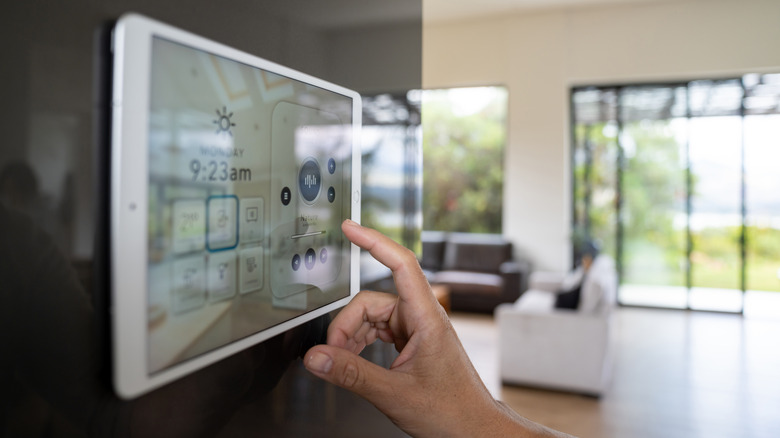
It is easier than ever to start building out your own smart home with a handful of products that can add convenience to your life, from easily plugged-in smart speakers for your AI assistant to smart cameras with built-in batteries that eliminate the need to wire them into a wall for power. But even though there are plenty of smart home products that any amateur can install, a handful still often require a professional, especially if you aren't a DIY aficionado. Items like smart doorbells and smart thermostats can be somewhat complicated to wire into a home, so unless you're comfortable dealing with electrical wiring, they're probably best left to professionals.
So don't let the fact that most smart home products are sold directly to consumers fool you — there are some that most people should avoid installing themselves. Just because a product is marketed alongside a companion smartphone app that offers a quick-start guide doesn't mean physical installation will be simple. Sure, sometimes it is, like with cameras and speakers, but with trickier items that tie into existing and expensive hardware, like HVAC systems, the last thing you want to do is blow a control board by accidentally crossing wires.
Modernizing the homestead with smart home systems may be something many weekend warriors are willing to tackle with certain products. Just make sure you go in knowing how complicated the job can be, and skip the frustration of certain systems by hiring a professional who will knock the project out in no time without the worry of anything breaking.
Install: Smart speakers
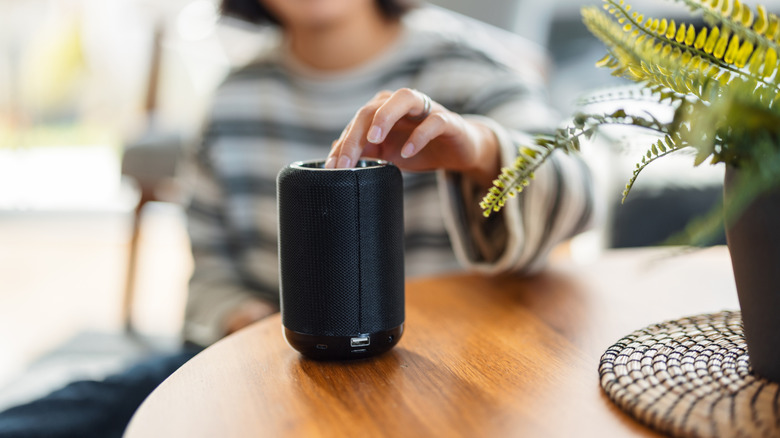
When it comes to plug-and-play smart home systems, smart speakers are among the easiest smart home upgrades for beginners. All you have to do is plug them into an outlet for power, then connect them to your phone via Bluetooth to start setup in the companion app, which can then connect them to your Wi-Fi. That's about it, and you can place as many as you want around the house — as long as they can see your wireless network, they'll function as planned. So, if you're just starting to build your smart home and want to begin with the easiest of tasks, smart speakers are at the top of the list.
There are no major hardware or setup safety issues to consider with an easily plugged-in smart speaker — no need to mess with your breakers, fiddly wire nuts, or electrical tape. Better yet, you've created a frontend for your smart home, allowing you to use voice controls from any room that contains a smart speaker. You can use these voice commands to control your other smart home products — say, a smart thermostat you wish to raise the temperature on from the comfort of your couch.
The only real setup required for a smart speaker is ensuring your Wi-Fi router's 2.4 GHz or 5 GHz signal reaches the specific corner or shelf where you want to place the smart speaker. Beyond that, you'll just need a wall outlet available nearby, ideally. So if you're looking for a smart home system that just about anyone can easily install, smart speakers are a fine place to get your feet wet.
Install: Smart cameras
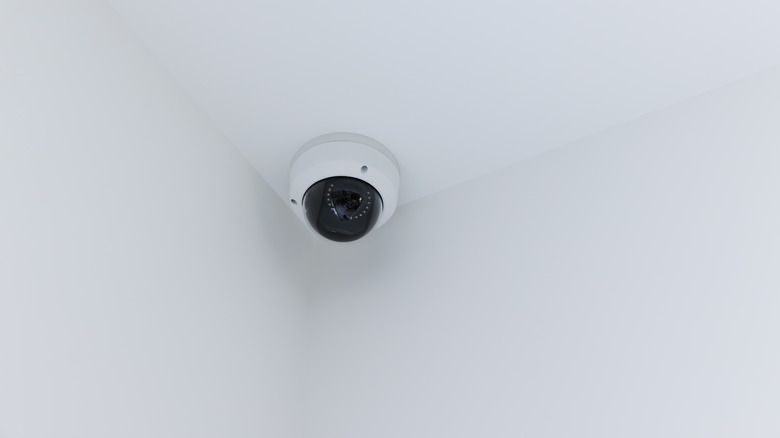
Many modern indoor and outdoor smart cameras are powered by high-capacity lithium-ion batteries. This means there is no need to wire each camera into your electrical system. While the option remains available for those who do wish to wire their smart cameras, there is no shortage of battery-powered devices since many consumers prefer them. Better yet, some brands offer solar panels built right into the camera to keep the battery topped up without having to remove it for a recharge, making for a great home security device for when you're on vacation. And even the smart cameras that don't come with built-in solar panels offer a way to plug one in.
This means a battery-powered security camera is a smart home product that just about anyone can install — but even wired options can be beginner-friendly, assuming there's an outlet close to the location where you want to mount a camera. Smart cameras let consumers choose their level of installation, ranging from easy-peasy to requiring a line installed in your wall.
Installing an outdoor smart camera may require drilling some holes in a wall to mount the camera. So smart speakers win on sheer ease of installation, but smart cameras come in second place here, as you may need a tool or two. But when it comes to DIY jobs around the home, pre-drilling a few holes is something most people can handle, and that's why smart cameras don't require a professional to install unless you plan on wiring a fleet of them into your walls.
Hire a professional: Wired smart doorbells
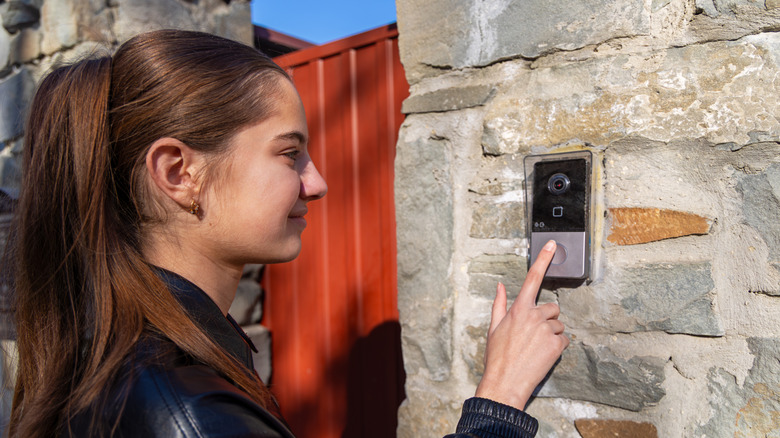
Wired doorbells require a low-voltage transformer, which is what powers both the doorbell and its chime. Even though only a tiny bit of power is needed, this complicates the install — especially if your home doesn't already have doorbell wiring. Smart doorbells draw even more power than traditional offerings, so an older house with an older low-voltage transformer may not be able to supply enough power for a smart doorbell and chime to function properly. This then requires a replacement for the transformer, but since there are no real standards for where they are installed, it's anyone's guess where yours is located.
Ultimately, if you're looking to wire in a smart doorbell that works with your existing chime, you may just find that you need a professional to not only install the doorbell in your facade, but to wire it to a new transformer. There's also the complication of what to do with your existing doorbell chime. If you want this to work, you'll also have to connect a kit to the chime, jumping off the existing low-power wiring, and you have to wire this correctly. Once again, a professional electrician is better suited for this installation.
Thankfully, there are battery-powered smart doorbells that can be much easier to install. But these skip the connection to your existing chime, leaving you to rely on digital notifications on your phone, smart speakers, or a separate Bluetooth chime plugged into a wall outlet. It's something of an inelegant solution, but at the very least, it avoids the headaches of a much more complicated wired installation. At the end of the day, wiring a smart doorbell is the best way to get full functionality from the product, and that is best left to the pros.
Hire a professional: Smart thermostats
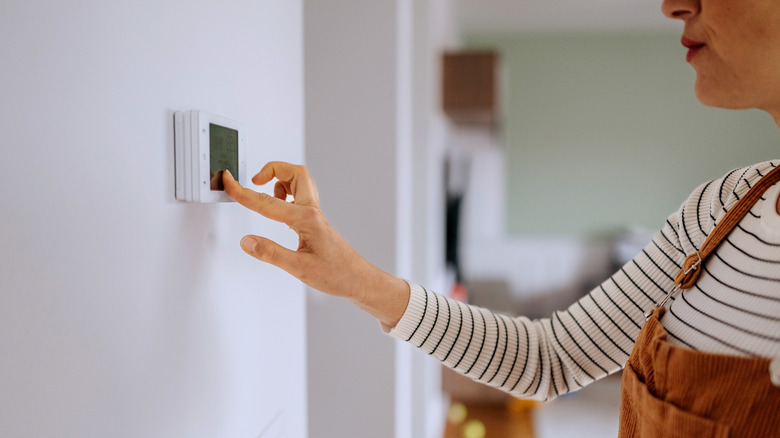
If you think a wired smart doorbell install sounds daunting with its low-voltage transformer requirement, then you likely won't want to attempt a smart thermostat install. Sure, a smart thermostat is one of the top smart home upgrades that can actually save you money, but they require constant power to work (typically 24 V), and not all HVAC systems offer such a powered connection. This connection is known as the C-Wire, which is much more common in modern homes than older residences. So you first have to remove your old thermostat and check out the wiring to see if you have what's needed. If you don't have a C-Wire, you may need to install an adapter on your HVAC unit. Should you mis-wire the adapter, you may fry your entire control board — plus there's always the risk of a live wire making contact with something it shouldn't, which could blow a transformer.
Ultimately, if you're unsure you have the required wiring and power output to handle a smart thermostat, you're better off calling a professional to install it for you, cutting out any risk while also gaining a warranty on the install should any problems arise later. After all, HVAC wiring isn't universal. These are not plug-and-play systems — especially older systems — which can often mean some troubleshooting will be needed during an install. Should you break your system thanks to mislabeled or mis-colored wires, you could be left with a non-functioning HVAC that will require an emergency fix that likely won't come cheap. Paying for a professional installation keeps your home comfortable and eliminates the risk of turning a tech upgrade into a home improvement catastrophe.