

5 Cheaper Smart Lights That Work With Google Home
We may receive a commission on purchases made from links.
It's hard to live in a home that's packed to the brim with smart lights. The only reason we say "hard" is that when you need to spend a few days somewhere else, whether it's a family member's house or a hotel, it can be difficult to remember that Google Home didn't come with you. That shows how easy it is to get used to automations, especially once you've been living under a Google Home roof for a few weeks.
Numerous manufacturers make everything from smart light bulbs and switches to internet-connected lamps and fixtures. Brands like Philips Hue lead the smart lighting space because they make the tech easy to set up and use. It's also easy to scale up, but buying multiple smart lights at once can get expensive fast. Plus, Hue is just one of many smart light makers; plenty of other companies prioritize price as much as the tech that goes into these bulbs and other lighting gadgets.
We know a thing or two about which smart lighting brands you should consider if you're trying to create a scalable system that a.) works with Google Home, and b.) won't bankrupt you. Some of these manufacturers make more than just lighting products, too (TP-Link is a reliable brand for networking hardware). To help you get started, here are five cheaper smart lights we'd recommend, all of which can be automated via Google Home.
Govee Smart Light Bulbs (2-Pack)
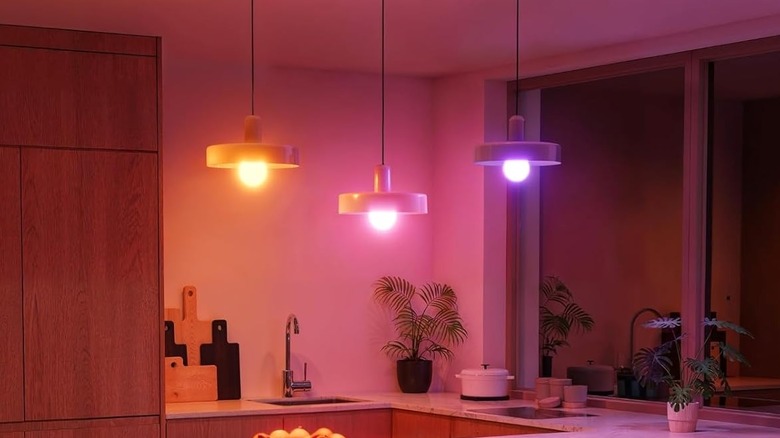
Govee is a go-to smart lighting brand that won't break the bank. The company makes everything from lamps and LED light strips to bulbs, and we think the $25 Govee Smart Light Bulbs (2-Pack) are a great choice for Google Home users. These are A19 bulbs with an E26 base, so they're compatible with most residential lamps and fixtures. Connectivity is simple, too: you can connect via 2.4GHz Wi-Fi or Bluetooth and set everything up in the Govee app.
Once online, you can link your Govee account to Google Home to control and automate bulbs in the Google Home app. You can even use voice commands by speaking into your phone mic or a compatible smart speaker (you can't speak directly to the bulbs). With more than 16 million color options and 54 scene modes to choose from, you can dial in the perfect lighting for just about every mood.
Amazon shoppers gave the Govee bulbs a 4.6-out-of-5-star rating, based on over 27,200 reviews. People like how easy it is to set up and automate the lights, but a few felt the max brightness wasn't bright enough. It also looks like you can only have one shared account, not multiple user profiles.
Kasa Smart Light Bulbs (2-Pack)

The writer of this article has their entire apartment outfitted with Kasa smart bulbs. It's been a couple of years, and I'm still a very happy camper, so I definitely recommend the $22 Kasa Smart Light Bulbs (2-Pack) as a cheap Google Home solution. The initial setup is handled by the Kasa app, which onboards the bulbs via 2.4GHz Wi-Fi. Once activated, you can add them to Google Home, and they can also interface with Alexa and Samsung SmartThings.
Kasa claims you'll have up to 16 million colors to choose from, plus a color temperature range between 2500K and 6500K. The Kasa app also provides scheduling and energy-monitoring tools; you can access the former through the Google Home app. I chose to spotlight the two-pack, but you can also buy these bulbs individually, and there's a 1,000-lumen option (sold solo or as a two-pack), albeit at a slightly higher cost.
On Amazon, the 800-lumen two-pack scored 4.5 out of 5 stars, based on over 16,700 reviews. Shoppers like that the bulbs work well and are easy to set up and customize. That said, if you're looking for bulbs with numerous color-changing effects and animations, these may not be the best choice; they're simply not as advanced as other lighting products.
LIFX Smart Light Bulbs (2-Pack)
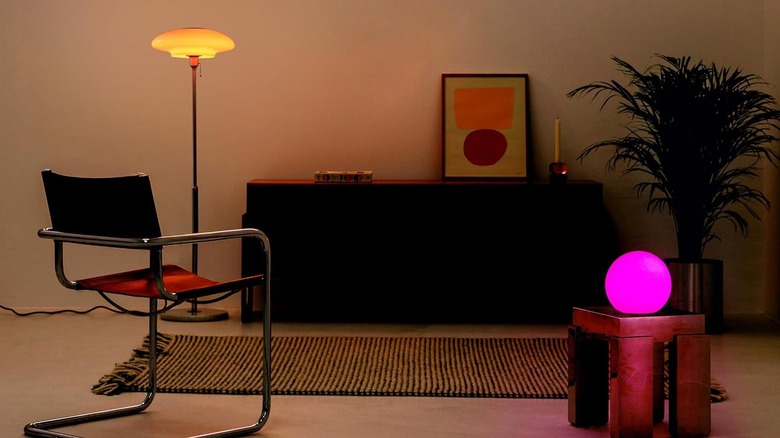
Here's one other A19 option with an E26 base, one of the most common bulb types on the market. The $35 LIFX Smart Light Bulbs (2-Pack) checks a lot of the same boxes as the Govee and Kasa A19/E26 bulbs we talked about. Initial setup requires Bluetooth to onboard the bulbs to the LIFX app, but once they're registered, you can control them via 2.4GHz Wi-Fi. The bulbs are compatible with Google Home, Apple HomeKit, Alexa, and Matter; the product page even name-drops IFTTT.
The LIFX app is packed with features and customizations; choose from over 200 lighting presets or craft your very own hues and illumination. You can also adjust the bulbs from 1500K to 9000K for color temperature, and you'll want to try Visualizer mode. This uses your phone or tablet's built-in mic to make your bulbs react rhythmically to your favorite tunes.
Amazon user feedback earned this LIFX product 4.4 out of 5 stars, based on over 4,300 reviews. Most users favor the bulbs, especially for how simple they are to set up and control. We do feel it's important to shed light on some setup glitches; apparently, HomeKit onboarding can be a massive pain. And even though we're focused on Google Home, no one ecosystem should register lights more or less effectively than another.
GE CYNC Outdoor Flood Light (2-Pack)

Outdoor illumination is just as important as indoor application. Arguably, the former may be more important when used for home security, and we think the $45 GE CYNC Outdoor Flood Light (2-Pack) is one of the least expensive bulb combos designed for floodlights. Compatible with both Google Home and Alexa, the CYNC bulbs deliver a 40-degree beam angle and customizable colors. This is another lighting product that connects over 2.4GHz Wi-Fi, with the initial setup handled by the CYNC app.
After onboarding, you can adjust brightness, color temperature, build lighting schedules, and more. Google Home and Alexa compatibility are on tap, and rest assured, both bulbs are weather-rated. What do people think? On Amazon, this GE CYNC bundle has 4.1 out of 5 stars based on over 600 reviews. Most reviewers enjoyed the wide range of color options, simple setup, and decent cost.
Unfortunately, a few individuals had issues getting the bulbs online and updated. This doesn't seem like a major quality-control issue, but it's worth knowing in case you run into it yourself. One Amazon reviewer even went through the trouble of creating individual Homes (lighting zones) in the CYNC app. We suggest setting up the bulbs indoors, as close to your router as possible, then moving them outside after setup is complete.
Govee RGBIC Smart LED Strip Lights

Govee shows up more than once in this smart lighting roundup because they're that good. This one's a bit of a novelty, but for those of us looking to enhance our home theater time, the $30 Govee RGBIC Smart LED Strip Lights are what we'd buy. The kit comes with a 12.5-foot spool of light strips, which should be enough to cover the back of most 55-to-65-inch TVs. If you need a few extra feet, you can pay another $5 for a 15-foot spool.
Not only will you have millions of color options at your disposal, but you'll also be able to select from over 99 lighting presets, as well as 11 music modes. This is another Govee system with Music Sync support, and unlike the Govee bulbs we mentioned above, the light strips include an integrated mic, so you won't need to rely on your phone for Music Sync. And as you can guess, the kit is compatible with both Google Home and Alexa.
More than 6,300 Amazon shoppers wrote in about this Govee product, landing it a 4.4-out-of-5-star rating. Most people love the bias lighting Govee brings to the table, but the adhesive may be a challenge; we read a few reviews where customers either had trouble removing the adhesive backing or the adhesive failed to stick after installation.
How we chose these smart lights
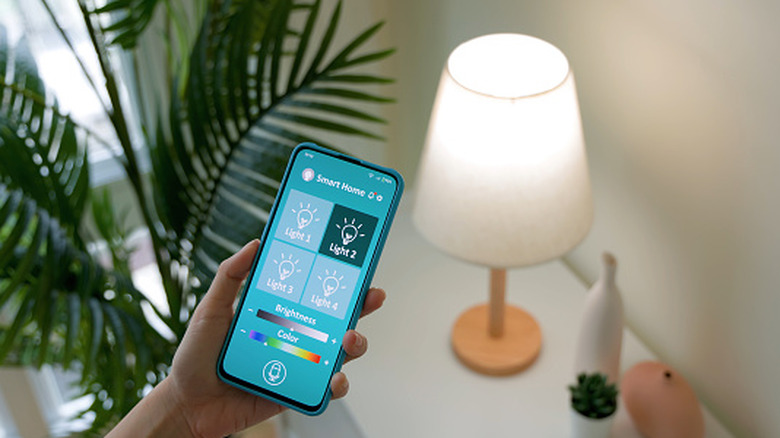
Smart lighting products are a dime a dozen, and you can find them just about anywhere smart tech is sold. Our main goal in researching this article was to find the least expensive smart lights compatible with Google Home. This didn't always translate to great pricing, partly because we wanted to avoid unknown brands.
Each of our five product picks scored higher than four stars on Amazon, and we referenced user feedback to unpack as many pros and cons as possible.