

How Long Do Nvidia GPUs Get Software Updates?
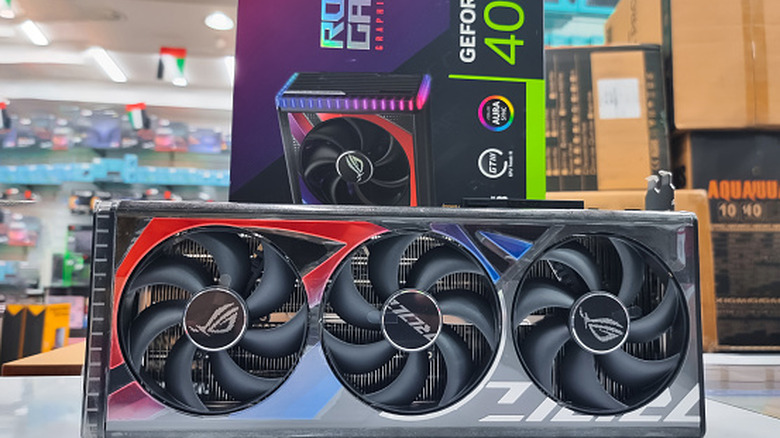
When you buy a modern product that's meant to last long-term, you have to consider more than just its physical or mechanical reliability; you also have to consider software support. That's certainly true for graphics cards, which continuously receive updates with performance tweaks and security and bug patches. If a card lasts for over five years but only gets two years of software support, it's going to have significantly less long-term value. Nvidia cards are an excellent example of this.
Most Nvidia owners say you can easily get 10 years or more out of your graphics card if you're willing to stick with a model that long. When it comes to software updates, Nvidia says you can expect a minimum of six years after a GPU model's release. Your GPU will likely receive support for longer, but there are different tiers. Game-ready support can continue for as long as eight to 11 years, which is meritorious. Nvidia has three phases of software support. Phase one is full support, followed by three years of phase two, known as extended full support; then another three years of maintenance support.
Full support includes performance and game-ready updates to improve card usability, but also critical updates, bug fixes, and security improvements. Extended support follows the same feature cycle, including even performance updates, but lasts for three years. Nvidia will announce when cards enter the extended support cycle, helping customers prepare. Finally, the maintenance period only includes major security or vulnerability fixes for exploits. After those cycles, a product or GPU reaches end-of-life, where it receives no further updates, though it will continue to function as-is.
Software support usually lasts longer than six years
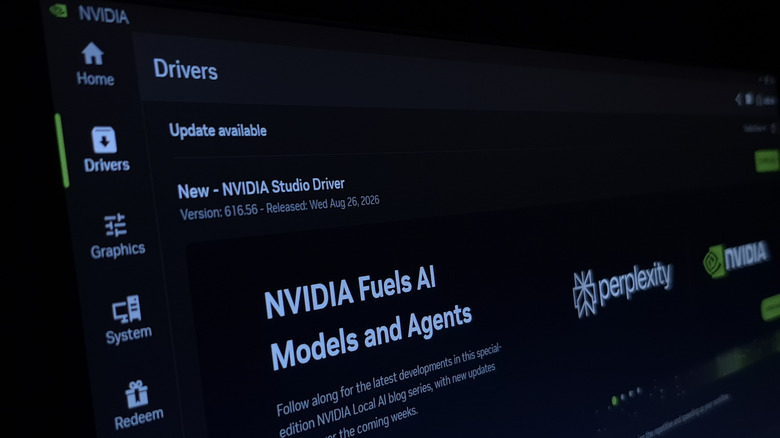
In October 2025, Nvidia ended regular driver updates and software support for a series of older graphics cards launched before the RTX generation. That included the Maxwell generation, GeForce GTX 700 to 900 series, Volta generation, GeForce TITAN X series, and the Pascal generation, the GeForce GTX 10 series.
What's interesting to note, however, is that all three generations will be receiving quarterly security updates through October 2028, which will cover a span of 11 years of software and security support for some cards, well beyond what's considered to be the industry standard. This timeline also stretches far beyond Nvidia's own guarantee of six years. To compare, AMD's support cycle is slightly shorter. Game and performance optimization updates are generally released for a span of three to six years, trailed by extended security and stability updates for a few years after.
It's also worth noting that AMD retired RDNA1 and RDNA2 support to focus exclusively on its newer RDNA3 hardware, dropping performance enhancements for the affected models. Nvidia maintains a list of currently supported GPUS at its documents hub. You can check that anytime if you want to know if your particular model is still supported. Nvidia also announces when cards are nearing the end of the support cycle, so you can also keep an eye on the company's official news channels.
How often does Nvidia release new drivers?
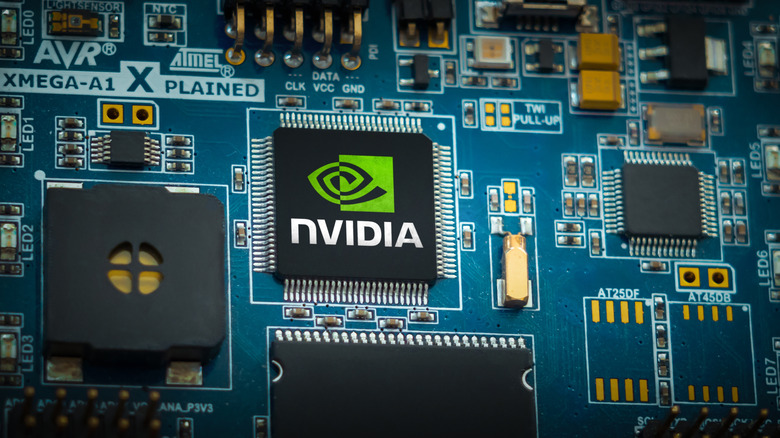
Typically, Nvidia releases new software and game-ready drivers every month, roughly every 20 to 25 days. You can double-check this cadence at Nvidia's Driver Downloads portal. A new major feature release happens about every three months. As for why those updates arrive, most of the time it's because they help fix potential bugs, improve performance in newer games, and offer much-needed security patches. And sometimes driver releases coincide with the big release of a new major game title, offering day-one game-ready support.
If you don't update your drivers, you're may missing out on some of the finer improvements and performance benefits in the new releases. There's also an argument to be made for not updating your GPU's drivers – if it's not broken, don't fix it. New drivers can and sometimes do introduce a host of new problems or hinder performance in certain games. By holding off on those updates for a short period, especially if you have an older GPU model, you can avoid running into some of those hiccups.
You can keep an eye on forums and user commentary to see if a particular driver release is a hit or a miss. The easiest way to update your GPU drivers is to use the Nvidia app and set it up to happen automatically as new drivers become available. But you can also download and install the driver manually using the Nvidia support page.