

5 Reasons To Buy A Smart Lock For Home Security
We may receive a commission on purchases made from links.
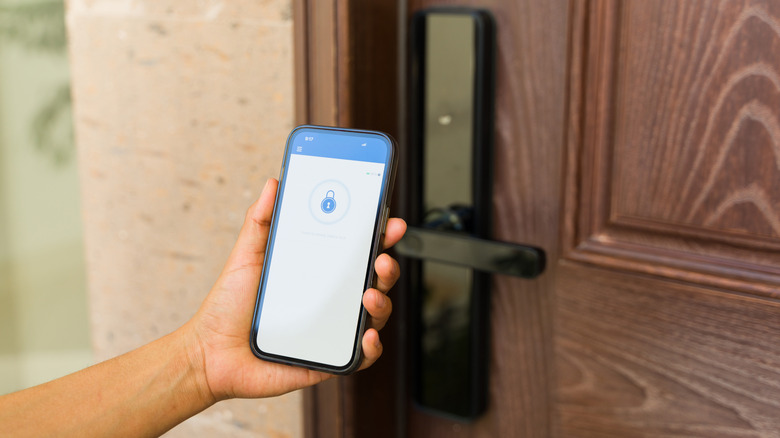
A major benefit of smart locks is that they take a relatively simple one-track mechanism — that can only be unlocked physically with a key — and introduce a few more advanced and convenient functions. They allow you to check in on or lock the door remotely and share access with friends and family, without giving away extra keys, and gain access in new ways, such as with a fingerprint or your mobile device.
What gets added specifically depends on the type of lock you install, but there are some great features in there to improve your everyday lifestyle. Most owners say that smart locks last a while, too, five years or longer, so it's best to choose one that has everything you want going in.
As with any smart device that leverages and collects data, there are concerns to think about, which means smart locks might not be for everyone, and that's okay. But almost everyone understands the common issues with data and privacy these days, so it becomes more about the trade-offs. What improvements can the technology offer that may or may not make it worth the purchase and adding to your home? When it comes to home security and safety, above all, what is it that the average smart lock can offer in the way of boons? Why would someone opt for a smart lock versus a dumb lock?
Auto-lock and auto-unlock under parameters you set
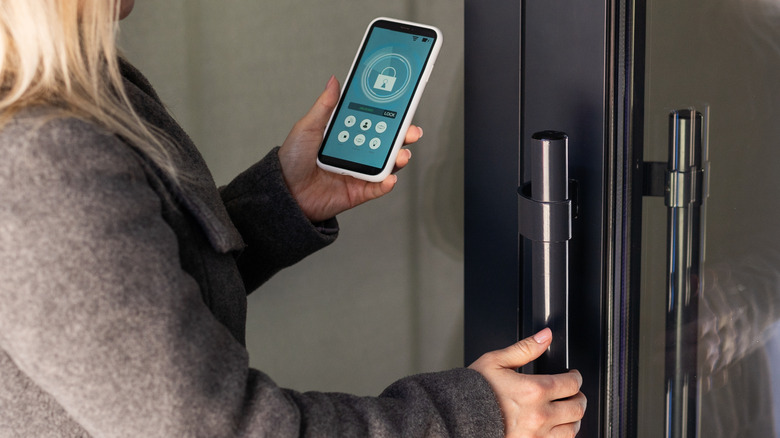
It's not difficult to imagine any number of scenarios where you don't lock your home after leaving. Perhaps a neighbor calls upon you in a hurry so you rush out of the house and forget to lock the door behind you, or your children are home or someone is visiting and they forget to do so on their way out, for whatever reason. That would effectively leave your home vulnerable. Most smart locks make this a non-issue, because the lock automatically engages the lock mechanism or deadbolt after a grace period. Moreover, you can choose the countdown for the auto-lock. You can set it to say, 30 seconds, two minutes, or up to ten minutes after someone forgets to lock up.
While it's not a security feature per se, the opposite is also true. Some smart locks allow you to set auto-unlock parameters to give you quick and easy access to your home. This can be achieved with a mobile app and Bluetooth, GPS, or physical key fobs and NFC tags.
If your hands are full of groceries, luggage, or packages simply walking up to the lock will open things up. You'll still need to physically open the door, but don't have to worry about fishing in your pockets for keys or messing with an app. Don't worry, only authorized users will be allowed to enter this way.
Remote access and real-time notifications
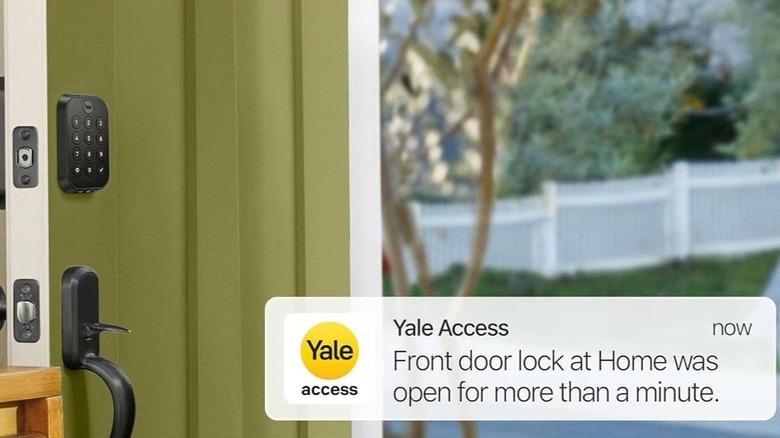
Even if you don't want to take advantage of the auto-lock functions, many smart locks allow you to interact with them remotely. That includes locking and unlocking using a mobile app from just about anywhere. Granted, not all locks support this, your lock of choice needs to have Wi-Fi and remote access enabled, which may or may not require a bridge and additional hardware. But with it active you can also receive notifications anytime the lock is used.
You'd get notifications when someone tries and fails to open the door, like if they input the wrong codes or tamper with it, but also when someone comes and goes. You can issue temporary or permanent access keys to friends and family, and keep track of who's going in and out with those specific codes.
The notifications alone are a huge boon for not only your peace of mind, but your home's overall safety level. If you know no one is in the area, no one is supposed to be coming over, and yet you're receiving alerts that the lock is being tampered with, you can swiftly take action. You can check security camera feeds or look at a video doorbell feed, text or call neighbors, or simply call law enforcement. It could be the difference between someone nefarious getting inside or getting caught in the act.
You can choose your access method
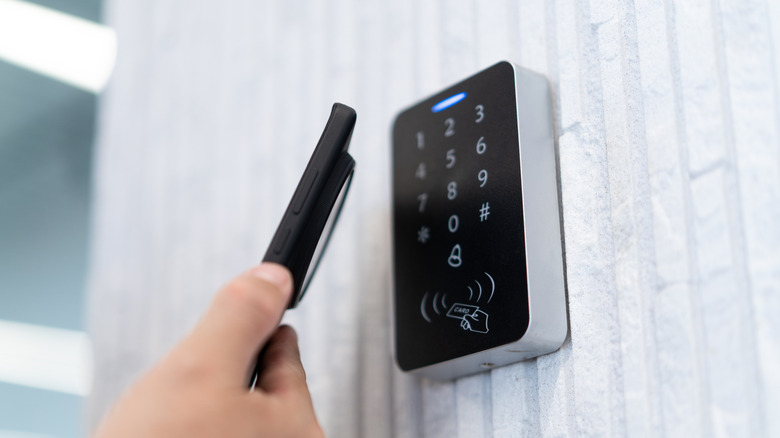
With a dumb lock, you generally only have one way to disengage the lock and get inside, and it's likely with a physical key. That works fine, unless you misplace your key. A smart lock, on the other hand, often introduces several secure methods to open the door.
The lock might include a pin pad for unique codes, a fingerprint reader for biometrics, app and smart device access, you name it. That way, if you ever forget your key, you still have other ways to get inside your house, and not just you, your friends, your family, or your kids, as well. All the best smart locks on the market, per Consumer Reports, come with multiple ways to open them.
You don't have to use the extra methods, so you're not locked into any one function, but it's always good to have choices. Plus, if your hands are full, if you're rushing to get inside, or something else is going on, again, you have multiple access options at your disposal. You're in full control, too. Because there are so many different types of smart locks to choose from, you can pick which unlocking methods you want your new lock to have. If you don't want pin codes, no problem, get a lock that doesn't include that or requires an add-on to use it — with some locks you need to buy the pin pad separately. Want to get rid of physical keys entirely, you can do that, or maybe you want the opposite, a smart lock that still offers physical key access, that's possible, too.
You can assign and revoke temporary access keys
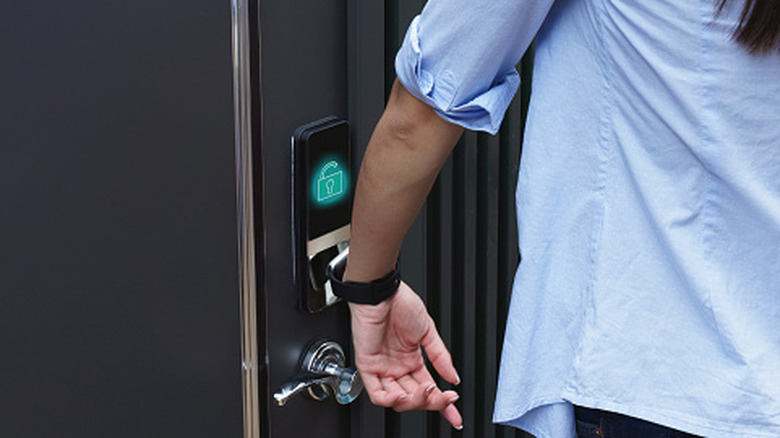
Let's say you've planned a vacation, and you and your family are taking off for the week, but you've arranged for a dog-sitter to come and care for your animals while you're away. Or, alternatively, you have a housemaid or cleaner who'll need access to your home.
You can issue temporary digital keys that allow these contacts to come and go as needed. You can even program the codes to be active during certain time periods or on a schedule. If the smart lock has code entry, you can do it that way, or you could issue temporary keys through an app, but either way, those you trust have full access and you stay well-informed about their movements thanks to notifications and alerts.
If you ever someday need to prevent access, you can simply revoke the keys. This is both much easier and much safer than handing out physical keys that someone could take to a local hardware store and copy. You could also just avoid temporary keys altogether, and let them in remotely through a mobile app, if that's an option on your smart lock. It makes the logistics of letting others inside much easier, reducing the headaches of a single set of physical keys that you have to clone, hand out, or keep track of.
Smart locks pair well with other smart home security devices
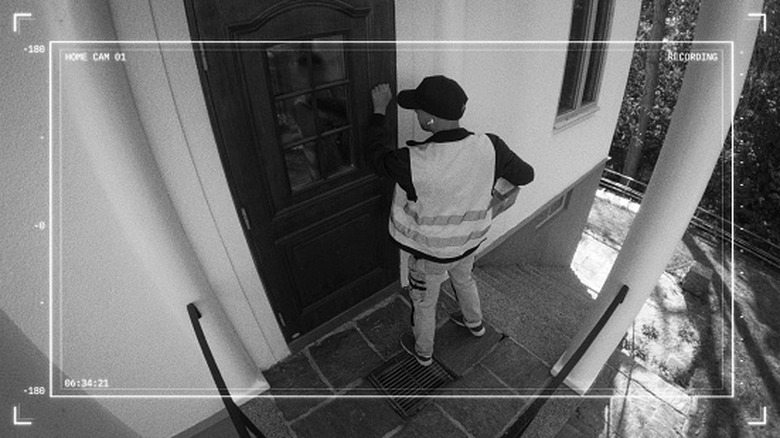
Amazon delivery offers a neat service, called Amazon Key, if you have a compatible smart garage door opener. Through Key, a courier or delivery driver can open up your garage and leave your packages safely inside, rather than on your doorstep. But it's only for Amazon packages, it doesn't apply to other deliveries coming through courier services like UPS or FedEx. If you have a smart lock, along with a security camera or video doorbell, you can achieve something quite similar for everything.
You can instruct the courier to drop an expensive or valuable package just inside your door, talking to them via the cameras, and then unlock the door for them remotely. This is a solid example of how smart locks pair well with other smart home devices for added convenience and security.
In the same way, you could use a video doorbell or a security camera to monitor who's at your door and then let them in, if you deem it safe. No, you don't want to let strangers in, but it could also be to let in visiting contacts while you're on your way home, let in a neighbor or partygoer quickly while you run to the store, make sure your kids are coming home — and have access — after school, and much much more. The point is you can get creative, and it's really convenient to have the option to unlock or engage your door remotely, especially when you have other smart home and security devices nearby.