

How Long Should You Wait For Your Laptop To Dry After A Spill?

Any average workday or online shopping session can quickly shift from productive to catastrophic in the event of a spill. Liquid is one of the worst things that can happen to your laptop, and laptop users will want to jump straight into action to save their system, so we recommend the following steps to avoid further damage to your device (or worse, voiding your laptop's warranty).
One of the bigger mistakes you might make is not letting your laptop dry long enough after a nasty spill. If you try to use your laptop before the moisture has fully dissipated, it could cause further damage. Writer and tech editor Fred Langa suggested that a spill of only a few drops should be able to dry completely within a day. However, larger spills that require draining liquid from the laptop should be left to dry for closer to three or four days. "If you fully drain the laptop and then let it sit in a warm, dry place (put it in a plastic bag with a generous helping of desiccant, if necessary), three or four days should be enough to remove residual moisture after even a heavy-spill," Langa explains.
Some Redditors agreed with this remedy, stating it should take approximately two to three days for a laptop to work properly after cleaning and drying a spill. They advise not panicking, however, as this can further aggravate the problem. "People usually freak out and see if the laptop still works, but by turning it on they short-circuit the laptop," one user wrote. Thus, by showing a little patience and taking the proper precautions, you may save your laptop from its impending, or perhaps needless, demise.
You must safely remove liquid before letting your laptop dry
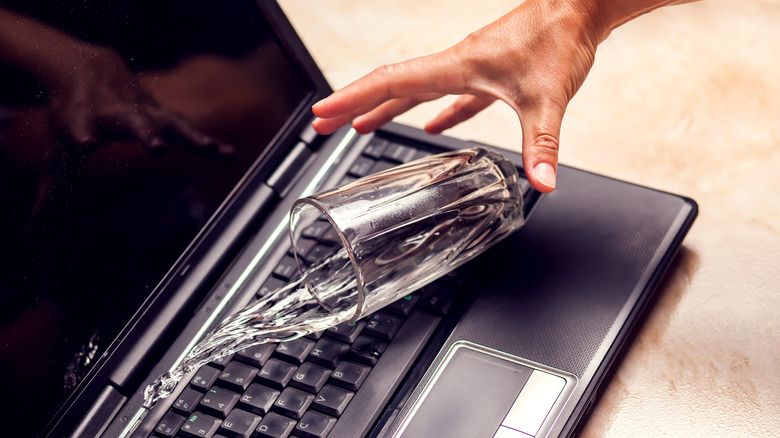
Before you leave your laptop to air dry, it's important to thoroughly clean it and remove as much moisture as you can. iFixit strongly urges laptop owners to safely and immediately unplug their device from any charger or power source. Like iPhones or other smaller devices, you should wait until it is completely dry before charging it again. After disconnecting the charger, power off the laptop if it is still running. Turn it over and shake it to drain any leftover fluid. If you can, it'd help to remove the battery and perhaps disassemble the device to clean individual parts, including the motherboard, and let them dry separately.
Redditors strongly urged people to clean laptops after spills. Otherwise, they say the device's days are numbered. "Computers don't like conductive liquids," one user wrote. "Period. Even if the computer still works a few minutes after getting wet. If anything spills, (most stuff can handle a few drops, but not getting poured on), clean it immediately." If you ignore it, conductive liquids will gradually corrode components, leading to costly repairs or needing a new laptop altogether.