

What Is Band Steering, And Should You Enable It On Your Home Internet?

Routers generally operate on single-, dual-, or tri-band wireless networks, starting with 2.4GHz. Modern routers often let you broadcast a local network across two or more bands at a time, so you can connect devices to whichever is compatible—this is why some routers broadcast two separate networks. Tri-band routers also introduce a backhaul channel. Simple devices typically use only the 2.4GHz band, while smartphones, tablets, laptops, and advanced devices can use the higher bands like 5GHz and 6GHz. At any given time, you have the option to use whichever bands are being broadcast. To change bands traditionally, a multi-band device must swap bands itself by disconnecting and reconnecting. However, that's not the case with a unique feature called band steering.
Band steering is a connectivity feature that automatically routes clients to the optimal band. If a device can use higher bands like 5GHz and would benefit from faster throughput and better performance, the system will make only that band visible. Effectively, it ensures compatible devices use the less-congested bands as much as possible. In a best-case scenario, it takes the work off you while keeping your online experience across devices as performant as ever.
Before you rush to the administrative dashboard for your router and turn it on, there are a few things you should know first. It's only available on multi-band routers, for obvious reasons, but most routers you can buy off the shelf already have it available and likely operational. Not all manufacturers call it "band steering." In fact, most router providers call it "smart connect," including TP-Link, Netgear, ASUS, and more.
Should you enable the band steering mode on your home router?
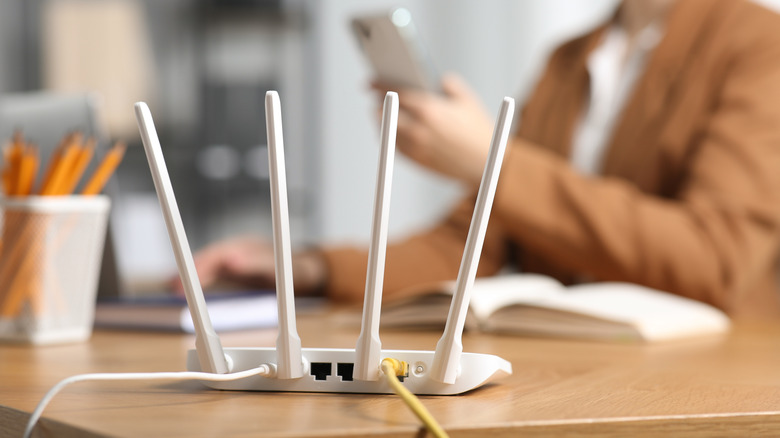
Routers come with band steering enabled out of the box, so it may already be active on your home network. TP-Link's Smart Connect was already enabled on my home router. I didn't have to do anything special to configure it or get it working. That's not always true; some models require you to enable the feature before it kicks on.
As for whether or not you should use the feature, it's a good idea, yes, since it provides performance and experiential benefits. Band steering auto-assigns devices to the best Wi-Fi band, balancing network loads. With it enabled, routers deliver better connectivity across the board because the bands are well balanced, reducing congestion and preventing hardware overload when many devices are connected. It also gives you and your family peace of mind and a bit of convenience, since you don't have to worry about identifying the optimal bands yourself.
However, it doesn't always go smoothly. Older client devices may not work well with the protocol, and devices you connected to the network before activating the mode may need to be disconnected and reconnected to get the benefits. A device associated with the 2.4GHz band can get stuck there if connected previously. Moreover, auto-switching chooses bands solely based on performance and bandwidth, which isn't ideal for certain activities. If you're streaming or gaming, you should almost always use the higher bands, but with band steering, the system may relegate you to the lower bands when they're less congested.