

4 Devices You Should Always Connect To 5GHz Wi-Fi (And 4 That Can Stay On 2.4GHz)
We may receive a commission on purchases made from links.
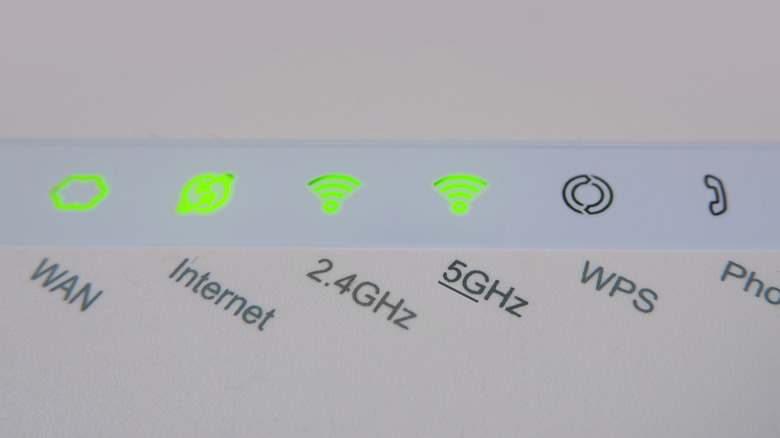
A cool thing your Wi-Fi router can do is use two network bands, which you can choose depending on whether you prioritize speed or range. 2.4GHz bands are slower and have a network cap, but they're more stable and can cover more ground if you have a big house. Meanwhile, if you want to unlock the highest possible wireless data transfer speeds and haven't placed your devices too far from the router, 5GHz is the way to go. There's also the growing prevalence of 6GHz network bands, although it's still a long way off from becoming the norm across most households connected to the internet.
This means you'll usually have to choose between 2.4GHz and 5GHz Wi-Fi when selecting the best network to connect your device to. Don't make this common Wi-Fi mistake and just assume that your router's 5GHz network band is the way to go — in certain instances, it's far more prudent to stick to a 2.4GHz connection instead. Once you optimize all your devices and ensure they're connected to the correct network, you'll notice just how smoothly your network chugs along and enjoy the ease with which your devices connect to the internet.
Smartphones and tablets

Pretty much every household has multiple people using their phones, and there's bound to be a tablet or two in the mix, too. Both of these devices use a ton of their features over the internet, including data transfers, app downloads and updates, video calls, streaming, and similar features. Suffice it to say, a 2.4 GHz connection may not provide the speeds you need for these devices, especially if you're a regular heavy user who hates interruptions while using your smartphone to browse the internet and perform numerous online activities.
This is why a 5GHz network is far more suitable for these devices. Sure, their portability means you'll be carrying these devices around all over the place, but the connection will usually only drop if you're very, very far from your router. Even if it does, your smartphone or tablet will usually connect to the 2.4GHz network automatically, so there shouldn't be an interruption in your activities. Just make sure to manually switch back to the 5GHz network when you're back in range, if you don't want your download and upload speeds unnecessarily throttled.
Smart televisions and streaming devices

Gone are the days when people relied on cable TV and channel surfing to watch the content they wanted. Now, with internet connections being faster than ever, the era of streaming is officially in full gear. Netflix kickstarted this trend by becoming a global streaming powerhouse. Numerous other companies followed suit by launching streaming services of their own, loading their platforms with a bunch of amazing shows.
Eventually, streaming devices like the Amazon Fire TV Stick, Google's TV Streamer, and the Roku Streaming Stick became a thing, turning even a regular run-of-the-mill TV into an entertainment powerhouse that can stream anything under the sun... provided you're subscribed to a service. Along with this, smart TVs have gained significant popularity, equipped to connect to the internet and stream content on their own, without the need for an external device.
Regardless of which tech you opt for, one thing is for sure — these devices need to be connected to fast internet connections so you can stream 4K content with advanced audio without dealing with video quality dips or unwanted buffering. Make sure your Wi-Fi router is close to these devices and always connect to the 5GHz Wi-Fi connection. This way, you can enjoy the fastest download speeds and watch all the content your heart desires with little to no problems.
All your gaming devices
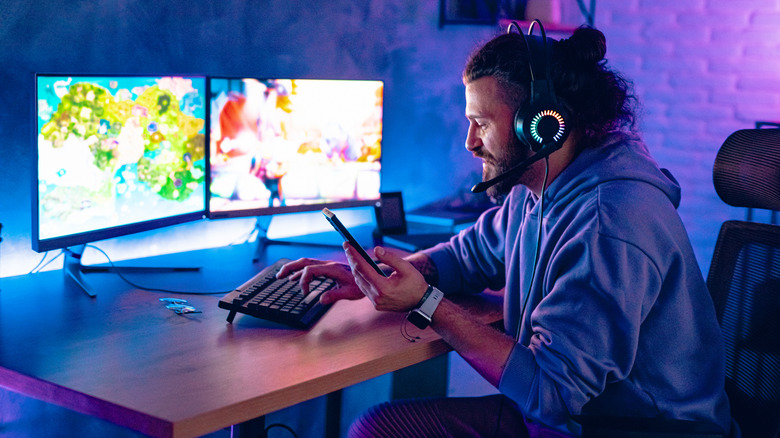
Ideally speaking, you should connect your console or gaming PC to the internet via an Ethernet connection. It may be more of a pain to set up a wired internet connection, but the benefits you'll enjoy are immense. Aside from enjoying the highest data transfer speeds possible — which means that you won't have to wait too long to download the inflated 100GB+ game files that have, unfortunately enough, become far too common in the industry — people into competitive gaming won't have to deal with unwanted lag and latency issues that can be the difference between victory and defeat.
However, regardless of how swift and appropriate an Ethernet cable may be for improving home internet speeds on your gaming device, the fact remains that it can be inconvenient for people who don't want to run a long, annoying wire from their router or modem to the device in question. In this regard, a better alternative is to keep your Wi-Fi router as close to your gaming hardware as possible and connect to 5GHz Wi-Fi. This way, you can improve Wi-Fi speeds without fiddling with any wires. 2.4GHz Wi-Fi may be slightly more reliable, but it's not worth the throttled bandwidth.
Work systems

While it's not necessary that you will always need access to high-speed internet when working, the fact remains that you may always find yourself in a situation where you need to download large chunks of data. From financial data to high-quality video assets and everything in between, there's no shortage of data hogs that you may need to download during your 9-to-5 job. Regardless of whether you work from home permanently or as part of a hybrid structure, you'll need a stable, high-speed internet connection to minimize interruptions in your workflow.
You already know what we're going to say here — save yourself the frustration of having to deal with slow download speeds and make sure your work laptop or desktop is connected to a 5GHz Wi-Fi connection. As long as your router isn't too far from your device, you should be able to enjoy a fast, uninterrupted data connection that prevents your voice from dropping during work calls and lets you download any relevant data in no time.
The only exception where you should connect to a 2.4GHz network for work is if you know you won't need a fast data connection and just need to stay online to browse relevant work materials. If your router is placed very far from your work device, this is another situation where a 2.4GHz connection may save you from unreliable Wi-Fi that disconnects all the time.
Smart home tech
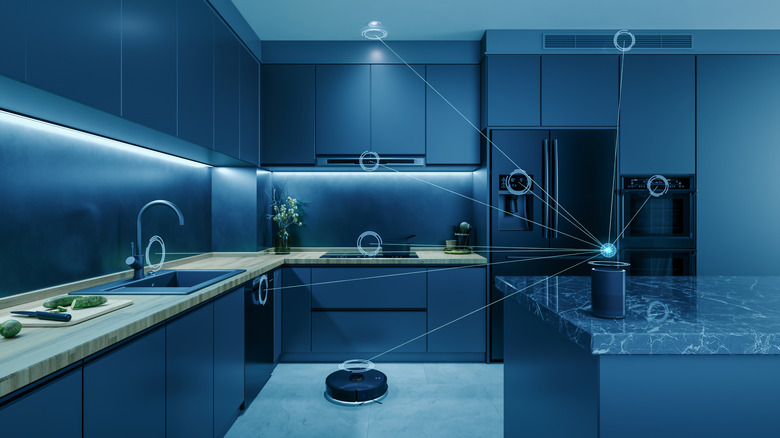
As useful as a 5GHz network band may be, it's not recommended that you connect every device in your home to this high-speed Wi-Fi. Sure, connection speeds are higher, but this network can get congested more easily. Usually, a few laptops, smartphones, and gaming devices shouldn't be enough to overload the network, but that changes if you also have a bunch of smart home devices that require unrestricted internet access at all times. Smart lights, cameras, locks, refrigerators, sensors, blinds, thermostats, switches — you can even configure a smart coffee maker to automatically provide coffee in the morning.
The sheer number of these devices may interfere with your Wi-Fi. This is why it's better to connect these devices to your 2.4GHz Wi-Fi instead. This way, you're preventing your main 5GHz network from becoming overpopulated, which reduces its efficiency.
However, one thing to note is that your smart home tech can pose a major security risk to your network because its vulnerabilities can be easily exploited by hackers. So, our recommendation is to use a wireless communication protocol that isolates your network from your smart home devices and ensures a higher level of security. Zigbee and Thread are two great options here, which usually operate on the 2.4GHz band to kill two birds with one stone by preventing network overcrowding and eliminating security concerns. Another wireless communication protocol, Z-Wave, takes this a step further by operating on a sub-GHz frequency, allowing for even better signal range and better wall penetration.
Guest devices

It's only natural for your guests to want to connect to your Wi-Fi if they're at home. No self-respecting host would deny this request, though they can be smart about it so their main network doesn't get congested or compromised. For the former, have your guest connect their smartphone, laptop, or any other device to the 2.4 GHz Wi-Fi network. For temporary access, a reliable internet connection with decent speed is more than sufficient.
Meanwhile, if you want your guests' devices to avoid putting your network's security in jeopardy — a situation that isn't exactly common but one you should still account for — you should definitely set up a guest Wi-Fi connection. This network is isolated from your main Wi-Fi, providing enough of a safeguard to prevent security issues that could serve up your data on a silver platter to DDoS attacks or man-in-the-middle shenanigans.
E-readers

People who love reading books but don't want to fill their homes with every book under the sun will love the elegant solution e-readers offer. These devices try to emulate the aesthetic of books with the magic of electronic ink, making them seem far more authentic and pleasing to the eye than they have any right to be. It also helps that e-readers are better for your eyes than tablets.
Any staunch physical book aficionado will find it very easy to transition to e-readers, and it helps that there's a vast collection of ebooks to catch their fancy, letting them download any title under the sun they're interested in reading. Given that these digital books take up only a few MB of space, it's better to connect these devices to a 2.4 GHz Wi-Fi network. This way, your e-reader won't overload the main network and will still function seamlessly. The only exception to this may be if you have a color e-ink reader — such as the Amazon Kindle Colorsoft or the Kobo Libra Color — and prefer reading comics... but even these files won't be so sizeable that a 5GHz connection becomes mandatory.
Smart wearables

There are two reasons why smart wearables should be connected to a 2.4 GHz connection rather than a 5 GHz one. Firstly — and this is a point we've touched on several times — your fitness trackers and smartwatches aren't overly reliant on heavy data transfers that need to be processed quickly. Most of this activity is handled internally as is, and any communication with your phone or other relevant devices is swift and has a lean digital footprint. This makes a 2.4GHz band — or a simple Bluetooth connection, for that matter — more than capable of handling these smart wearables and their operations.
The second reason concerns their portable nature. Since you'll be carrying a smart wearable with you as you traipse around your house, it's smarter to connect these devices to the 2.4 GHz network band. The Wi-Fi signal will have better range and improved wall penetration, so you don't have to worry about your device disconnecting from the internet just because you walked too far from your router. Sure, most smart wearables are designed to work properly whether you're connected to the internet or not... but people who like to stream music, take calls, or check notifications on their smartwatches will prefer an uninterrupted Wi-Fi connection to do so.