

What Direction Should Your PC Fans Point For Better Cooling?
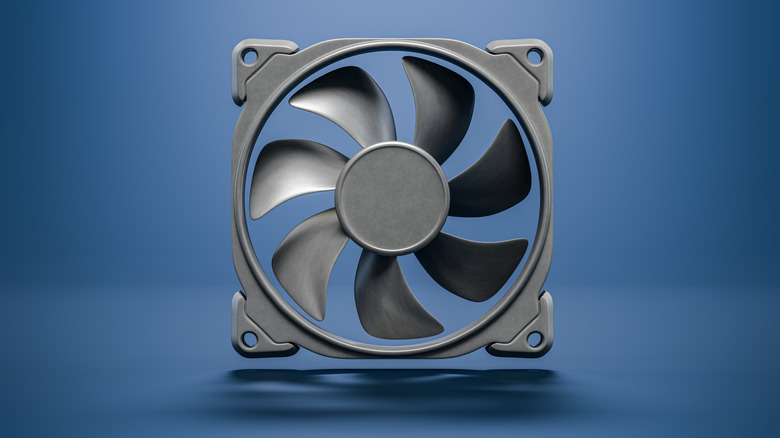
Building your own PC isn't a very easy job. Generally, there is a learning curve, but one of the most common mistakes one can make is pointing their fans in the wrong direction, resulting in insufficient cooling for the PC. Incorrect fan direction can raise the temperatures of the PC, sometimes significantly, because it disrupts airflow. That can also cause hot air to circulate inside the case and ultimately increase the temperature.
If you are building your PC and not sure how to position your fan correctly, there are generally two things you need to keep in mind. The first thing is intake, and the other is exhaust. The general recommendation is three front intakes, which pull cool air into the case, and one rear and one top exhaust, which push warm air out of the case. Depending on your airflow, you can either get positive, negative, or neutral pressure.
How to position your fans perfectly
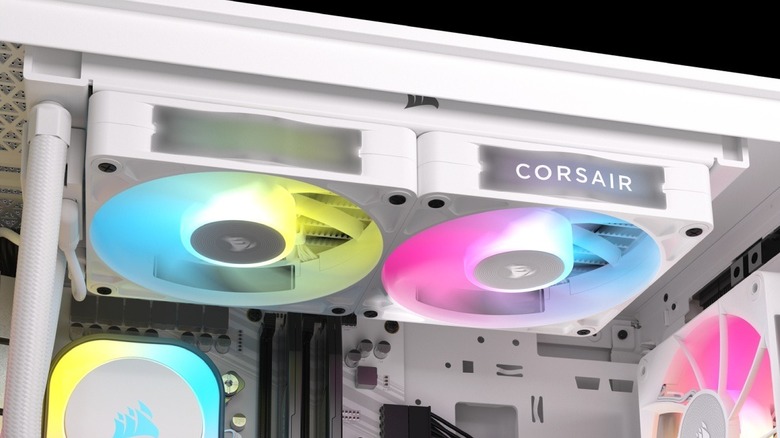
A PC case is usually built for the front fans to pull cool air in to keep the temperatures normal. Similarly, there are fans that can push out the hot air, and those will be at the back of the case and at the top. One thing to note about the top-front-mounted fans is that it can cause cool air from the front intakes to escape before it reaches the CPU in some cases. However, this is not a universal rule for every case.
A top-rear exhaust is generally preferable to a top-front exhaust, especially when you are using a tower cooler in a case with a front intake and rear exhaust. Now, to identify which fans pull cold air in and which ones push hot air out: First, you need to understand that many fans have an arrow indicating the airflow direction. If the arrow is pointing to the right side, it means air comes from the left side of the fan and moves toward the right side. For your fan to be an intake fan, the arrow needs to point inside the PC towards the back side. Similarly, for the fan to be an exhaust, the arrow should point out of the PC.
However, do note that not all of the fans will have an arrow indicator. In that case, look at the back of the fan; the side where you can see the plastic supports holding the motor. On a normal fan, air comes out of that side: So for intake, that side should face inside, and for exhaust, that side should face outside. In case you are not using liquid cooling, the blade side of the cooler should face the front, and the support-strut side should face the rear.
How PC case air pressure works
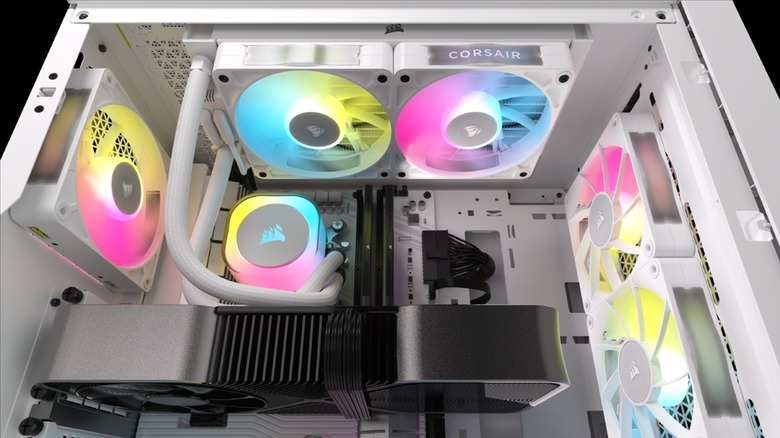
What's important is that you need good airflow, not how many fans you have. My PC has four fans, and three of them are intakes, and one of them is an exhaust. With just four fans, the temperatures of my PC are perfect, mainly because of positive pressure, and that is what you should aim for. For reference, my case is a darkFlash DK352, and when gaming, the temperature of my GPU averages around 76°C; for CPU, it stays at around 62°C.
Positive pressure can occur when more air is coming in than going out. This helps reduce dust inside the PC, which would ultimately lead to better cooling. There are also negative and neutral pressures: Negative pressure means more air is going out than coming in. In the case of negative pressure, the case can suck air and dust through unfiltered gaps. Then there's neutral pressure, where the air coming in and going out is almost the same, which provides a balance between cooling and dust control.
Now, to check what type of pressure your PC has, you can perform a very simple test. Simply hold a small piece of tissue near a small opening in the case (not near the fan). If the tissue gets pushed away, it means the pressure is positive. However, if the tissue gets pulled toward the case, it indicates negative pressure, and if it barely moves, it means the pressure is neutral.