

5 Reasons Why Budget 4K Monitors Are Actually Worth Buying
We may receive a commission on purchases made from links.
It's one thing to invest in a high-end 4K-capable gaming PC in 2026, but paying $500 or more for an OLED 4K monitor is an extra expense we seem to overlook. So I decided to run a 4K IPS budget monitor alongside my LG UltraGear 1440P Ultrawide OLED monitor when building my MainGear Zero RTX 5090, to see if it's worth blowing my budget on a premium model. Spoiler alert: it really isn't.
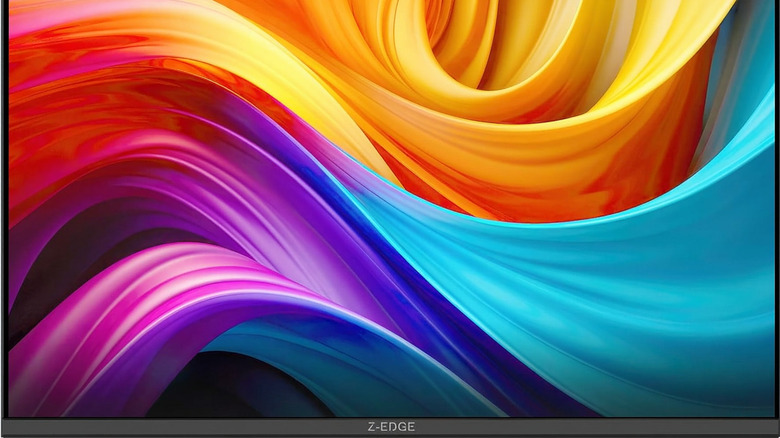
It's almost essential to be budget-conscious when shopping for PC gaming monitors, especially when you compare real-world performance to the numbers on a spec sheet. I've been using the Z-Edge 27-inch IPS 4K monitor for nearly a month to see whether saving money ruins my 4K experience.
Surprisingly, this IPS panel is only $224.99, which is great value compared with an OLED equivalent like the LG32GX850A-B UltraGear at an MSRP of $1,299.99 (Sale price $749.99). In my humble opinion, it's not worth paying three times the price for an OLED screen just for the color-representation gains and a near-identical refresh rate for gaming and casual use. In fact, I never felt like I wasn't getting the best out of my PC gaming experience with Z-Edge.
IPS panels are solid for competitive and casual gaming
I'm not saying that OLED panels aren't worth it. They're fantastic and will hopefully become the new standard in gaming monitors sooner rather than later. The problem is pricing. You could argue that someone paying $8,000 or more on a PC should also have the money for a high-end monitor, but that doesn't make it worth it or practical for most of us.
IPS panels offer great viewing angles and are more than capable for competitive and casual gaming, and the Z-Edge proves it with 4K resolution, a 160Hz refresh rate, and a 1ms response time. It also packs in two HDMI ports and two DisplayPorts in a 16:9 aspect ratio. It offers standard FPS and RTS gaming modes, plus the usual settings to get the panel looking just right, and it handled competitive play in "Fortnite" with little-to-no motion blur. FPS mode improves the experience by adjusting contrast to subtly highlight moving targets, while Z-Edge's flicker-free tech clamps down on screen tearing and stutter. This IPS panel also offers a 178-degree viewing angle so that you won't get a washed-out screen at most angles in a gaming setup. Plus, IPS screens are much better for casual use and work.
Budget 4K monitors now have high refresh rates
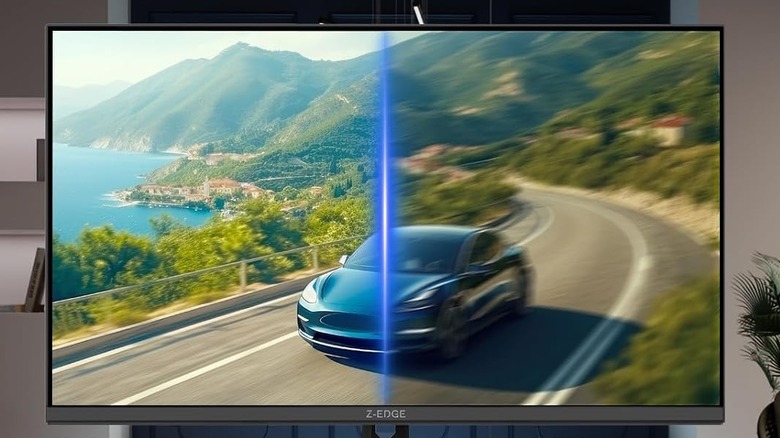
So who is this monitor actually for? 4K budget monitors target competitive gamers who need high frame rates from their 4K setups without going above $400. For a while, affordable 4K panels meant settling for 60Hz, but with panels like the Z-Edge 4K model effortlessly hitting 160Hz in Ultra HD IPS, I'm left wondering why spend triple the money on an OLED panel for an extra 5Hz.
The LG UltraGear OLED I mentioned earlier tops out at 165Hz, which won't be a noticeable difference for most of us in practice. I'd rather get similar specs for $224 instead of $750 and skip the OLED hype. More on that below, but all four Display and HDMI ports support 160Hz too.
For those screaming at their screens, "Why are you running Fortnite in 4K," with the highest settings in DX12, I was consistently clearing 100 FPS on my MainGear Zero, and Z-Edge kept up comfortably. I could easily get this up to 160Hz and beyond by sacrificing some texture detail and shadows, but I just like to play with my son.
The color difference isn't worth an extra $500
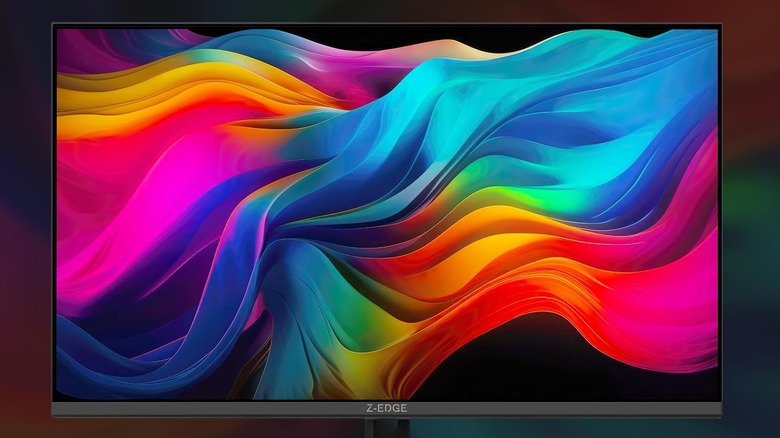
After a few weeks with an OLED and an IPS panel side by side, the color difference really isn't worth an extra $500. Yes, OLED uses self-emissive pixels for true blacks, but the slight bump in shadow clarity isn't a generational leap when you weigh price against performance. Z-Edge is actually a surprisingly bright IPS panel, packing in an impressive 450 cd/m² brightness rating that makes colors pop in well-lit rooms.
Premium screens also lean on HDR certifications, like the LG UltraGear's Display HDR True Black 400 and the Deco Gear OLED's 1.5M:1 contrast ratio with HDR400. Usually, I'd be hyping up these specs, but again, they're not affordable and don't mean much when the Z-Edge still delivers great image quality for a lot of gamers.
Going back to brightness, the Z-Edge actually outperforms the LG UltraGear here, with the LG option at a typical 275 nits. So in this case, a budget IPS panel is brighter during daytime and well-lit use. My PC setup is next to solid lighting at night too, so I've personally had a great experience with it. For gamers desperate for an OLED panel but aren't that bothered about 4K, 1440p OLED monitors are a great compromise.
The response time gap is practically unnoticeable for most

It's all well and good to compare specs and conclude that a slightly higher refresh rate or panel technology is the way forward, but most people forget the practical impact of those gains. One of OLED panels' biggest marketing pushes is their near-instantaneous pixel response time, which reduces motion blur. The LG and Deco Gear examples here have a 0.03ms gray-to-gray response time, which is brilliant.
But bringing the comparison back to earth, Z-Edge's 1ms response time is already faster than what the human eye can practically process in a standard setup. Going for a budget IPS 4K panel isn't much of a downgrade; it's practical technology that gets the job done with no bells or whistles. The same goes for Deco Gear's Adaptive Sync up to 240Hz and LG's G-Sync compatibility. They're great features, but budget IPS panels can deliver equally smooth performance. The Z-Edge combines a 1ms response time with Z-Edge's native anti-tearing technology, which is more than enough for crystal-clear gaming in fast motion and intense firefights.
Brand names carry an unnecessary premium tax
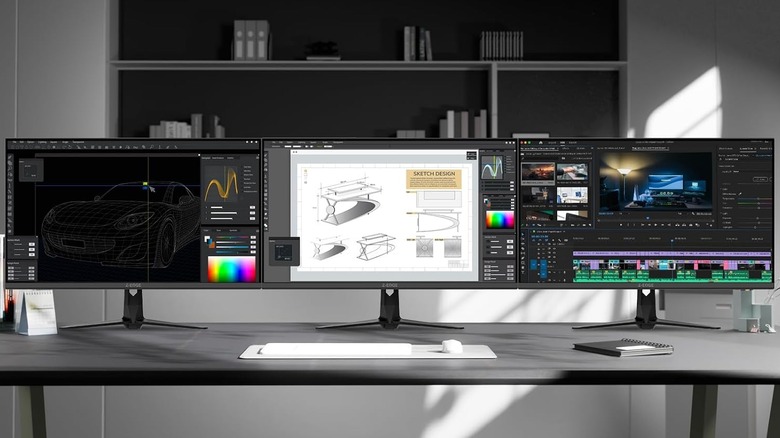
The budget monitor market is stepping up its game, and it'll get even better as OLED panel manufacturing becomes widespread and affordable. They're prioritizing specs over big-box brand names, and the Z-Edge proves a quality 4K monitor with a frameless, three-sided, edge-to-edge design doesn't need to cost more than $300.
It also packs solid ergonomic and health features, like low blue light to reduce eye fatigue when players get locked in. It also has a 100 x 100 mm VESA mount for easy mounting on monitor arms. It's not worth paying more than double for similar specs just to get a badge on the bezel.
An affordable IPS panel is the way to go for affordable 4K gaming, and the same goes for console gaming. If you want the latest technology, focus on presentation, and price tags aren't a worry, go for it, but it'll cost more than the odds. Now that I've got this Z-Edge 4K monitor, I don't see myself upgrading to an OLED alternative until prices drop under $500 for similar specifications. There's no shame in spending $750 and up on a gorgeous OLED panel, but the real-world benefits don't warrant spending three times the money, in my opinion.