

Why Do Smart Home Devices Still Use 2.4G Over 5G?
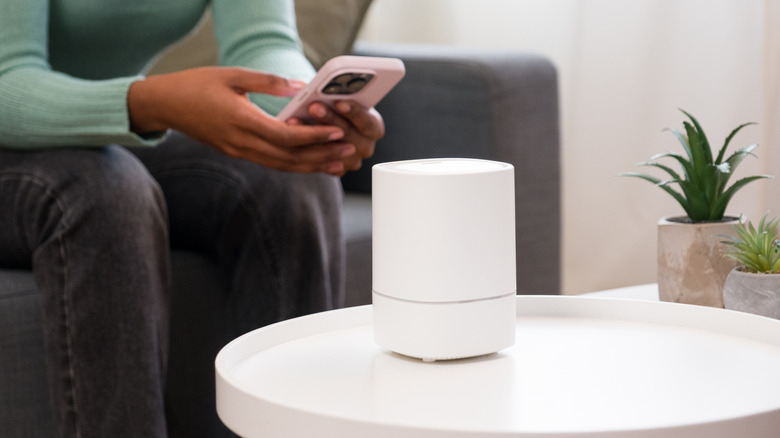
Since routers and wireless devices started taking advantage of multi-band connectivity, smart home IoT tech has been plagued with connection drops and setup headaches because it only works on the oldest, slowest band. Even today, if you pick up a smart home light bulb or wall plug off the shelf, chances are the packaging will read "802.11 b/g/n" or "2.4 GHz," meaning it works only on the 2.4 GHz band.
Manufacturers continue to ignore the faster 5 and 6 GHz bands mostly because 2.4 GHz remains, technically, the best place for smart home devices to operate. It isn't obsolete because it still transfers the minimal amounts of data that smart home gear relies on at greater distances and through walls and furniture that hamper the higher bands. A lot of smart home tech, like security cameras and garage openers, tends to live at the farthest reaches of your wireless network to begin with. Plus, sticking with 2.4 GHz keeps smart home gear affordable since implementing 5 GHz-enabled chips drives up manufacturing costs.
Yes, a glut of IoT devices can gum up your network, and automatic band steering on modern routers can cause connectivity problems between single-band smart home devices and our modern dual- and tri-band-enabled smartphones and laptops. Those issues, at least from one perspective, lie with routers and not with smart home devices themselves.
You can still work around 2.4 GHz's issues
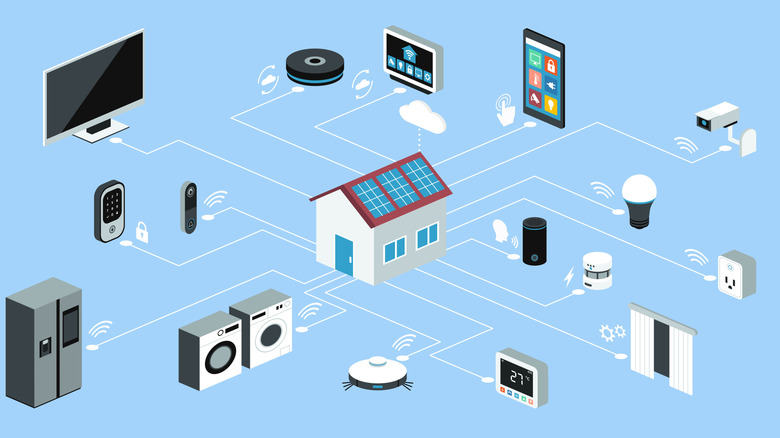
If you're stuck with a 2.4 GHz-only smart home gadget, there are a few tricks to addressing potential connectivity problems. For the uninitiated, most routers are configured by default to broadcast a single wireless network, then use their traffic-directing technology to automatically and continually determine which device should be on which band. That's where the connection issues usually arise: Your smart plug or light strip stays on 2.4 GHz while your phone gets boosted to 5 GHz or better, torpedoing the connection for companion apps.
You can solve the issue in a few different ways. The least technical is to just walk away from your router whenever you're trying to interact with the smart home device. The farther you get from an access point, the more likely your phone or laptop will be downgraded to 2.4 GHz.
If you can't walk far enough away, or if you want a permanent solution, you can create a separate network that uses 2.4 GHz only. You'll need to either set up a guest network for your smart gear that allows only 2.4 GHz connectivity, or force your router to create separate Wi-Fi networks for each band. How you accomplish either depends on your router make and model, so you'll have to do some research. In the latter case, though, you'll lose out on the convenience of automatic band switching for your phones, tablets, and laptops. And in either case, you'll need to switch to the 2.4 GHz network any time you want to interact with your smart devices.