

Adding More DDR5 RAM To An AM5 PC? Four Sticks Can Change The Speed You Get
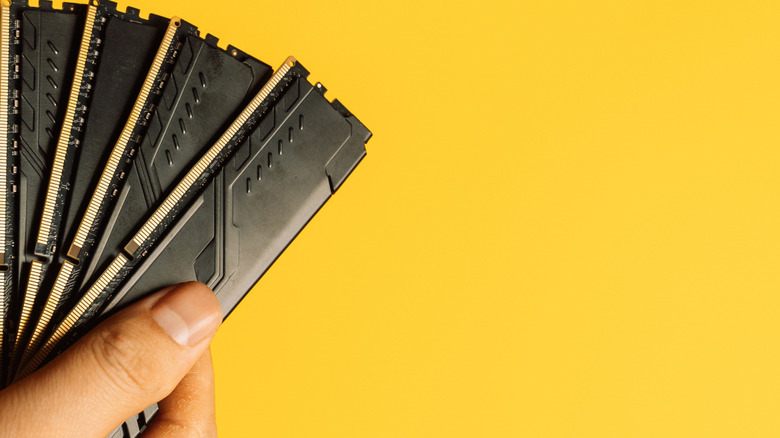
I love seeing a build with full RAM slots; it just looks cool above all else, and it's a bit of a financial flex even with Newegg's "Memory Finder". The problem is that it makes sense to fill all spare slots with matching RAM for the gains, but adding more than two sticks, or putting two sticks in the wrong slots, can bottleneck a gaming PC build's speed.
AMD Ryzen CPUs use a dual-channel memory platform, so using more than two RAM slots forces the CPU's memory controller to handle twice the electrical load across the same two channels. It's a common issue with AMD processors, but it ultimately makes for a more efficient platform. This increased load makes it hard for the memory controller to send and receive clean electrical signals at the rapid speeds expected from DDR5.
It's an easy mistake to make when getting into PC building: more is better, right? Wrong. Even if we buy a matching set of four 16GB RAM sticks for maximum compatibility. Sometimes, like me with my previous DDR4 RAM build (still a hot budget pick, by the way), we might get lucky and buy two sets of two RAM sticks that play nice together, even though they aren't sequential like a four-pack. But if the CPU isn't equipped to handle the increased memory capacity across more than two channels, it'll cost us lower performance and a small fortune.
The harsh reality of official limits vs. EXPO speeds
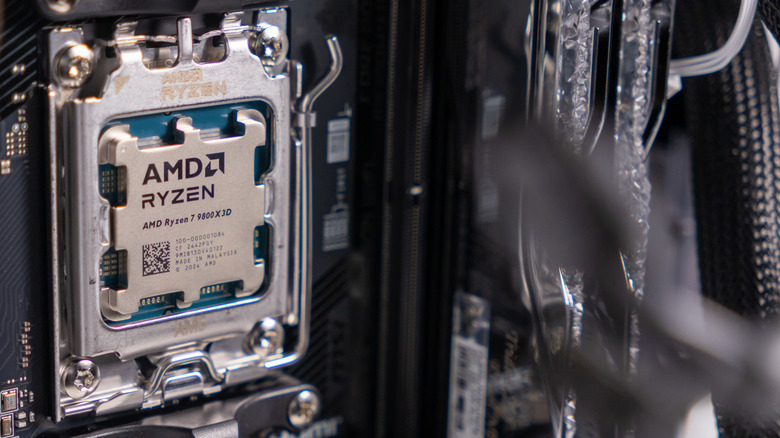
When buying a DDR5-6000 kit, users expect it to run at 6000 MT/s out of the box, but that number is technically an overclocking profile (EXPO). For example, the AMD Ryzen 7 9800X3D supports a maximum RAM speed of DDR5-5600 with two sticks. If users want to populate all four slots, that supported speed instantly drops to DDR5-3600.
EXPO profiles let you push past these limits to hit the advertised 6000 MT/s speeds, but it's much harder to pull off with four occupied RAM slots. Even if a PC successfully boots after memory training, four modules running at high speeds are prone to random BSODs, freezes, and memory errors under heavy workloads like AAA gaming.
The fix for a four-stick setup is to manually lower the frequency or tweak memory timings in the PC's BIOS. This is a long way of saying it's not worth the effort for the gains. If a CPU such as an AMD Ryzen series CPU doesn't support more than two RAM channels, don't use more than four. Also, don't buy faster RAM than the CPU can handle, because it will be bottlenecked as soon as you plug it in, and there's no guarantee EXPO speeds will fix it.
Should you use four sticks of DDR5 RAM?
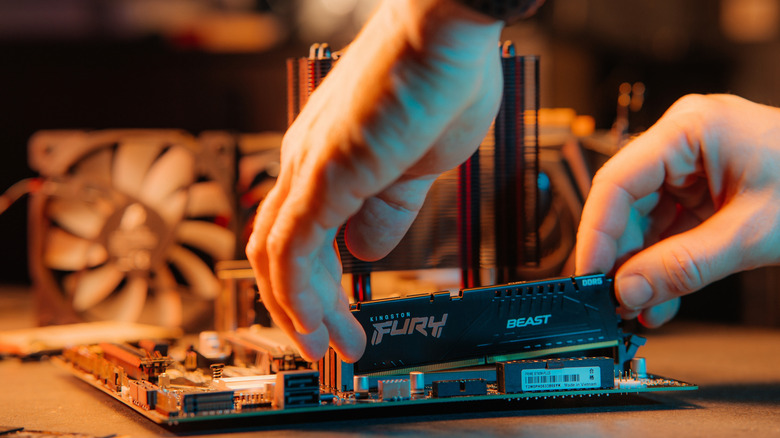
So if adding more than two extra RAM sticks kills speed, what's the best way to increase a PC's total RAM capacity? It's almost always better to buy a higher-capacity two-stick set, such as 2x32GB or 2x48 GB. They'll perform as expected, keeping users within the constraints of their CPU, even though it makes logical sense to just add more sticks of what is already being used.
Although builders can get lucky, buying separate single sticks is incredibly risky for capacity. Major manufacturers like Corsair warn that mixing and matching kits can cause stability issues and break EXPO functionality, since kits are validated only for the exact configuration they are sold in.
It can feel like a waste of time to have more than two RAM slots, but some power users rely on maximum RAM configurations where speed isn't the priority. Workloads like rendering 8K video, running local LLMs, and managing multiple virtual machines benefit more from a massive 192GB of RAM across all four slots than from the faster option of 64GB across two slots. So stick to two sticks of RAM, unless your CPU can handle it or if bottlenecking an expensive build is a favorite pastime.