

5 Phone Features You Should Stop Paying Extra For

Over the past few years, it has become more and more difficult to just download an app and enjoy it without running into some kind of subscription or premium tier being shoved in our faces. While some apps can offer features worth paying for, many of them can end up charging you for things that your phone can already do on its own. In fact, there are several popular Android apps that are a waste of your money simply because a free option already exists.
Both Android and iOS have added quite a few features that used to require a third-party app, such as document scanning and password management, while some phones can even transcribe recordings without needing an extra download. Of course, this doesn't mean you should avoid every subscription on your phone. There are still several reasons to pay for more advanced tools. However, these five features are things you'll want to look for on your phone before you start subscribing to third-party apps.
Document scanning
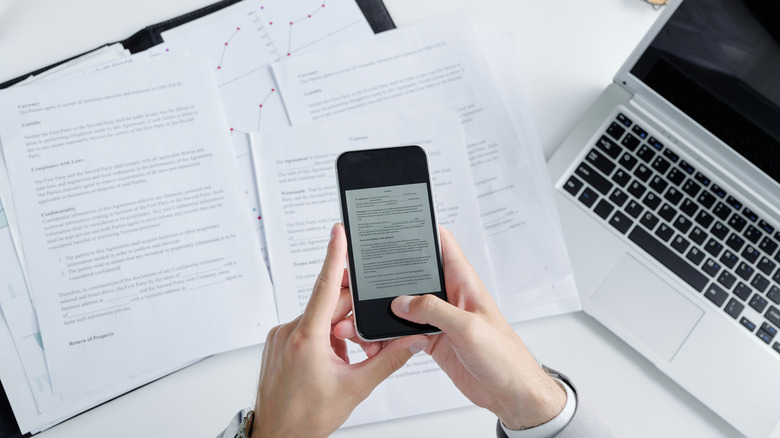
Scanning documents on your phone used to require downloading a dedicated scanner app. However, both iPhone and Android phones now come with the option built directly into the operating system. On the iPhone, all you need to do is open up the Notes app and then select a note and choose Scan Documents. Your iPhone will automatically capture the pages in front of the camera, and you can even combine several scans into a single PDF if you have multiple pages to scan.
Android devices offer something similar within the Google Drive app, and you can use it without paying a single cent. There are also some additional features that let you crop the page and even use filters to clean it up. You can also use Google Drive on iPhone if you prefer its options to the iPhone's built-in Preview tool. Some phones like Samsung's Galaxy line-up also offer a scan feature built right into the default camera app.
Most people don't have a need for dedicated scanner apps anymore, and your phone's built-in tools can do most of the heavy lifting. If you need more advanced features, though, then you can still subscribe to some of the more premium options out there, like Genius Scan, which offers OCR and cloud exports as part of its Ultra plan. But if you just need to scan a few documents a year, save your money and just use what your phone already offers.
PDF reading and editing
For the most part, reading PDFs on a smartphone is easy now, but it wasn't always like that. I can still recall needing to download Adobe or some other app just to be able to look at PDFs. And if you wanted to edit them? Well, that was an entirely different story altogether. Now, Adobe lets you do a lot of that for free with its Acrobat app. But if you want to edit the PDFs directly, you'll either need to pay or turn to the default options available on your Android or iOS device.
Alternatively, if for some reason your phone won't let you edit or fill out a PDF, then you can always turn to Google Drive to fill out and annotate PDF forms. There are also other free apps like Files by Google, which serve the purpose. Preview on iPhone is great for opening and editing PDFs, too, and you can even lock down a PDF with a password if you want to ensure nobody else opens it beyond you and the chosen recipient.
Managing passwords
Password managers are one of the easiest ways to keep your accounts secure, and I'll always recommend using one. However, paying for one is another matter entirely, and many users may find there's no need for a dedicated password manager anymore beyond the one that's already built into their phone. Apple's Passwords app, for example, keeps your passwords and passkeys in one place, along with verification codes and Wi-Fi passwords. It will also let you know if any of your passwords are weak or have been reused, and it can alert you if a password appears in a known data leak. That covers most of what the average user is going to want from a password manager.
If you rock an Android device, you can use the built-in Google Password Manager to help generate strong passwords when creating a new account. It will then save the passwords directly to your Google Account, and notify you if any of the passwords are ever compromised online. This is a solid option, too, if you use Google Chrome on your phone or PC, as it can sync passwords across your account. Samsung also offers its own password manager on Galaxy devices, so that's another option to keep in mind.
While using a more premium password manager, such as Proton Pass or Bitwarden, has its own perks, the fact that Google and Apple's default password managers have improved to the point they have is good news for everyone. Also, more and more companies are embracing passkeys now, which makes storing and remembering passwords less of a hassle overall.
File managers
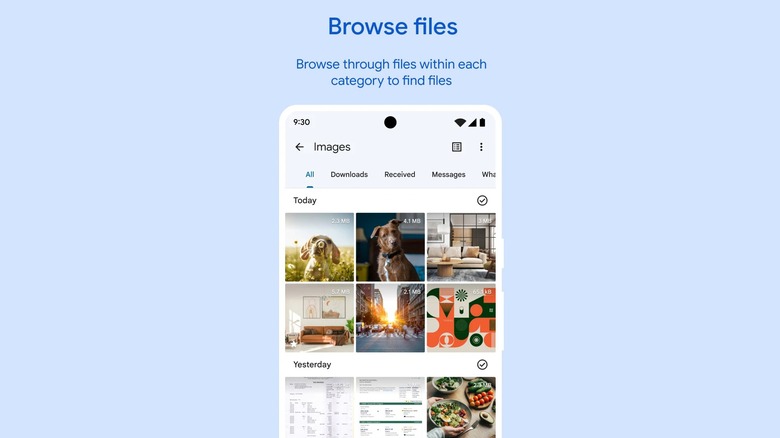
Paying for a file manager on Android used to be a lot easier to justify, but these days those apps are mostly aimed at power users. Options like Solid Explorer can access network storage over SMB, SFTP, and FTP, which is great if you need to browse files you keep stored on a home server. However, most people don't need that level of file management, and in most cases the free file managers can handle everything you need.
Android apps like Files by Google are completely free and can handle the everyday stuff just fine. You can search for and rename files or move them over to an SD card, and it'll point out junk files, duplicates, and old screenshots you can delete when you're low on space. And because it typically comes pre-installed on many Android phones, it might already be on yours.
The Files app on iPhone has gotten much better over the years, too. Along with making folders and copying, moving, or renaming things, it can zip and unzip files without any extra downloads, and organizing is super easy, too.
Transcription
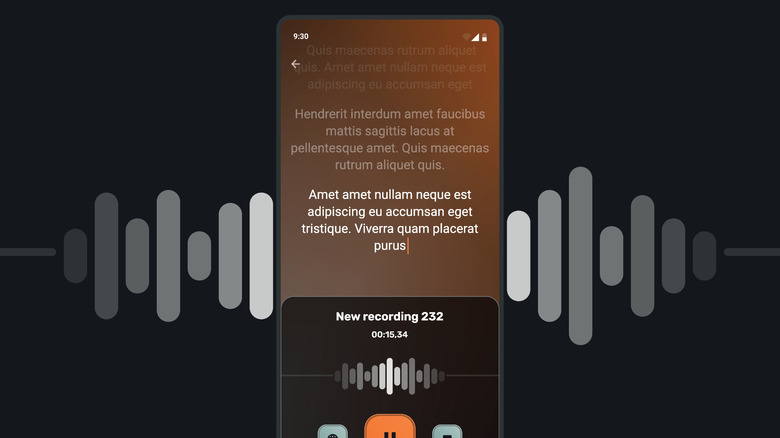
Anyone who has looked into transcription apps before has probably come across options like Otter.ai, which has a free plan along with paid tiers that add things like advanced search and exports and integrations with tools such as Salesforce and HubSpot. If you aren't looking to record a bunch of meetings and transcribe them, then using a free app such as the iPhone's built-in functionality or the Recorder app on Pixel phones should be more than enough.
Pixel's Recorder app can create transcripts of recordings, and on the Pixel 8 and newer, it can even give you a summary of a transcribed recording. There are a bunch of other cool things that the Pixel Recorder app can do, such as turning your recordings into shareable snippets and even generating AI music using your recorded audio.
Apple added something similar to the Notes app, and I think it's one of the more underrated features on the iPhone right now. It works on the iPhone 12 and newer. Start a recording in a note and it'll transcribe it as you talk, as long as your phone is set to a language it supports, like English or Spanish. Once completed, you can search through the transcript for specific points or even copy and paste it somewhere else.